Jewelry Product Photography with AI

Turn a simple jewelry photo into a close-up that shows every detail of the craftsmanship.

Scene: Close-up detail

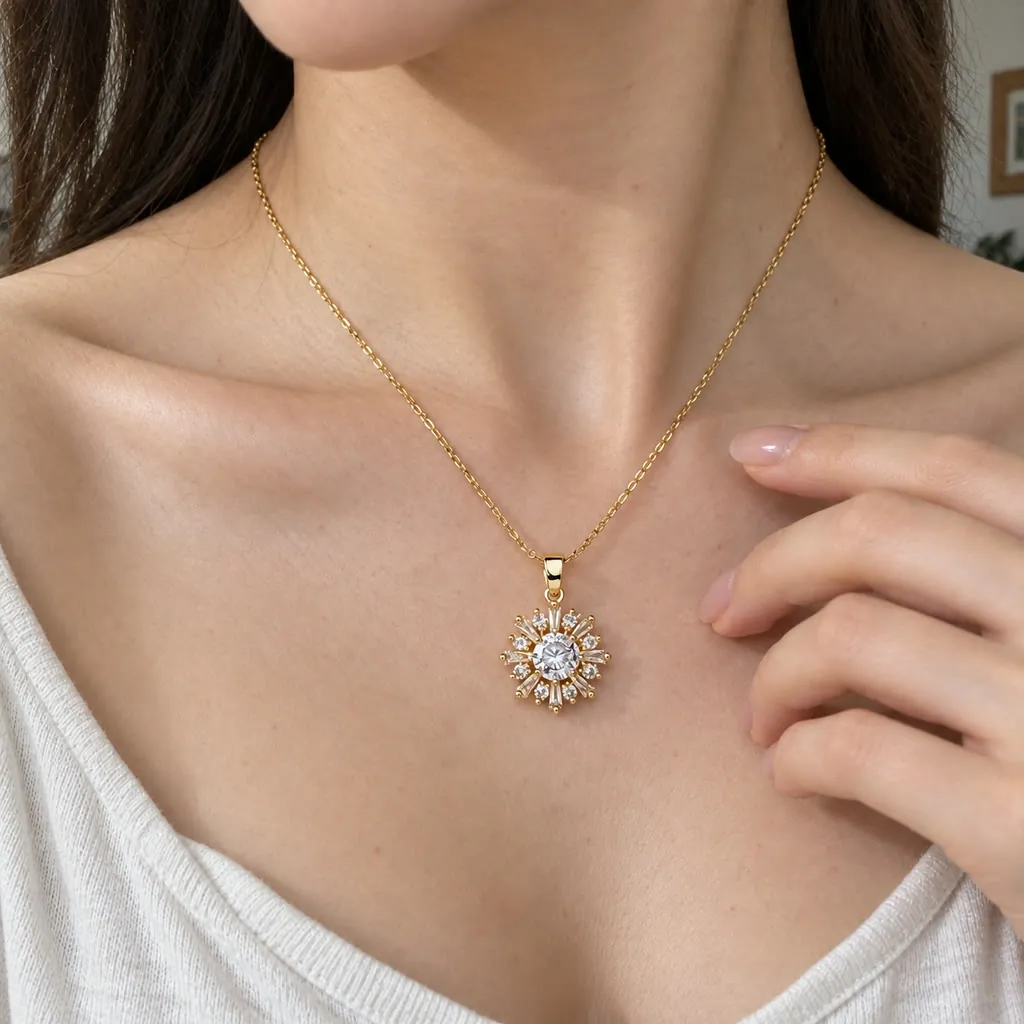
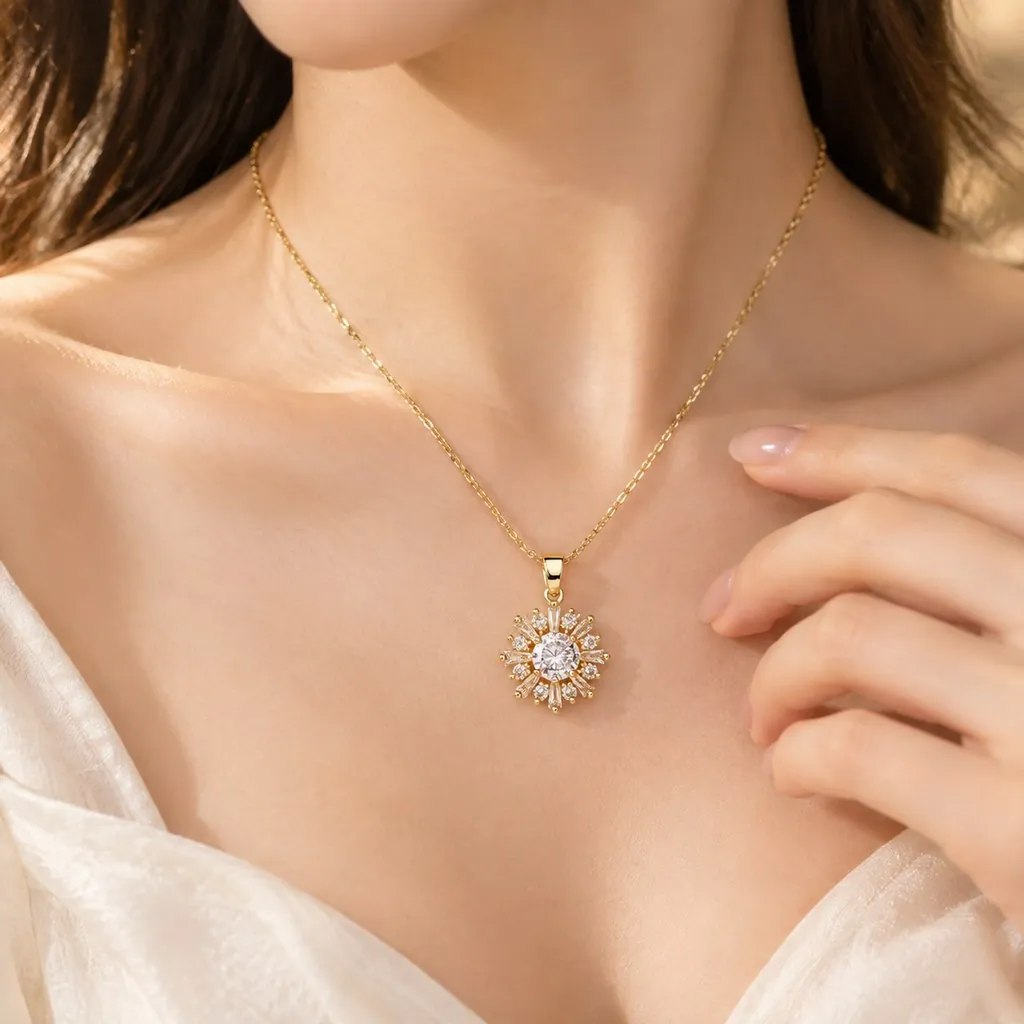
Before and after

Jewelry Scene Shot - Before Jewelry Scene Shot - After Before After
Jewelry Scene Shot

Preserve the exact appearance, shape, and proportions of the product. A model wearing the jewelry piece against her chest, warm skin tone, soft directional light from upper left creating gentle highlights on the metal and gemstone surfaces. Shallow depth of field blurring the background into warm neutral tones, delicate hands near the piece, premium jewelry product photography, no text, no watermark


What a jewelry photo needs

Close-up detail

Settings, clasps, engravings and stones fill the frame.

Shallow depth of field

The focal point is sharp while the background softly blurs.

Side lighting

Grazing light brings out texture, polish and sparkle.

Neutral background

A clean, neutral tone keeps metal and stone colors true.

Which photo to upload

A sharp photo taken close to the piece.

Polished metal, free of fingerprints.

One piece or one matching set per photo.

How it works

Open the template

The workspace opens with the scene and platform already selected.

Upload your product photo

Add one clear photo. The Close-up detail scene is applied to it automatically.

Generate and download

Review the result, generate more variations, and download the images for your listing.

Frequently asked questions

Rings, earrings, necklaces, bracelets, watches and press-on nails.

Yes. Use the AI Clothing Model template to show rings and bracelets on a hand, or earrings and necklaces on a model.

Yes. The shape, color and pattern are kept as in your photo. Only the background and lighting are generated.

Create your product images now

We use cookies to improve your experience. See our Privacy Policy.