GPT Image 2.6 AI Image Generator
OpenAI's latest image model, with finer detail and more consistent edits at up to 4K.
 Developed by OpenAI
What GPT Image 2.6 can do
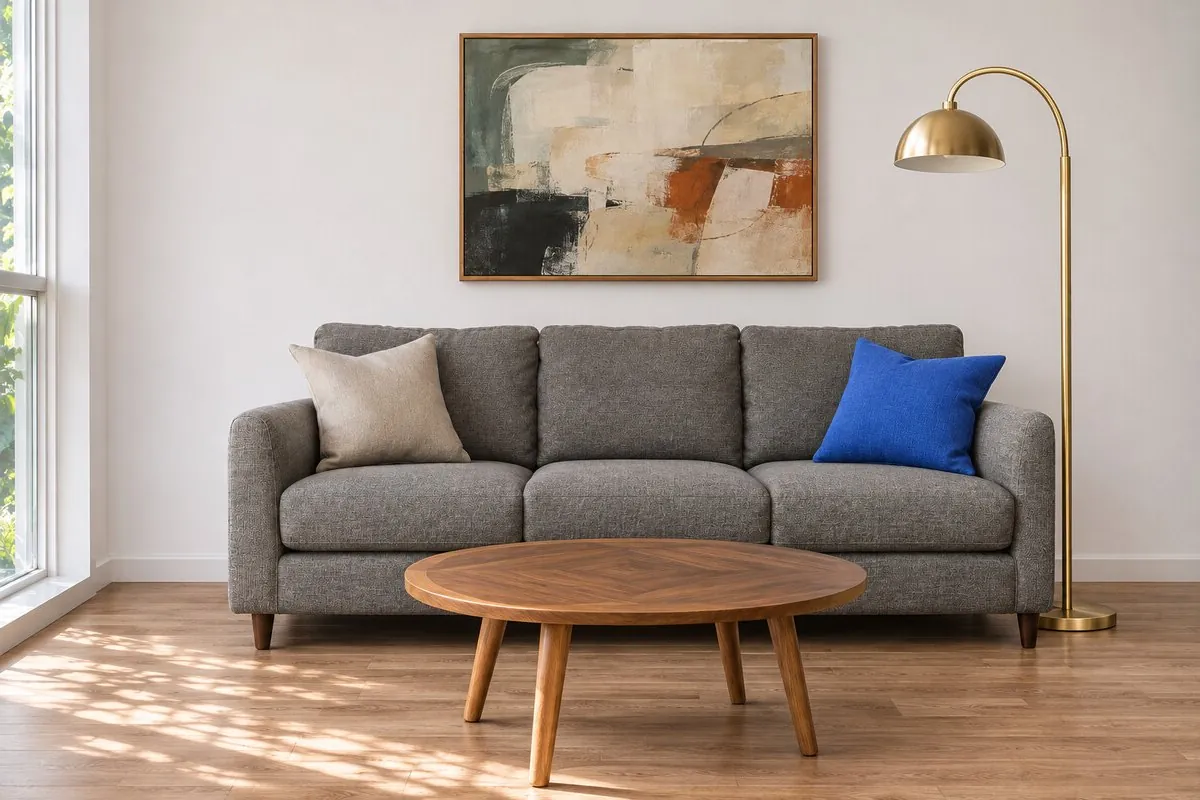
Edit a room, keep every detail
In this edit, GPT Image 2.6 restyles a living room while the sofa, cushions, lamp and artwork keep their shape and texture. Use it to place furniture and home goods in new settings without redrawing the product.
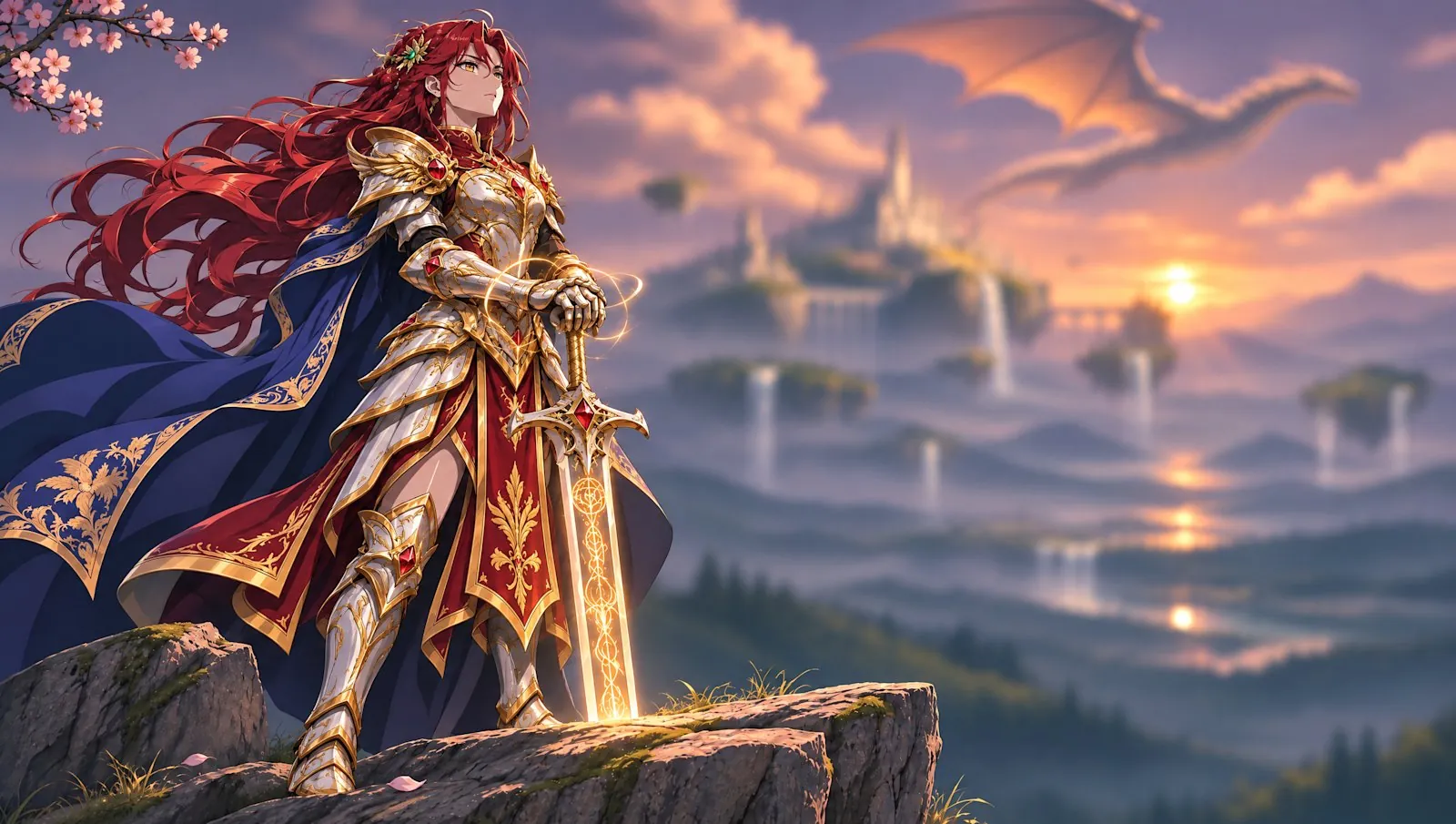
The same character across versions
GPT Image 2.6 keeps a character's face, pose and setting stable while the outfit changes, as in this knight shown in red armor and, in the gallery below, in green. Use it to show one product or model in several colorways.
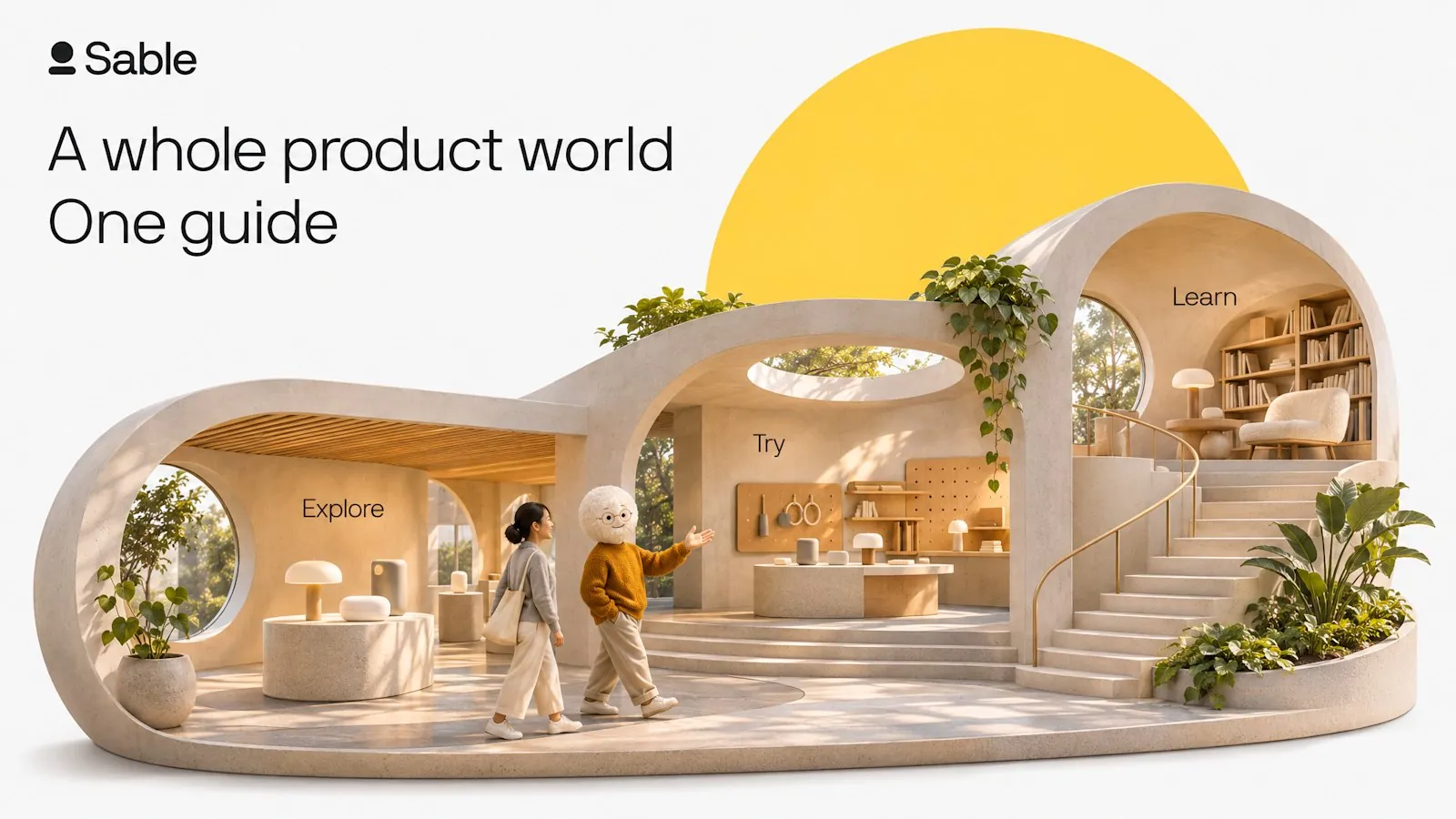
Product visuals with clean layouts
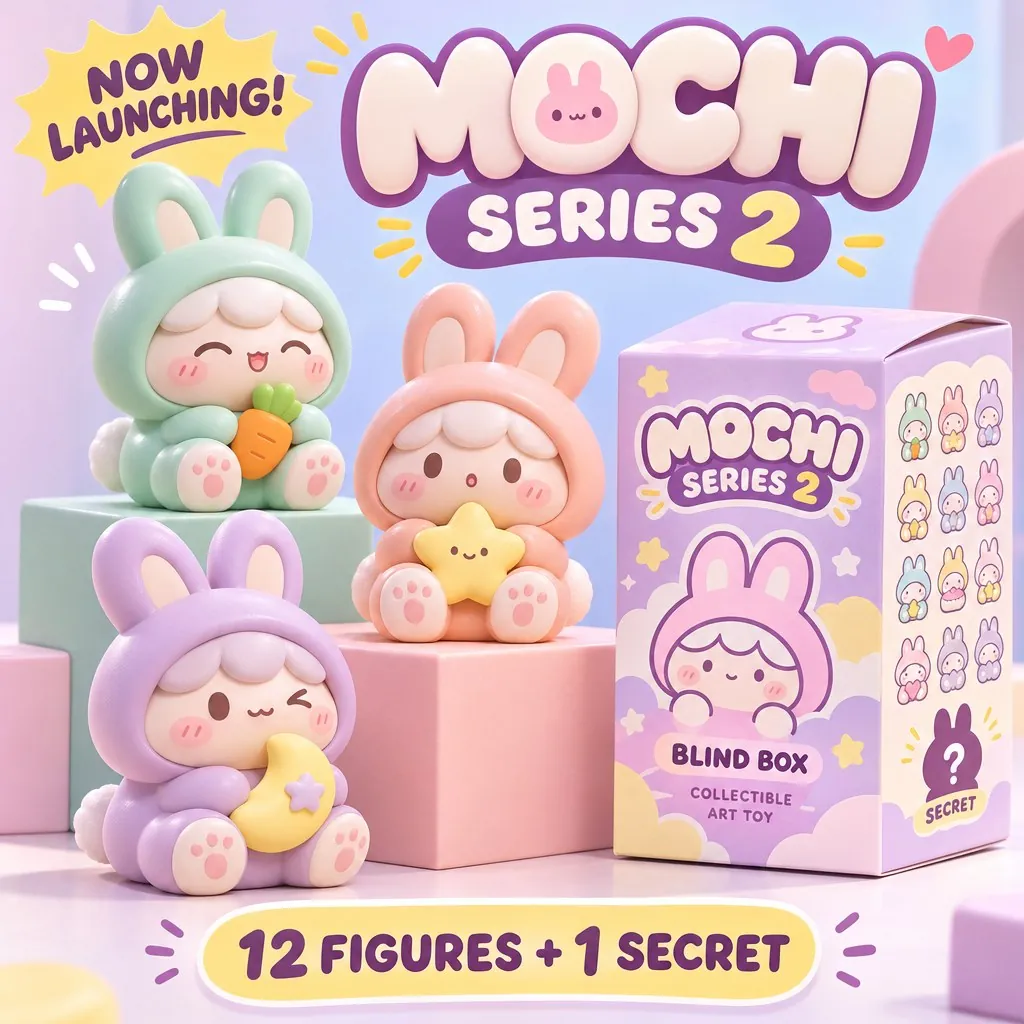
A brand visual combines a headline, a 3D product world and small labels in one balanced layout. GPT Image 2.6 suits landing page heroes, launch banners and listing images that pair product scenes with text.
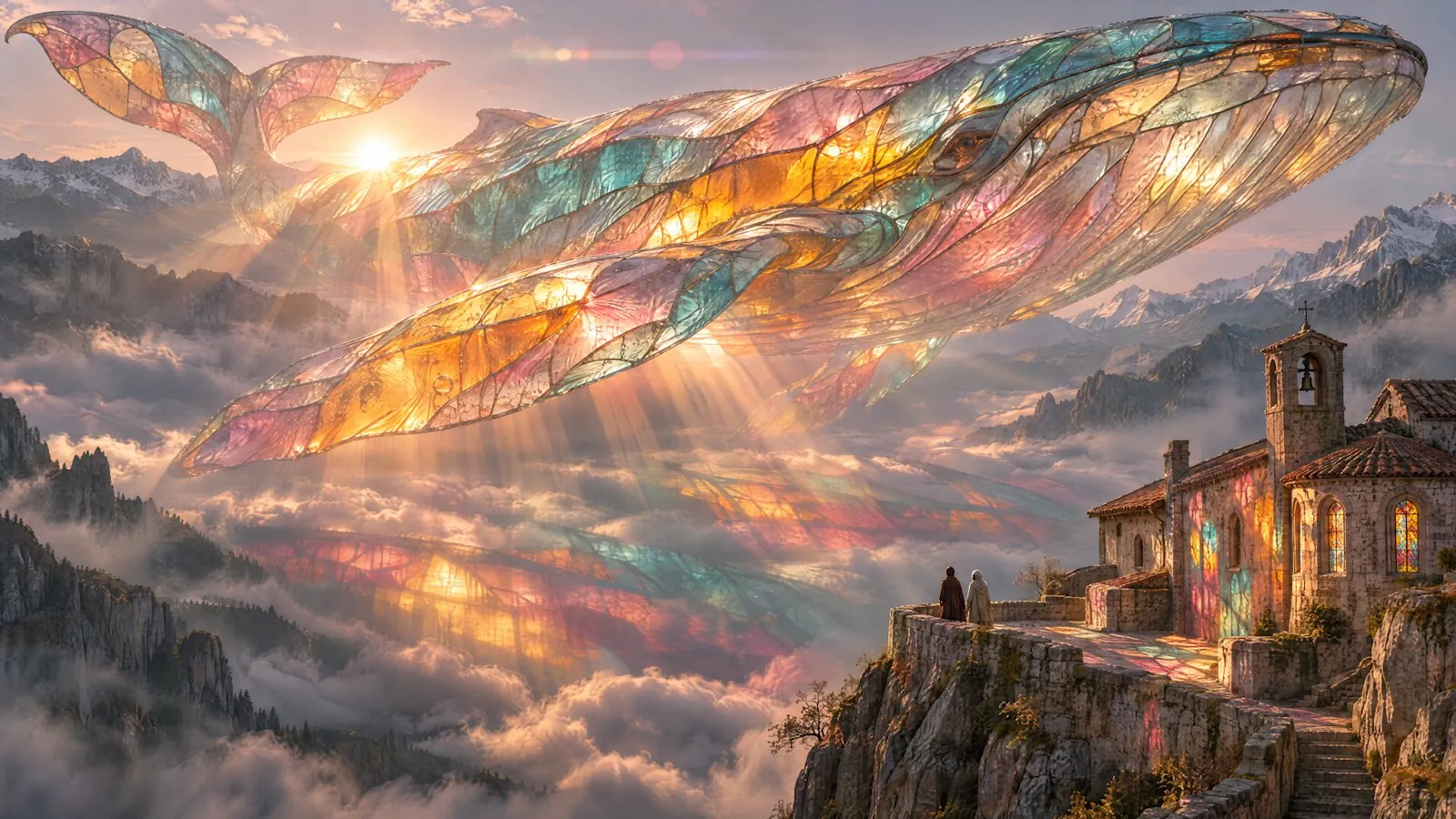
Rich detail in complex scenes
A stained-glass whale glows over a cliffside monastery, with fine light, color and texture throughout the frame. Use this level of detail for campaign key visuals and large banners.
More official GPT Image 2.6 examples
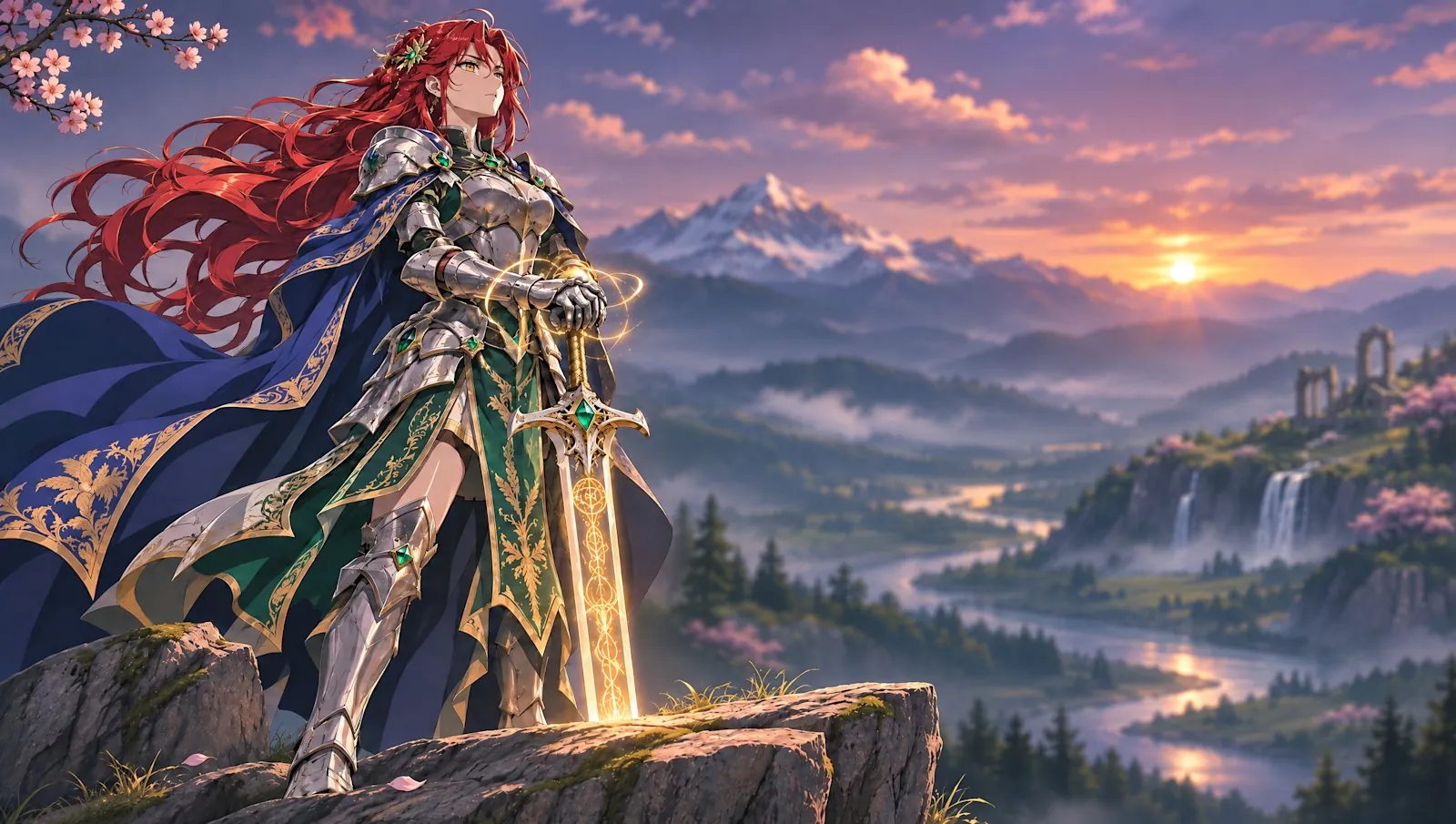
Official examples on this page were published by OpenAI and remain the property of their owner. Click a source link to see the original.
Images made with GPT Image 2.6
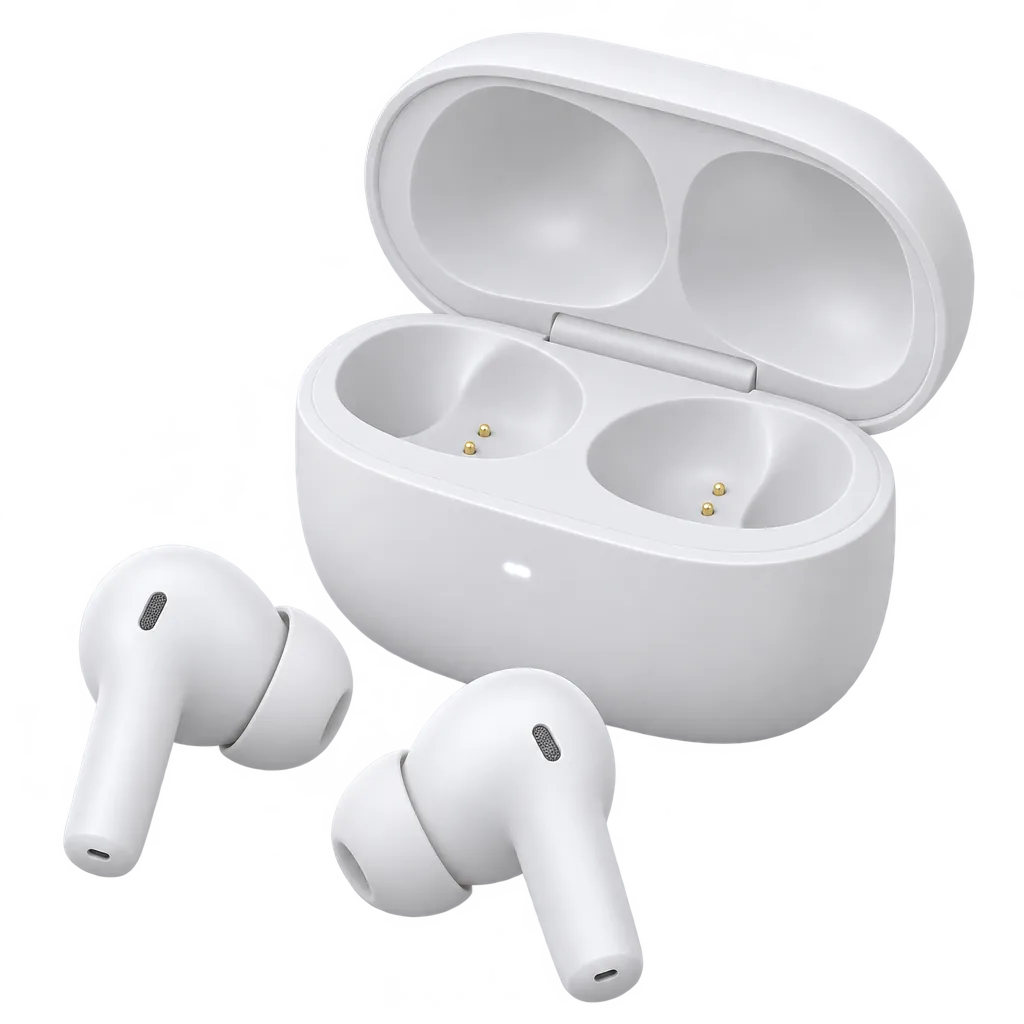
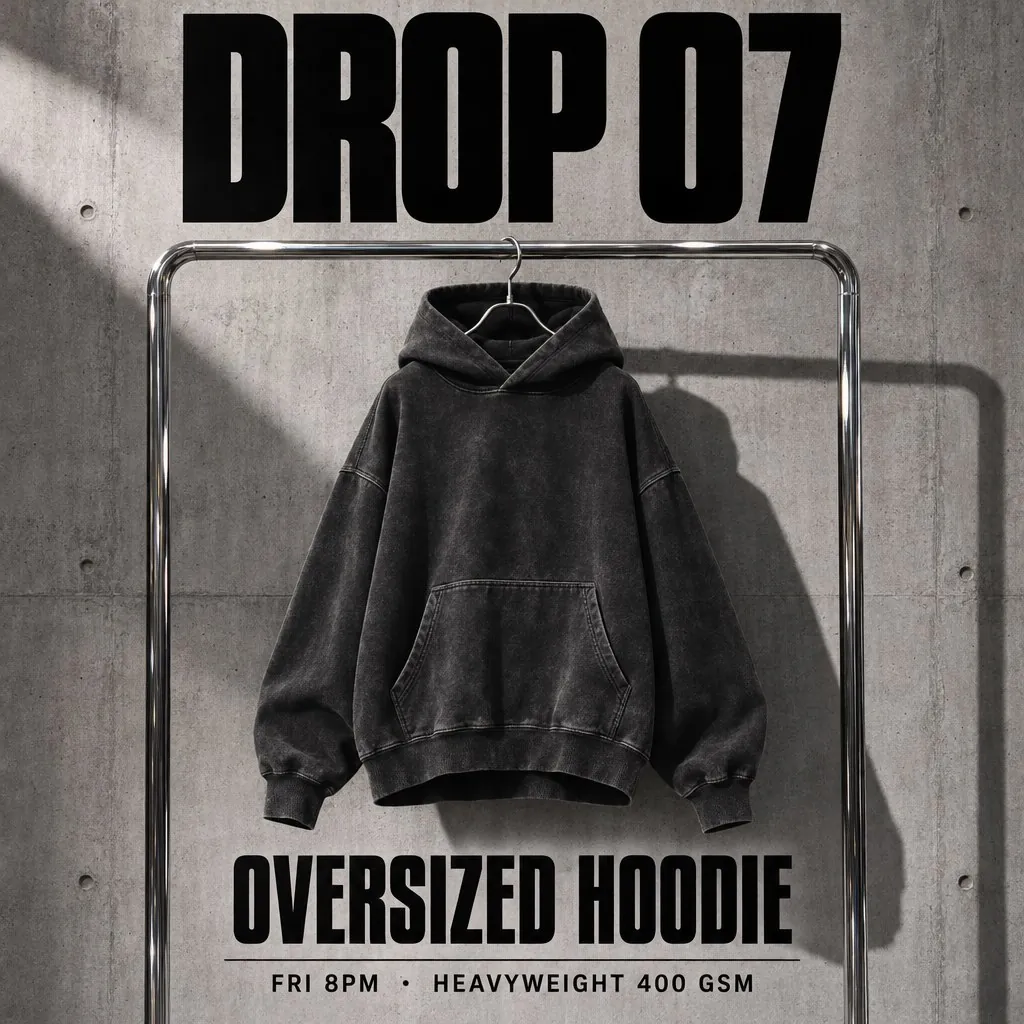
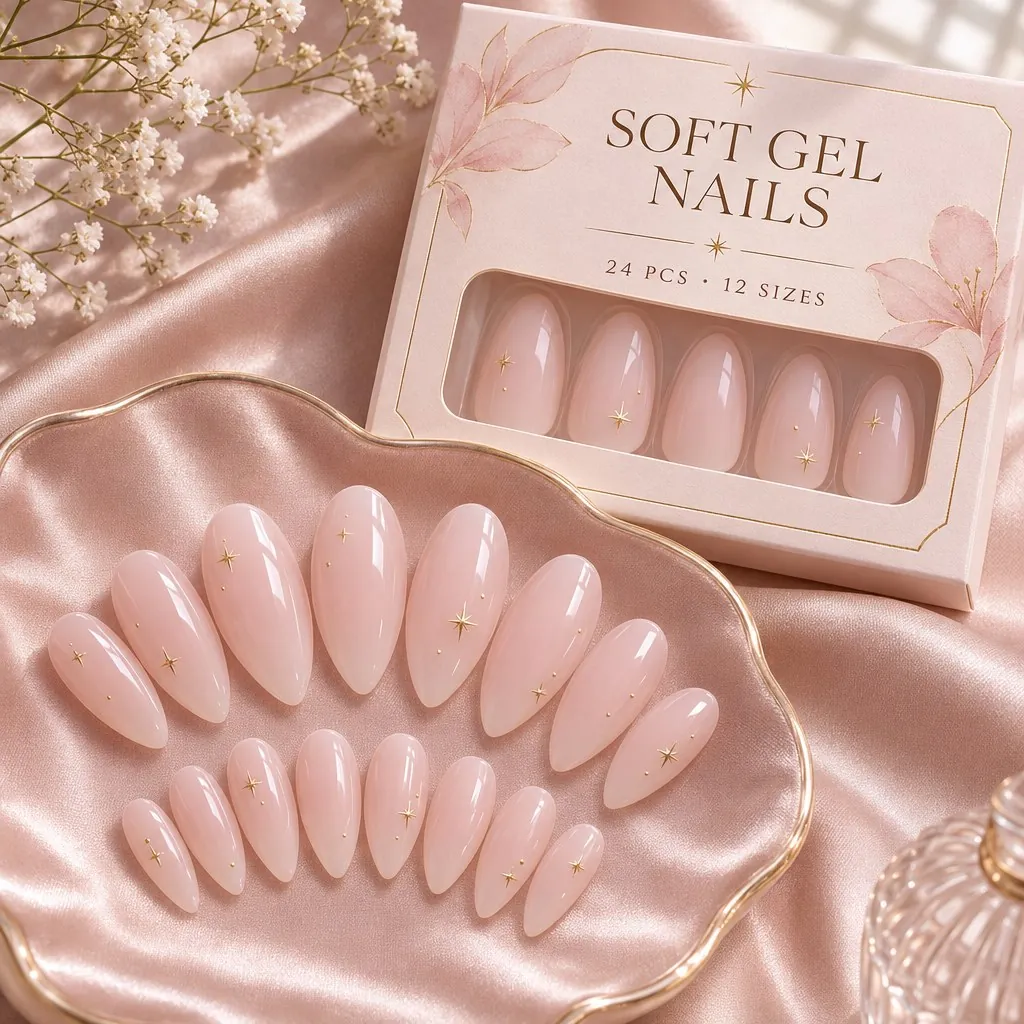
What GPT Image 2.6 does well
Consistent edits
Change a scene, outfit or background while the product, character and brand details stay the same.
Transparent backgrounds
Create product cutouts, stickers and logos with no background, ready to place on any layout.
Up to 4K, three quality levels
Choose 1K, 2K or 4K and low, medium or high quality. Higher levels add detail; lower levels use fewer credits.
Compare OpenAI models
| Model | Resolution | Quality | Credits per image, from | Key difference | Best for |
|---|---|---|---|---|---|
| GPT Image 2.6 | 1K / 2K / 4K | Low / Medium / High | 12 | Finer detail and more consistent edits | Detailed final images and consistent edits |
| GPT Image 2.5 | 1K / 2K / 4K | Low / Medium / High | 6 | Adds 4K output and transparent backgrounds | 4K and transparent images |
| GPT Image 2 | 1K / 2K | Low / Medium / High |
|
Reliable readable text, up to 2K | Images with text |
How to use GPT Image 2.6
Open the workspace
Sign in and open the workspace from this page. GPT Image 2.6 is selected in the model menu.
Add references and describe
Upload product photos or reference images, then describe the image you want.
Generate and download
Choose the resolution, check the credit amount on the button, then generate and download.
GPT Image 2.6 credits per image
| Quality | 1K | 2K | 4K |
|---|---|---|---|
| Low | 12 | 19 | 29 |
| Medium | 17 | 31 | 48 |
| High | 20 | 36 | 57 |
Prices shown are for a 1:1 image with one reference image. More reference images or a different aspect ratio change the price. The workspace shows the exact amount before you generate.