AI Product Photography for Ecommerce

Upload your product and a model or scene reference, describe the shot, and get listing-ready ecommerce product photography. Choose from 11 AI models. The free tier is 0.5K; paid models go up to 4K.

We'll pull up to 3 product photos from the page.
0 / 2000
Written by AI
Flipped reference images are submitted as flipped, so the description does not need a mirroring instruction.
Presets:
Presets:
Studio and Backdrop
Everyday Scenes
Worn and Hung
Outdoor and Nature
Flat Lay and Close-up
Gifting
Free generations use only the first 2 reference images. The rest stay saved here — switch back to a paid model to use them all.
Model
Model
Model
Parameters
Aspect ratio
Count
Pick 2 to 4 — you get one image per type selected. All of them use the aspect ratio set above.
Resolution
Quality
Background
Platform
Main-image rules differ by platform: Amazon wants a real model on adult apparel, Taobao wants one plain-white shot with no model and no hanger. Own store adds no rules.

Allowed for commercial use · Up to 4K output · Files kept up to 30 days · Results from ~10s (free tier: 0.5K · kept 7 days · ~90s)

Generating your product photo… this usually takes 10-120 seconds depending on the model.
Done

Sample Results

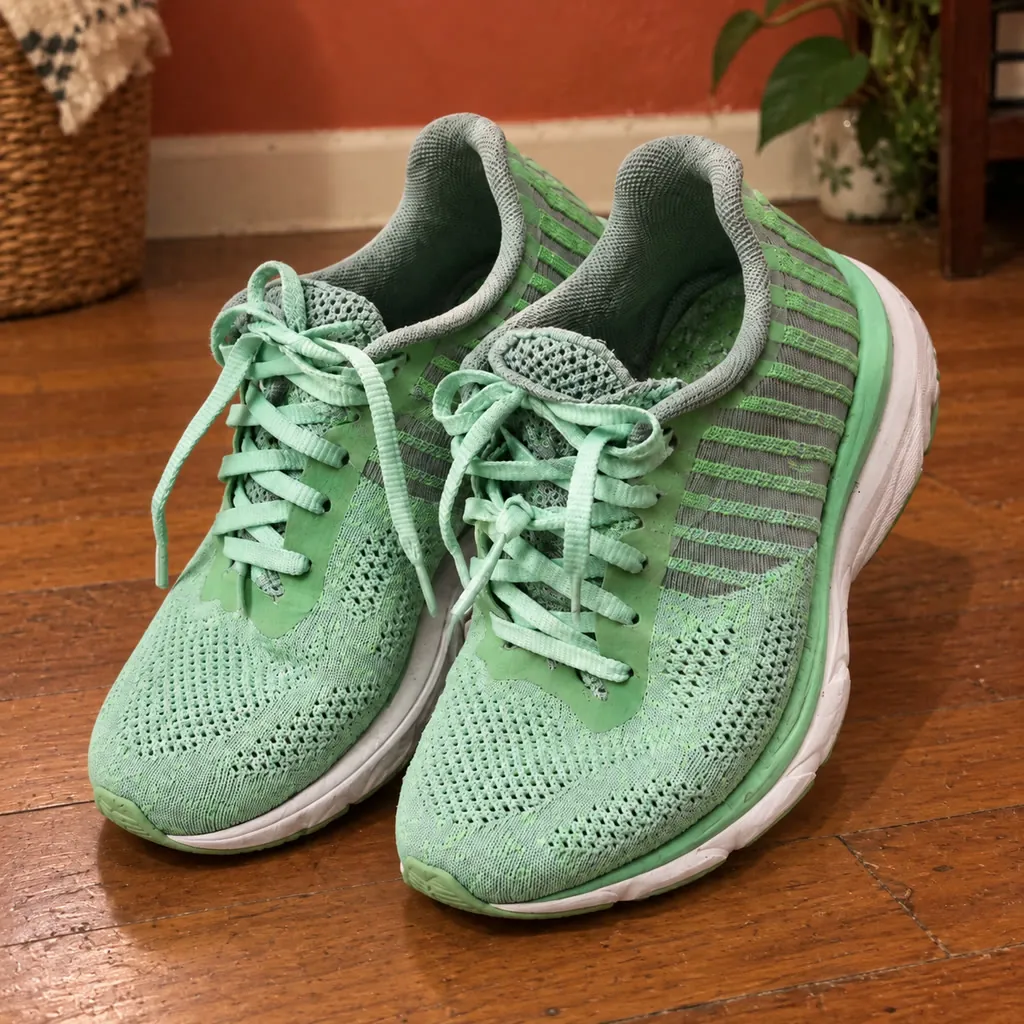
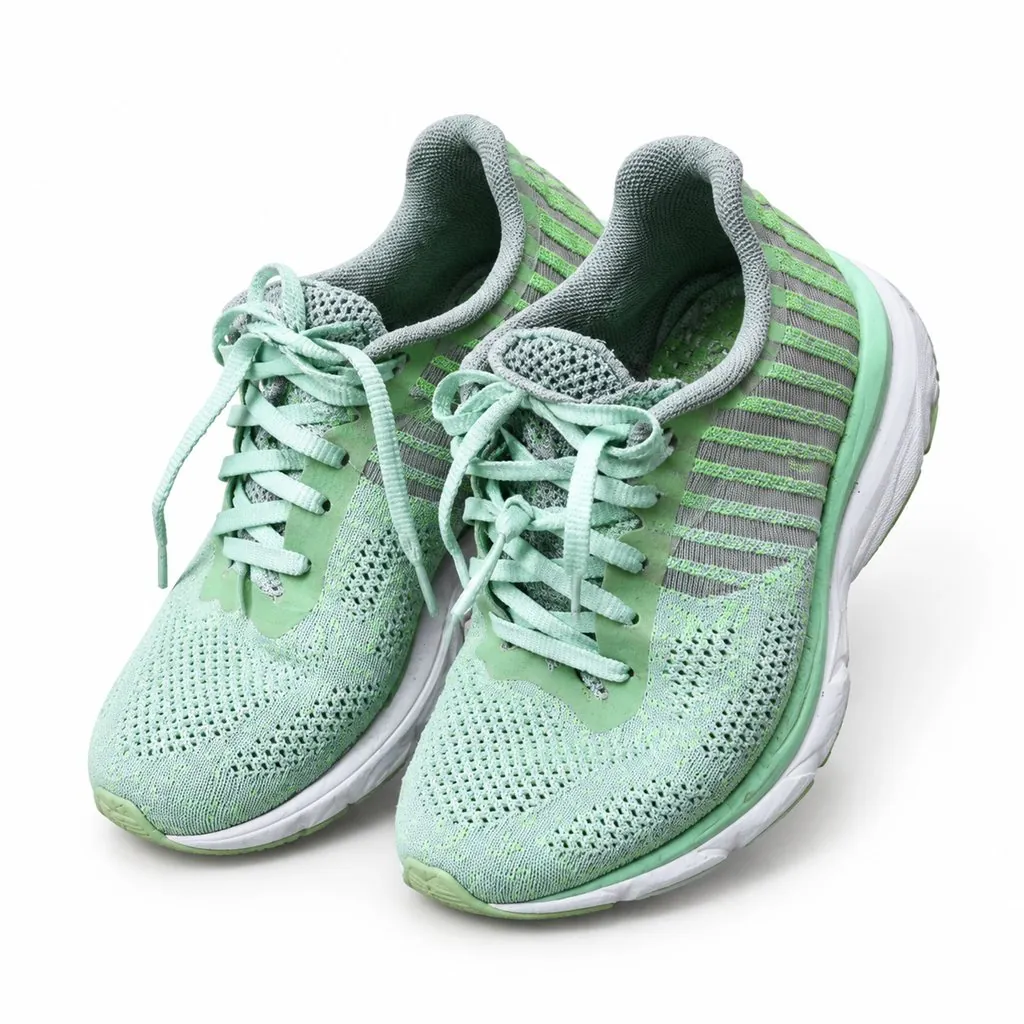
White Studio Shot - Before White Studio Shot - After Before After
White Background
White Studio Shot

Preserve the exact appearance, shape, and proportions of the product. Centered on a seamless white background, professional studio lighting with a soft key light from upper left and a fill from the right, gentle contact shadow beneath, sharp focus across the entire product, clean e-commerce product photography, no props, no text, no watermark
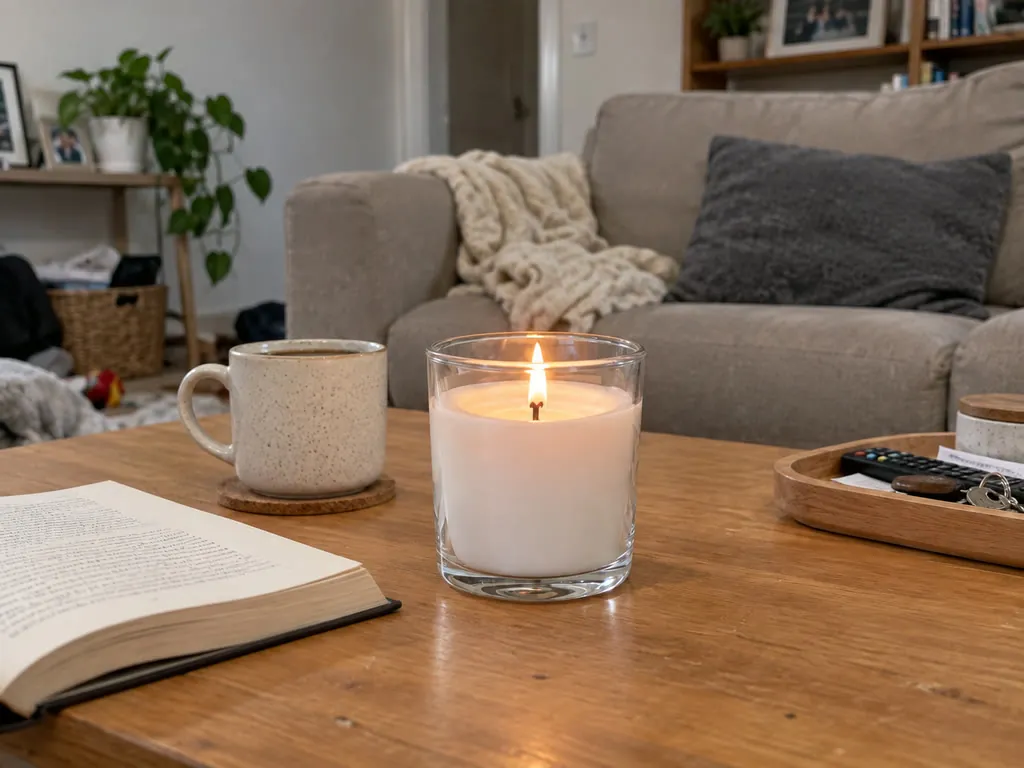
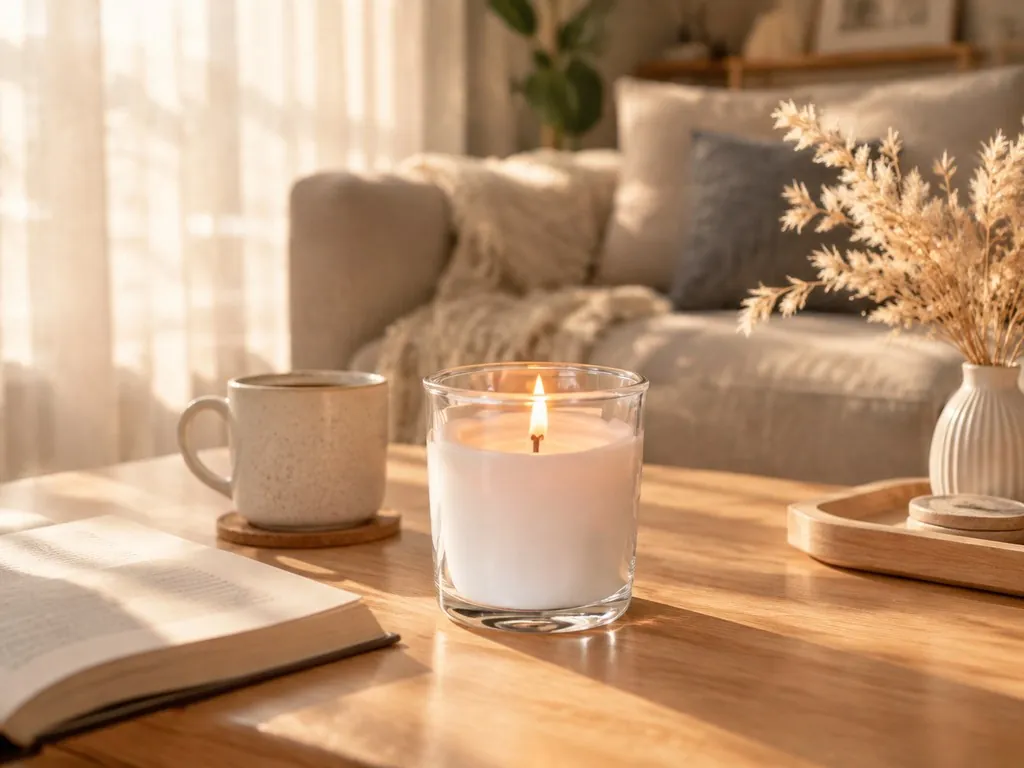
Sunlit Living Room - Before Sunlit Living Room - After Before After
Lifestyle Scene
Sunlit Living Room

Preserve the exact appearance, shape, and proportions of the product. Placed on a light oak coffee table in a sunlit living room, warm afternoon light streaming through sheer linen curtains, a ceramic mug and an open book nearby as props, shallow depth of field blurring the sofa in the background, lifestyle product photography, no text, no watermark

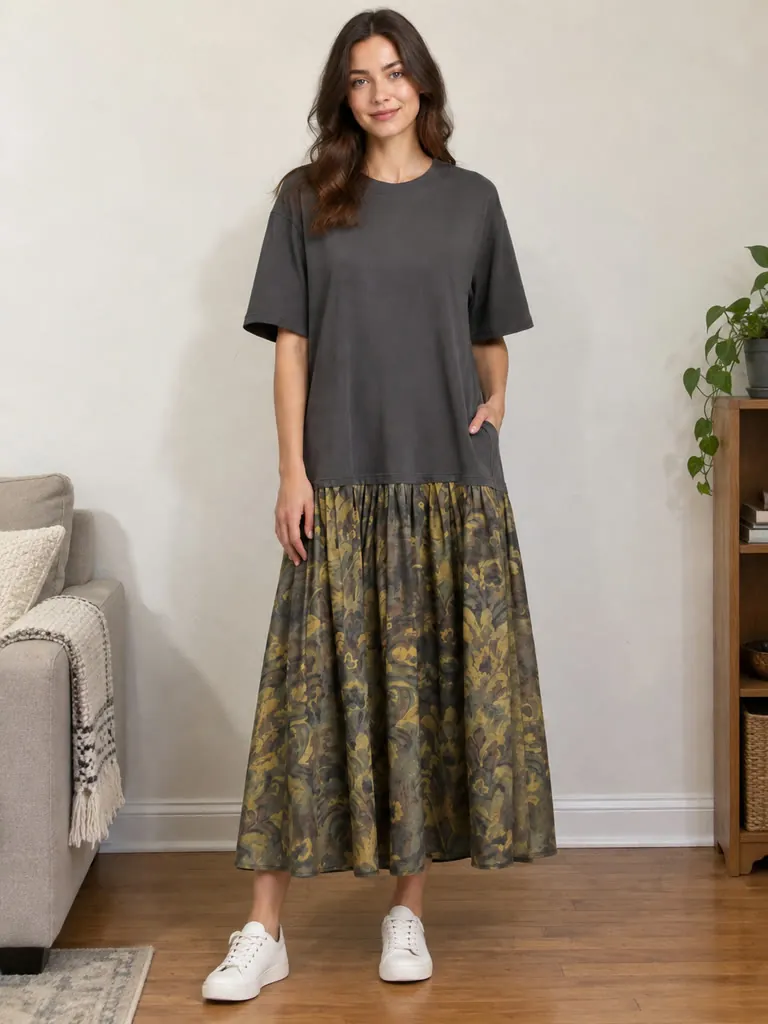
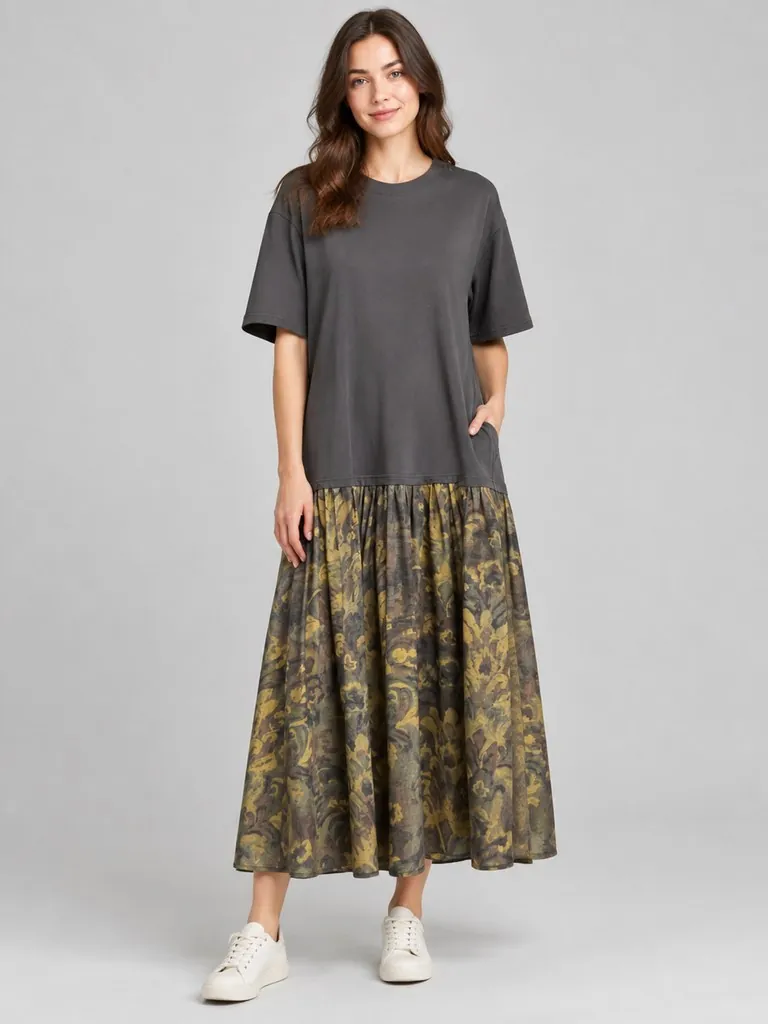
Casual Model Wear - Before Casual Model Wear - After Before After
Model Wear
Casual Model Wear

A female model in her late twenties wearing the garment in a relaxed standing pose, one hand in pocket, plain light gray studio backdrop, soft diffused lighting, full-body shot showing the complete garment, natural proportions, no alteration to garment shape or length, editorial fashion photography, no text, no watermark

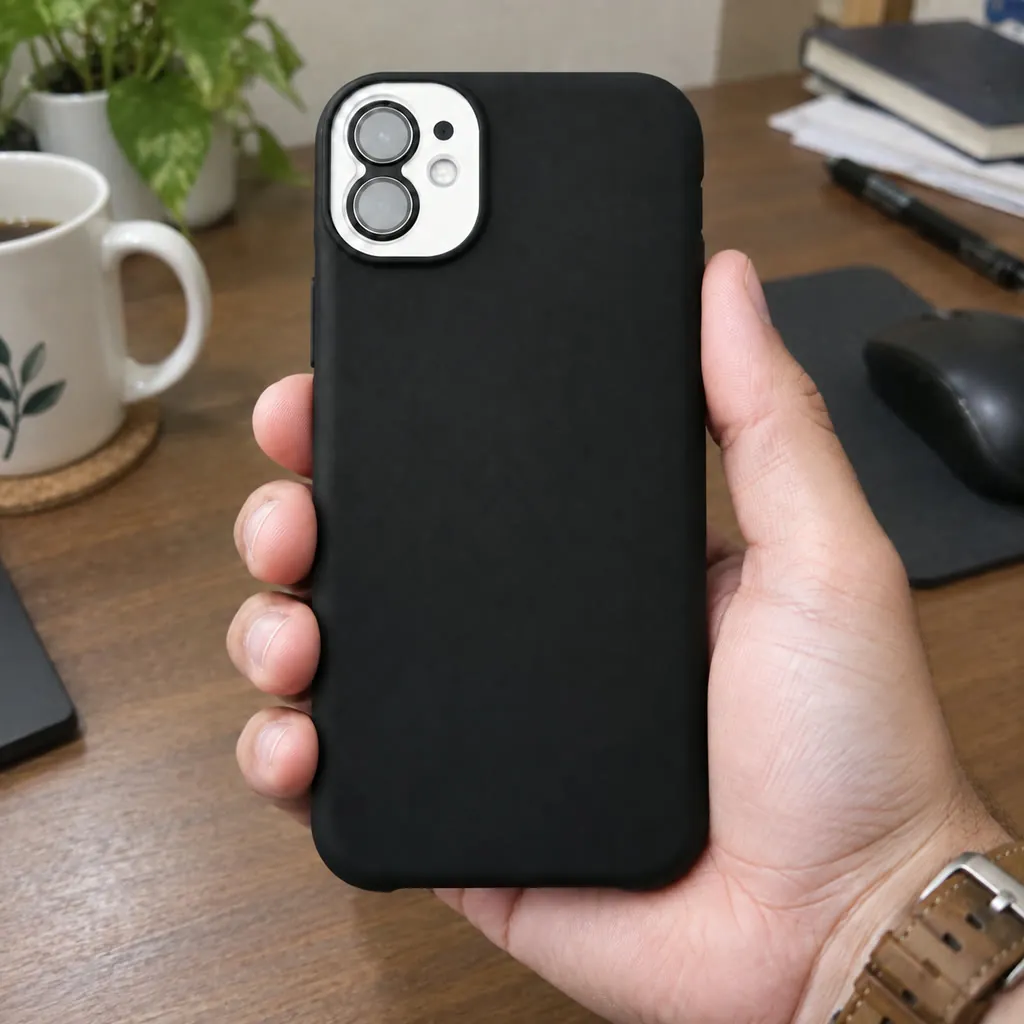
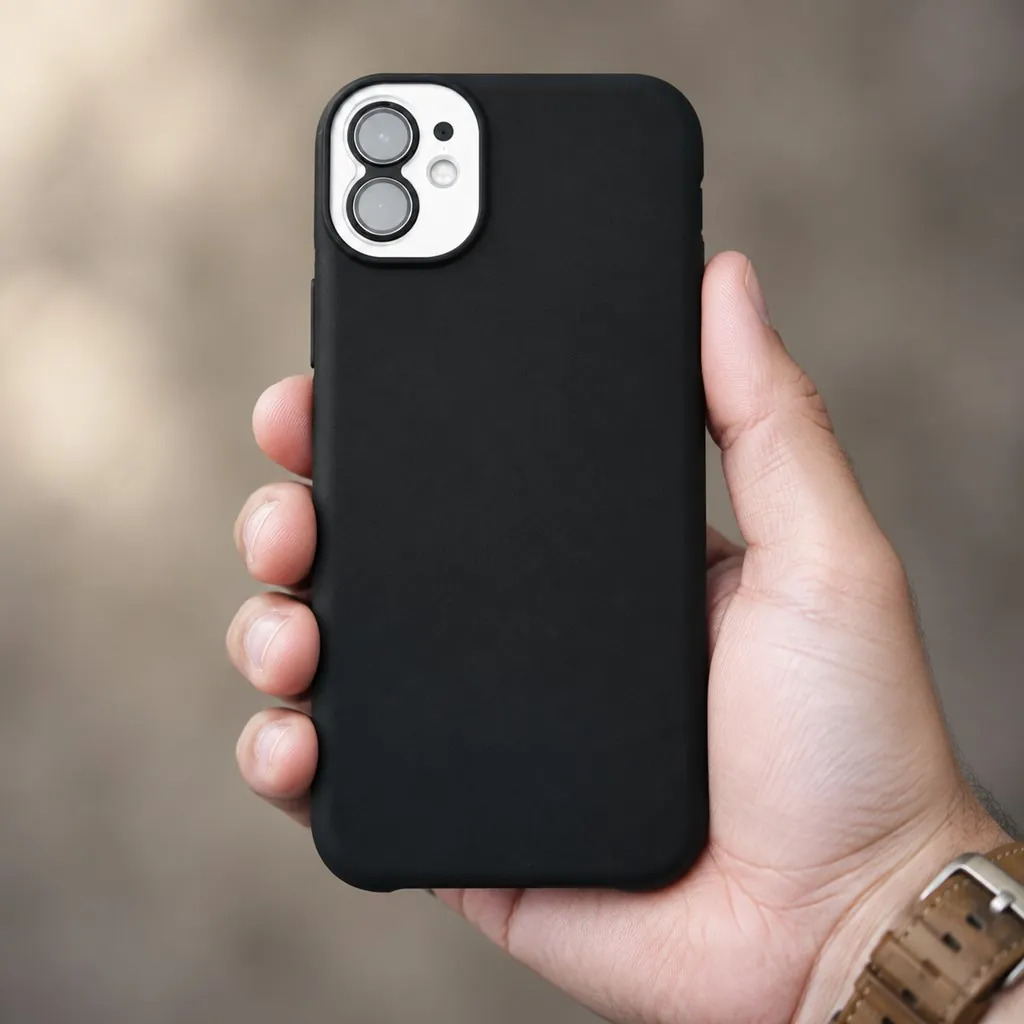
Product in Hand - Before Product in Hand - After Before After
Hand-Held
Product in Hand

A close-up shot of a hand firmly holding the product against a clean blurred background. Preserve the exact appearance, shape, and proportions of the product. Natural skin tone, soft directional light from the left highlighting the product texture and surface detail, the hand enters the frame from the lower right, product fills two-thirds of the frame, macro product photography, no text, no watermark

How It Works

1
📤

Upload references

Add your product photo plus a model, pose or scene reference (2 with free generations, 5 with a paid model).

2
✍️

Describe the shot

Describe how to combine your images — for example, put the dress in image 1 on the model in image 2. You can also let AI draft the description for you.

3
📥

Download

Get your e-commerce-ready product photo in seconds. If a generation fails, credits are refunded automatically.

What you can create for your store

👗

AI clothes changer

Upload a garment and a model reference to show the clothing worn on a model without a photo shoot.

🛍️

Amazon and ecommerce product photography

Create white-background main images and lifestyle scenes for Amazon, Taobao or Shopee listings.

✏️

Edit an existing product photo

Upload the photo you already have and describe the change, such as a new background, different lighting or a model holding the product.

Frequently Asked Questions

Upload a clear product photo plus a reference for the model, pose, background or scene you want. You can add up to 5 reference images with a paid model, or 2 with free generations.

In your description, say which image is the product and which is the model or scene, and mention the lighting, angle and mood you want. If you are unsure what to write, select Write with AI: it writes a detailed prompt from all your reference images, and you can edit or undo it before you generate.

Yes. Upload your existing product photo and describe the edit, such as replacing the background, changing the lighting or adding a model. The result keeps your product as the subject.

Yes. Turn on Photo set, then pick the shot types you need: White background, Lifestyle scene, Close-up detail, On model, Material close-up or Another angle. Each selected type becomes its own image in the same run, so you get a matching set instead of variations of one shot. All images in the set share the aspect ratio you choose.

Yes. Choose your target platform: Own store, Amazon, Taobao or Shopee. Main-image rules differ between platforms, for example whether a plain white background is required or apparel must be shown on a model, and the images are generated to suit the platform you select. Own store adds no platform rules. Platform requirements change over time, so check the current guidelines before you publish.

Yes, there is a free option: the LubanAI model costs 0 credits per image once you sign in and verify your email. Signed-in free accounts also get 10 free credits every day, enough for one LubanAI Pro image at 7 credits. Other paid models are charged per image, and the price appears on the Generate button before you submit. If a generation fails, credits are refunded automatically.

LubanAI is the free tier: 0 credits per image, queued processing, 0.5K output (512 px on the longest side) with a watermark, and up to 2 reference images. It requires a signed-in account with a verified email and allows up to 10 free images a day. LubanAI Pro is faster, adds no watermark, outputs up to 2K, accepts up to 5 reference images and costs 7 credits per image.

If the task fails on our end, credits are refunded automatically. If the result is not what you expected, adjust your description or switch to a different AI model and generate again.

Yes. Generated images can be used in your store, ads and marketing. No attribution is required on paid plans or credit packs; free-plan outputs require attribution to LubanAI. The photos you upload must be your own or licensed for this use; see our Terms of Service for details.

Results are stored for 30 days (7 days for free accounts). After that, files are automatically deleted. Download your images before the retention period ends.

Tasks are processed in the order they are submitted. Paid tasks from subscribers and credit pack buyers are picked up first. Free tasks may wait longer during peak hours.

We use cookies to improve your experience. See our Privacy Policy.