Seedream 5.5 AI Image Generator
ByteDance's newest Seedream model, with sharper small text and more natural textures for product photos.
 Developed by ByteDance
Have a product photo? Make listing images with Seedream 5.5
What Seedream 5.5 can do
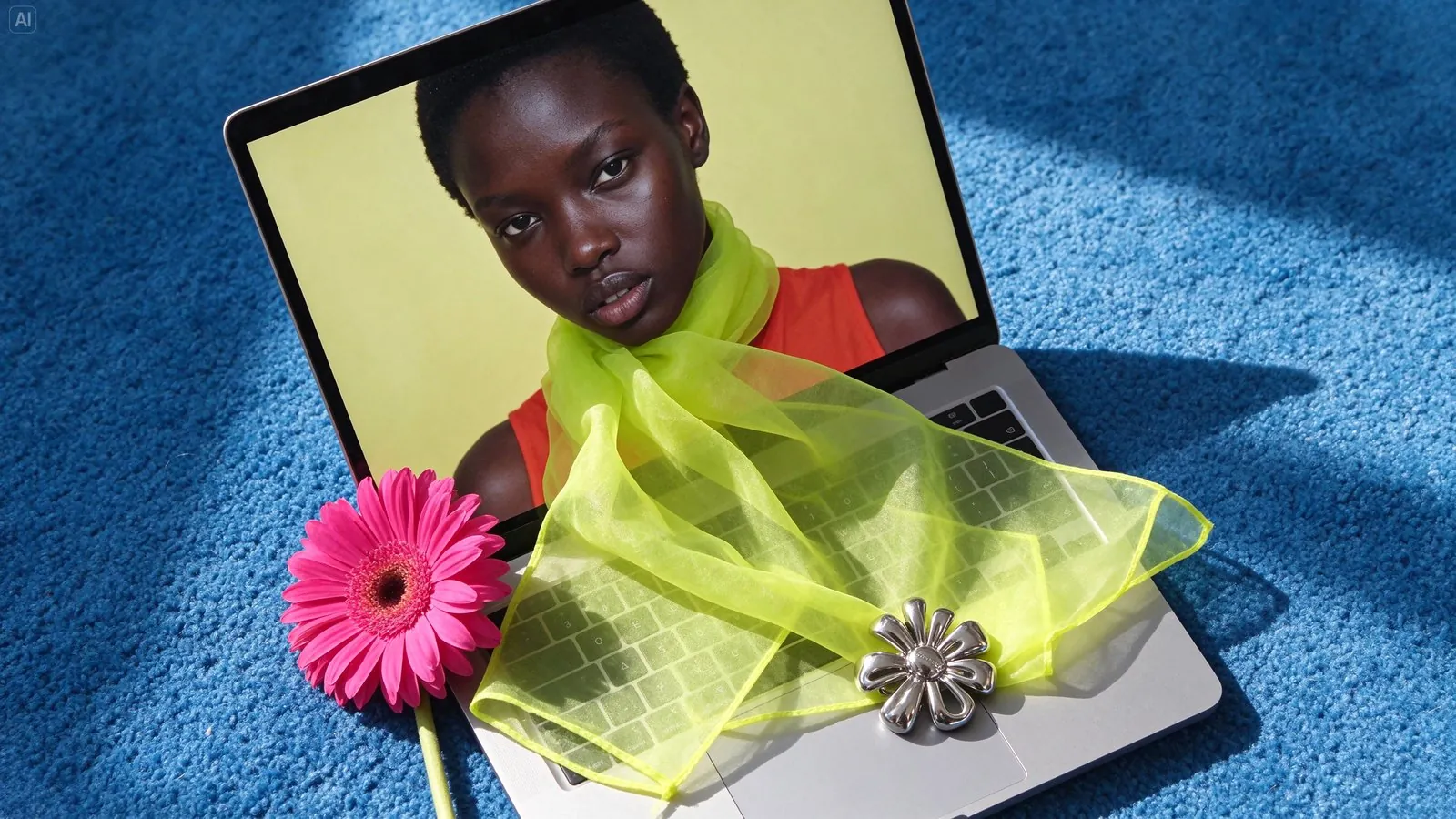
Fine materials in accessory shots
Sheer chiffon, a metal brooch and gerbera petals each keep their own texture in this styled flat lay. Use Seedream 5.5 for scarves, jewelry and accessories where the material sells the product.
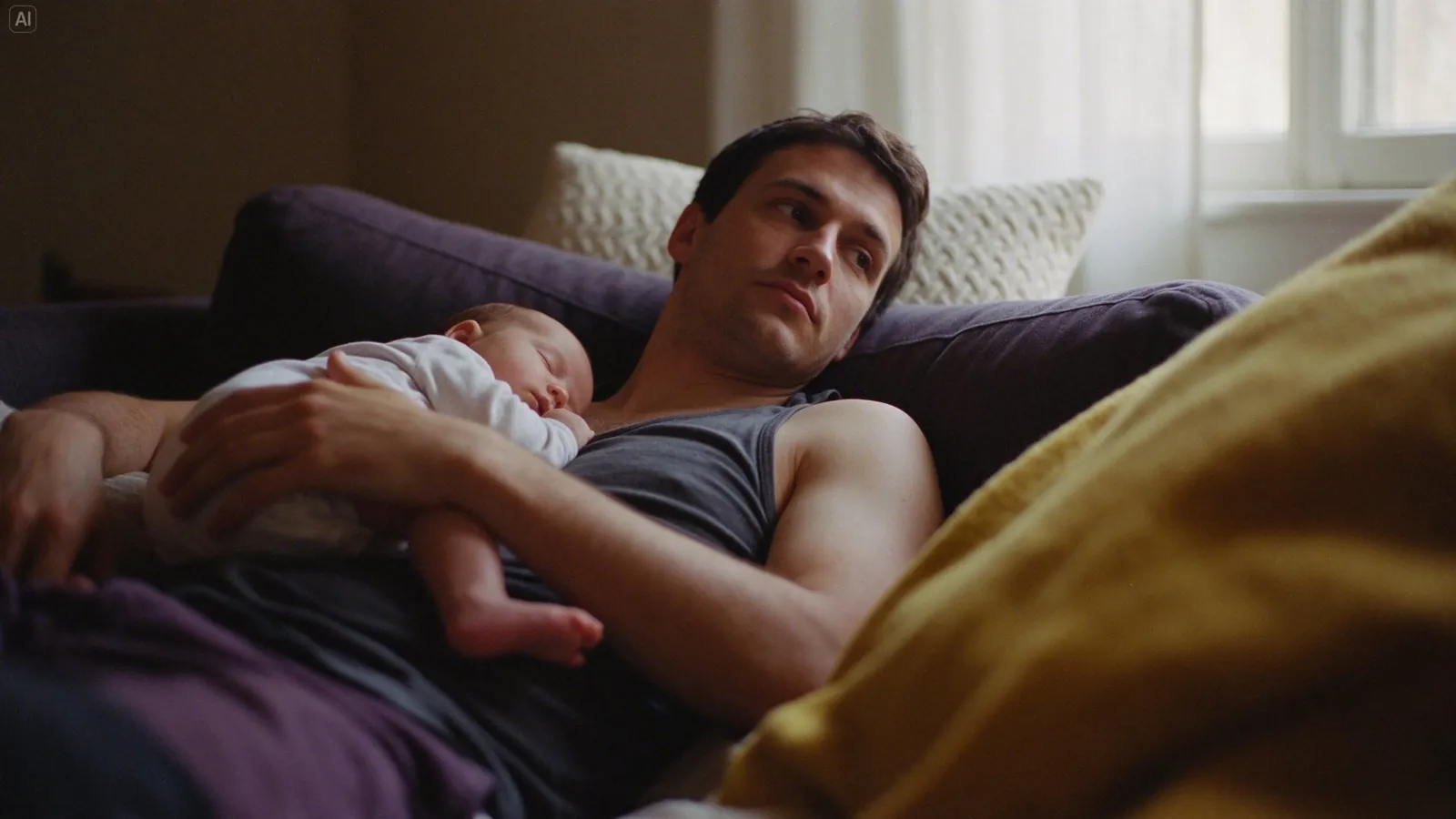
Lifelike skin and fabric
Seedream 5.5 renders natural skin, soft cotton and a knit throw in warm window light. Use it for model shots and lifestyle images where clothing needs to look real.
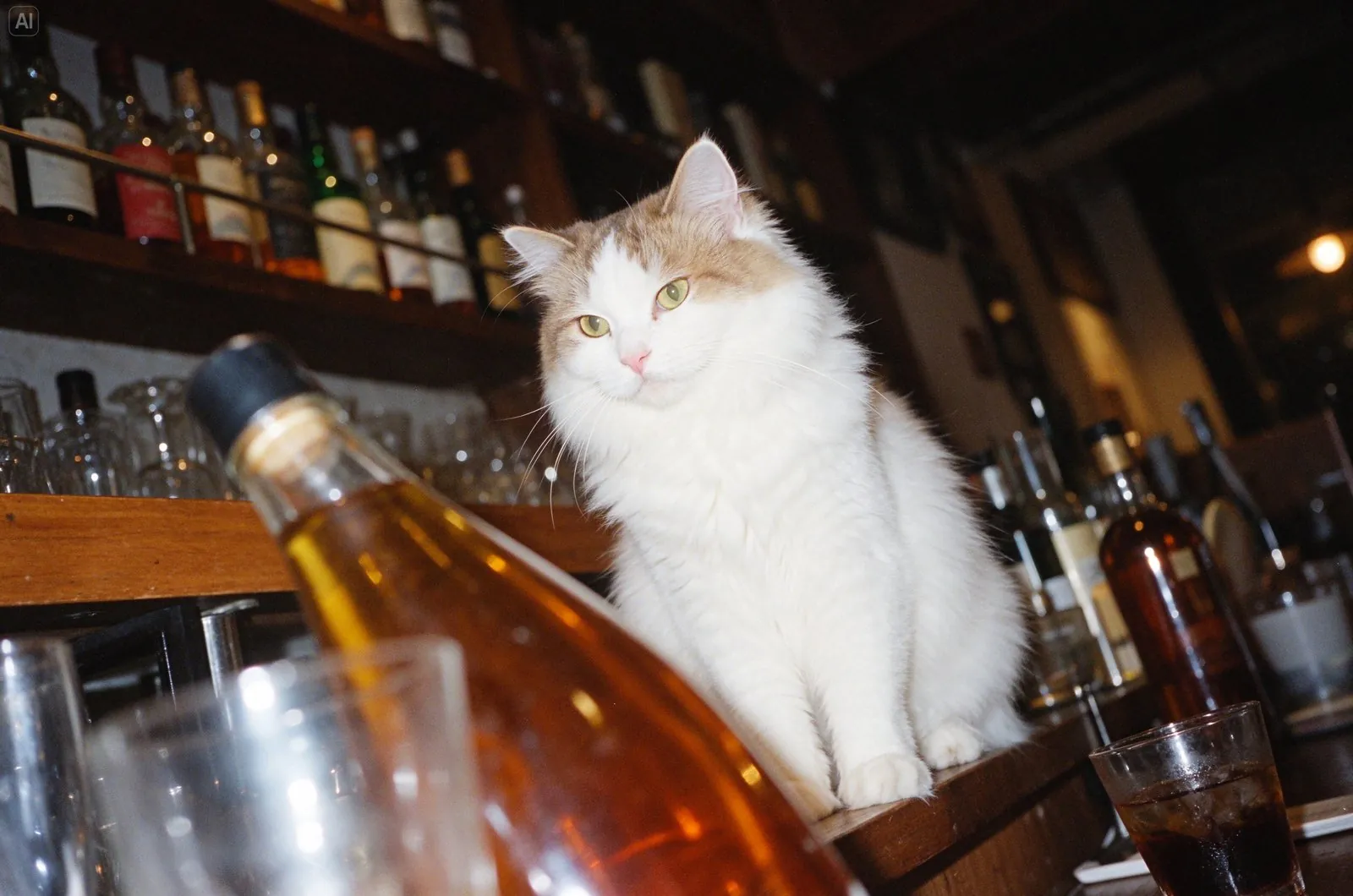
Natural light, even direct flash
This bar scene recreates the look of an on-camera flash, with bright highlights and deep shadows. Use flash-style lighting for social posts and campaign images with a candid feel.
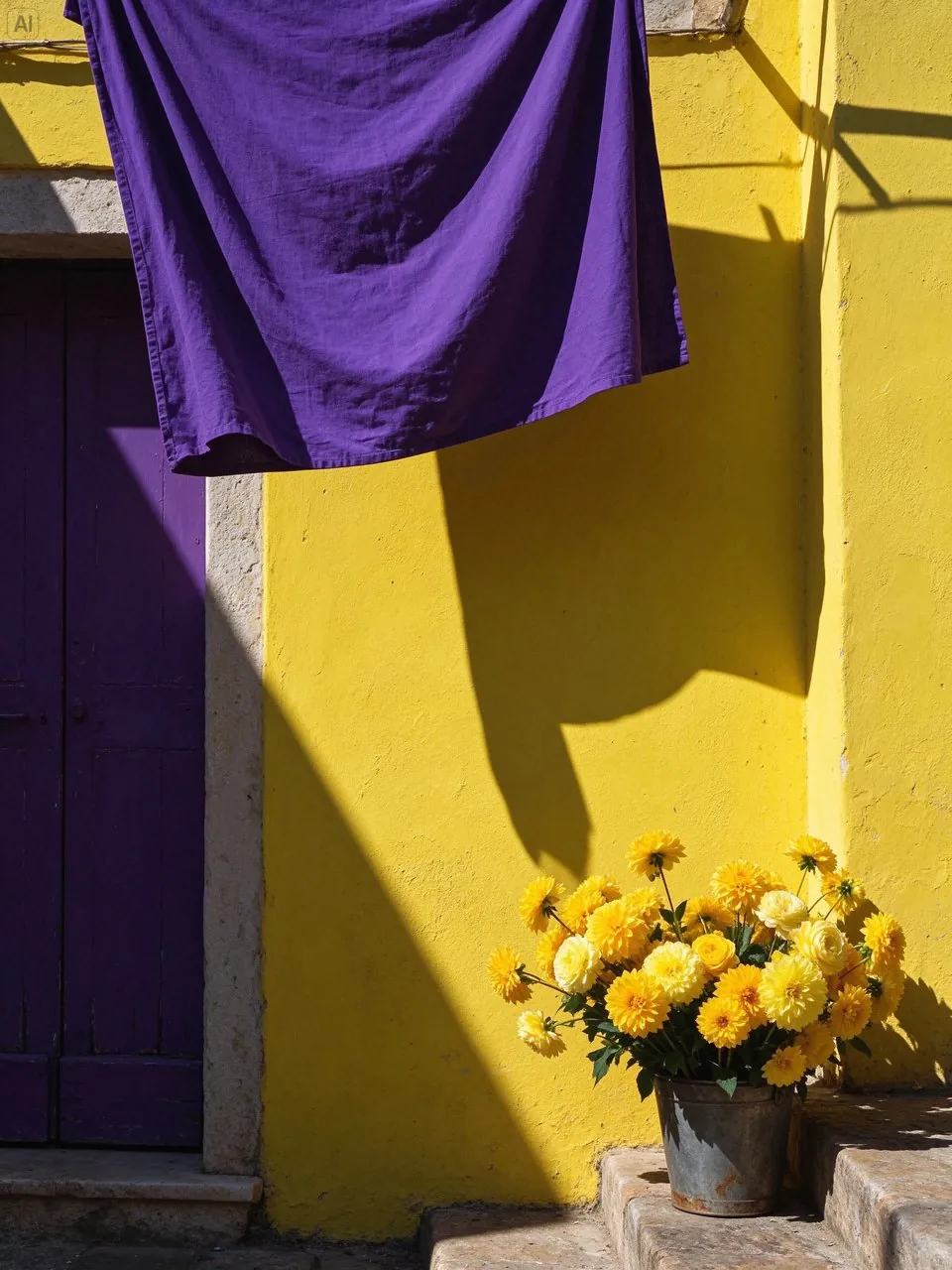
Bold color in strong sunlight
A yellow wall, a purple door and fresh flowers sit under hard sunlight with crisp shadows. Use scenes like this as vivid backdrops for lifestyle images and seasonal banners.
More official Seedream 5.5 examples
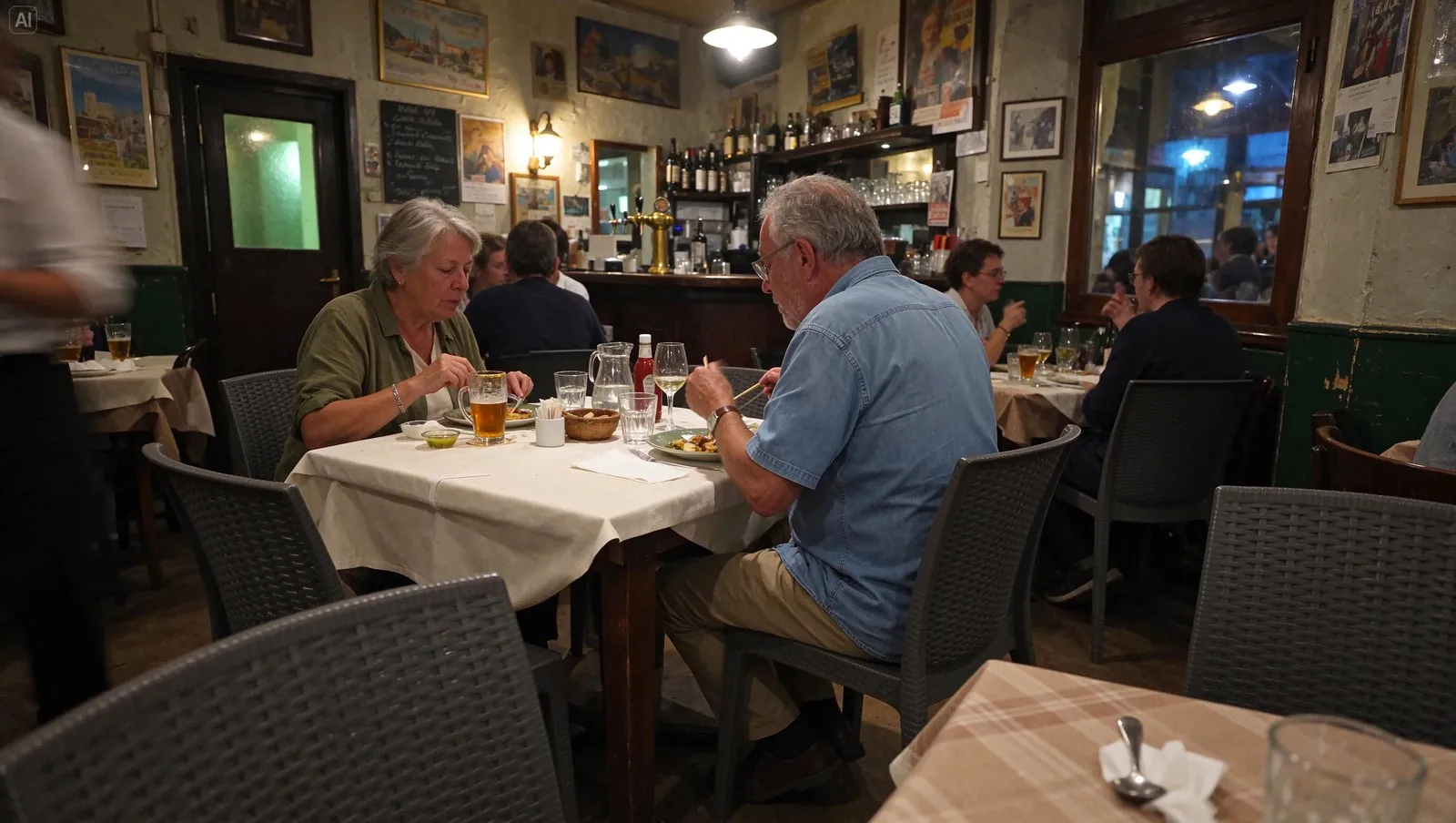
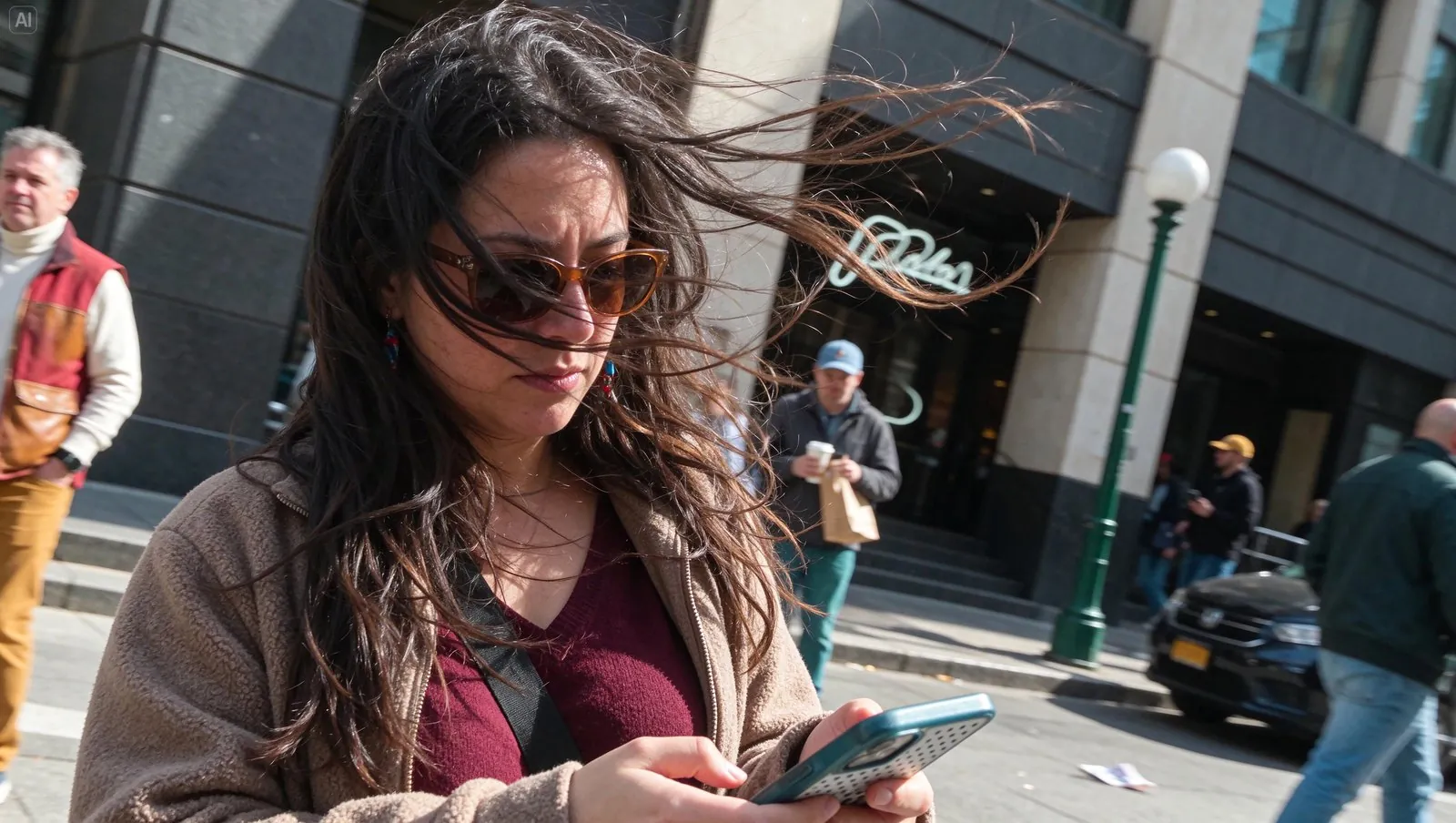
Official examples on this page were published by ByteDance and remain the property of their owner. Click a source link to see the original.
Images made with Seedream 5.5
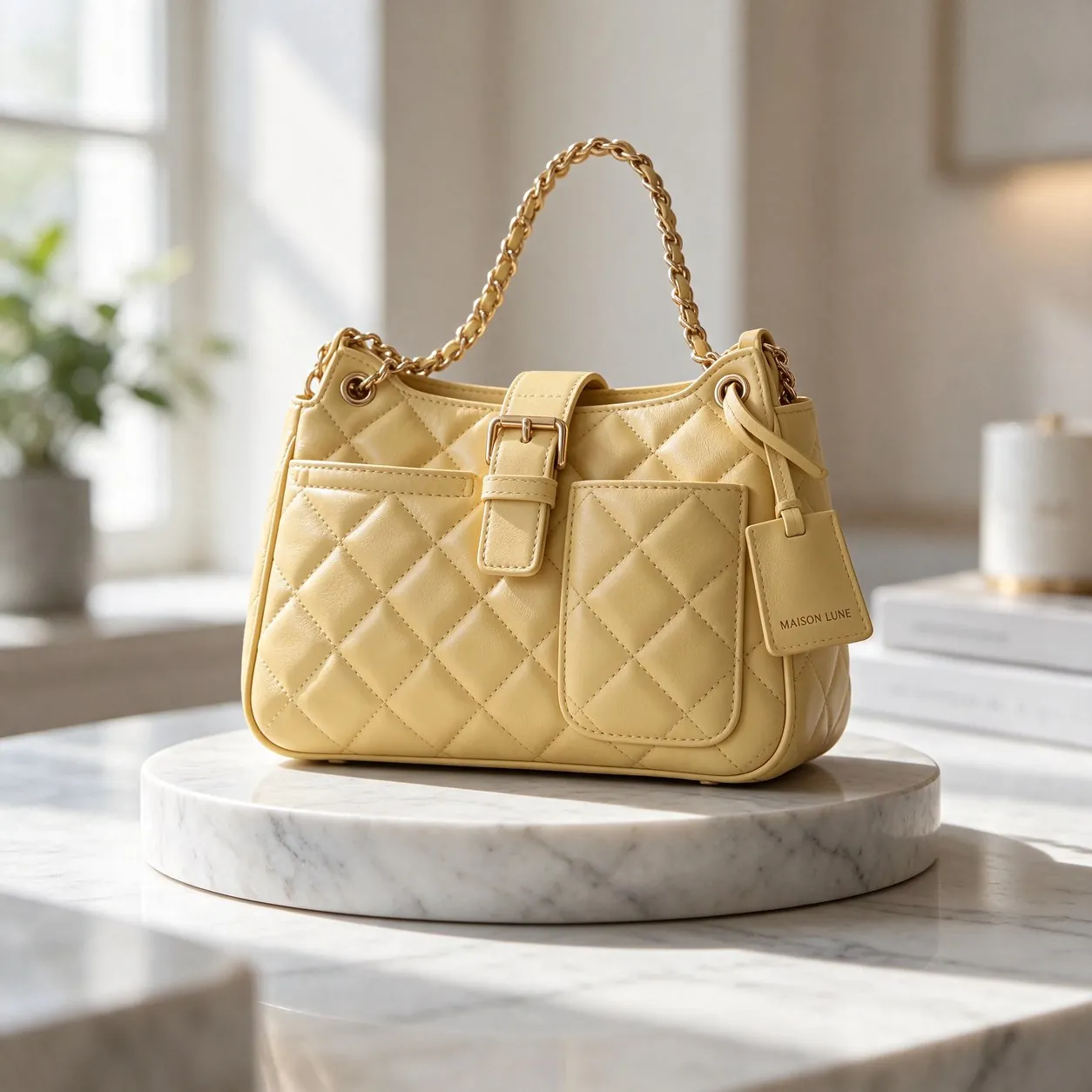
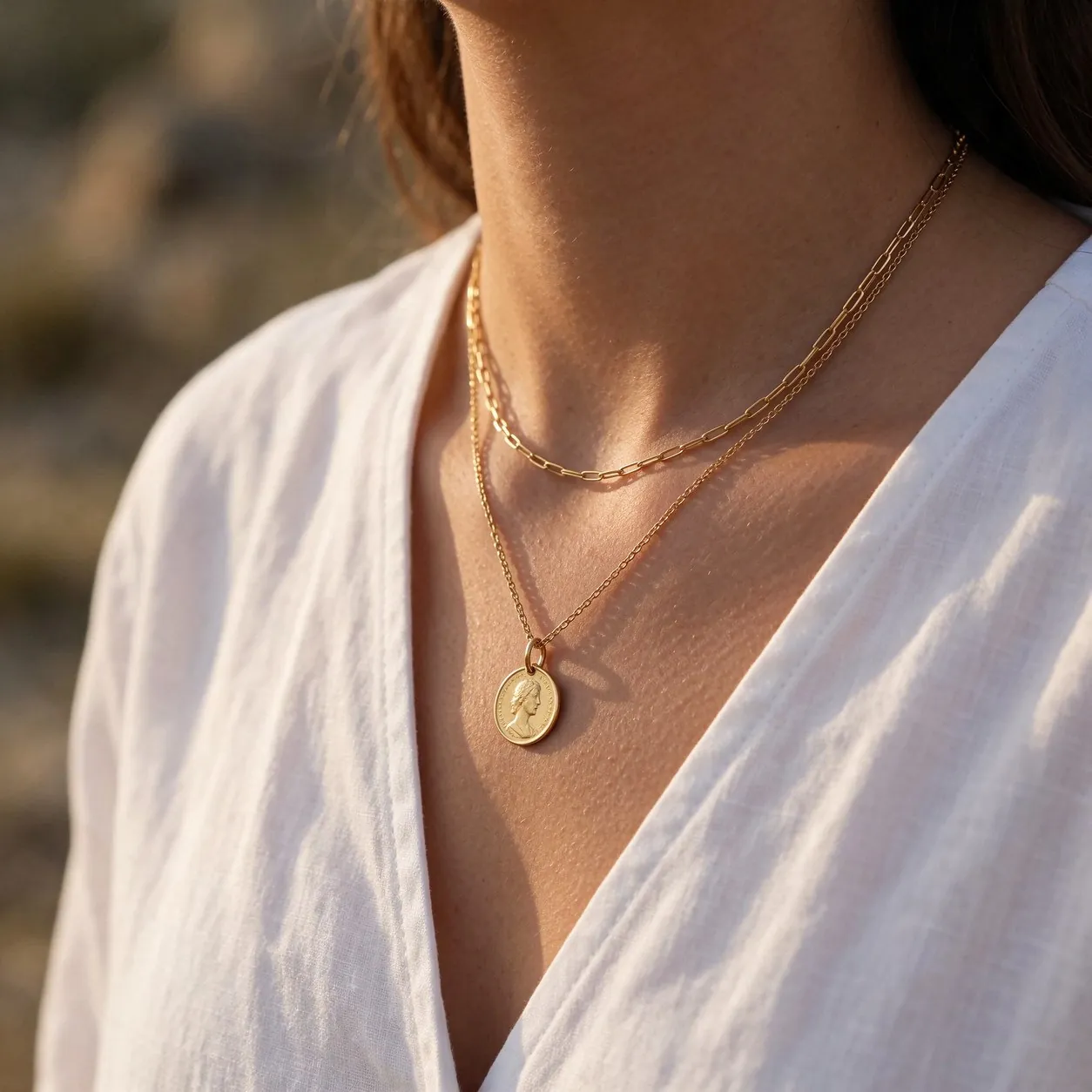
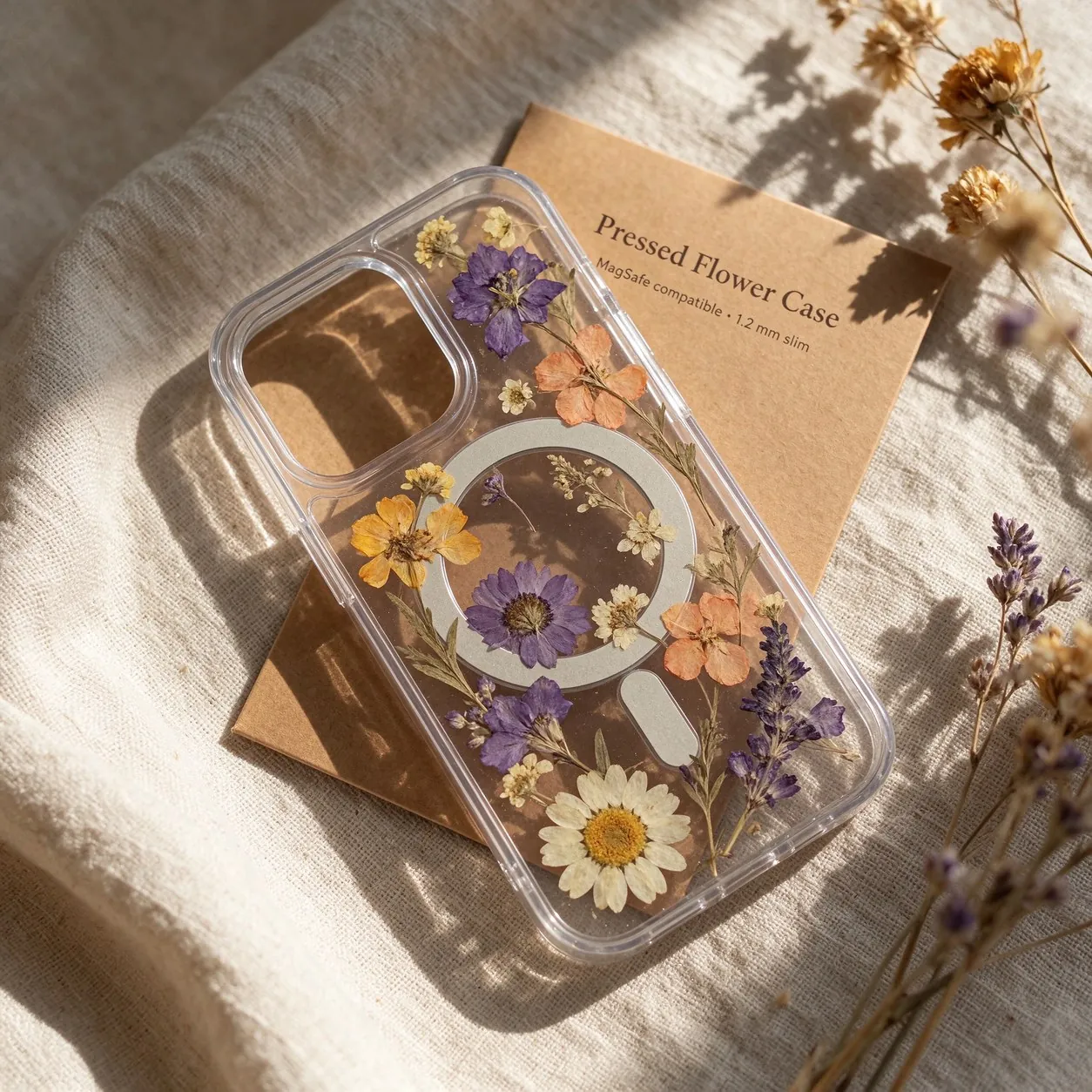
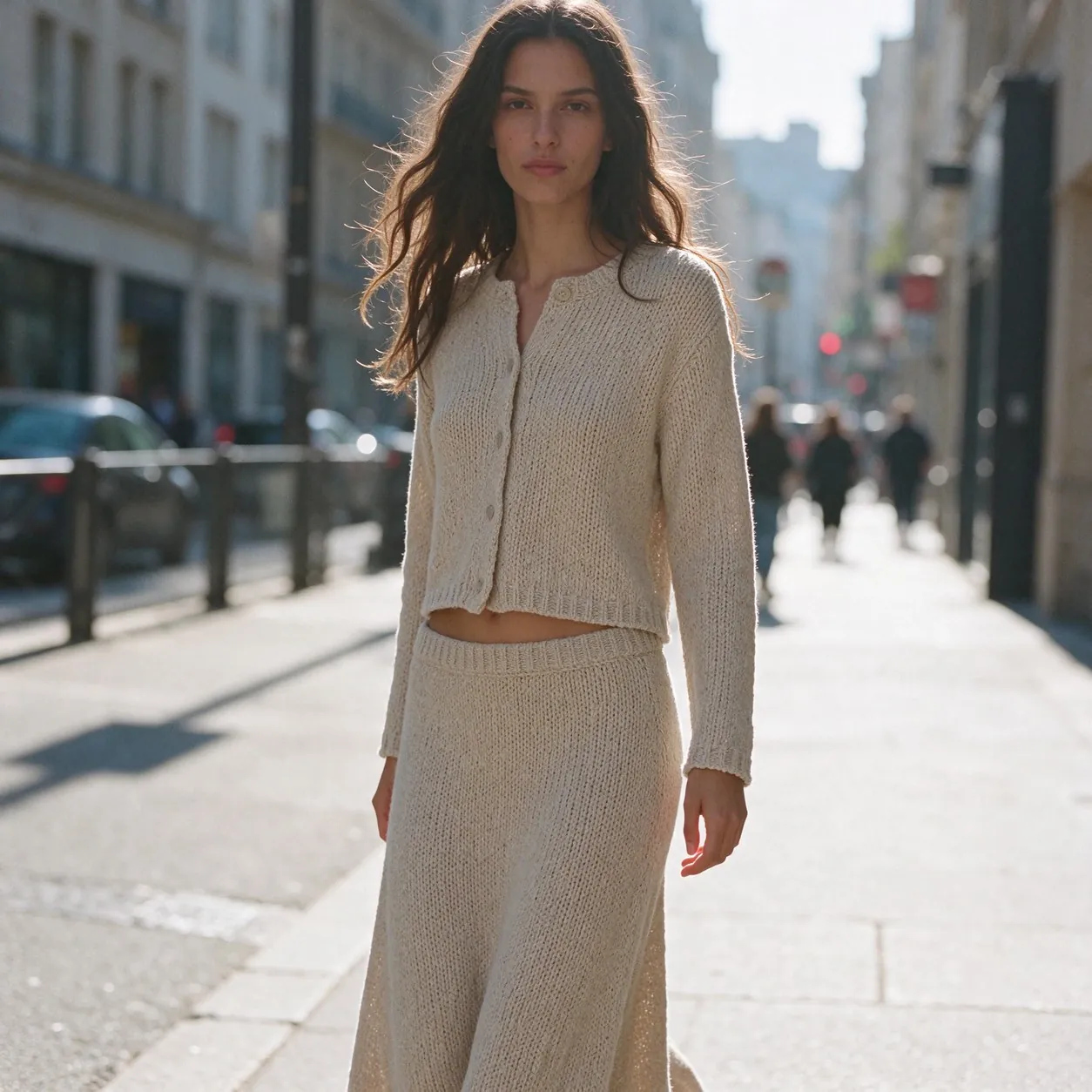
What Seedream 5.5 does well
Sharper small text
Tags, labels and packaging copy come out clearer, so product details read correctly in the image.
Natural textures and light
Leather, knit, metal and skin look lifelike under natural lighting, close to a real product shoot.
Fast product photo sets
Generate several shots of one product at once in the AI product photo workspace, ready for a full listing.
Compare ByteDance models
| Model | Resolution | Credits per image, from | Key difference | Best for |
|---|---|---|---|---|
| Seedream 5.5 | 1K / 2K | 9 | Sharper small text and more natural textures | Product photo sets with labels and fine textures |
| Seedream 5.0 Flash | 1K / 2K | 6 | The fastest and lowest-priced Seedream | Fast drafts and product images in volume |
| Seedream 5.0 Lite | 2K / 4K | 11 | 2K and 4K only, with optional web search | 4K detail and current information |
| Seedream 5.0 Pro | 1K / 2K | 14 | Top Seedream 5.0 tier for scenes and edits from your references, up to 2K | Product scenes and edits |
| Seedream 4.5 | 2K / 4K | 12 | Previous generation, 2K and 4K output | High-resolution product images |
How to use Seedream 5.5
Open the workspace
Sign in and open the workspace from this page. Seedream 5.5 is selected in the model menu.
Add references and describe
Upload product photos or reference images, then describe the image you want.
Generate and download
Choose the resolution, check the credit amount on the button, then generate and download.
Seedream 5.5 credits per image
| Resolution | 1K | 2K |
|---|---|---|
| Per image | 9 | 15 |
Prices shown are per image with one reference image. Each additional reference image adds to the price; the aspect ratio does not change it. The workspace shows the exact amount before you generate.