GPT Image 2.5 AI Image Generator

OpenAI's image model with output up to 4K and a transparent background option.

0 / 2000
Written by AI
Reference images require a premium model. Your selection is saved.
Parameters
Style
Aspect Ratio
Resolution
2K is plenty for web and storefront use. Pick 4K only for print or heavy cropping.
Quality
Background
Model
Model

Developed by OpenAI

What GPT Image 2.5 can do

Printed goods with crisp, accurate lettering

GPT Image 2.5 renders an ornate wedding invitation with a monogram, fine borders and legible type, styled with flowers and ribbon. Use it for stationery, greeting card and packaging mockups that need sharp detail and readable text.
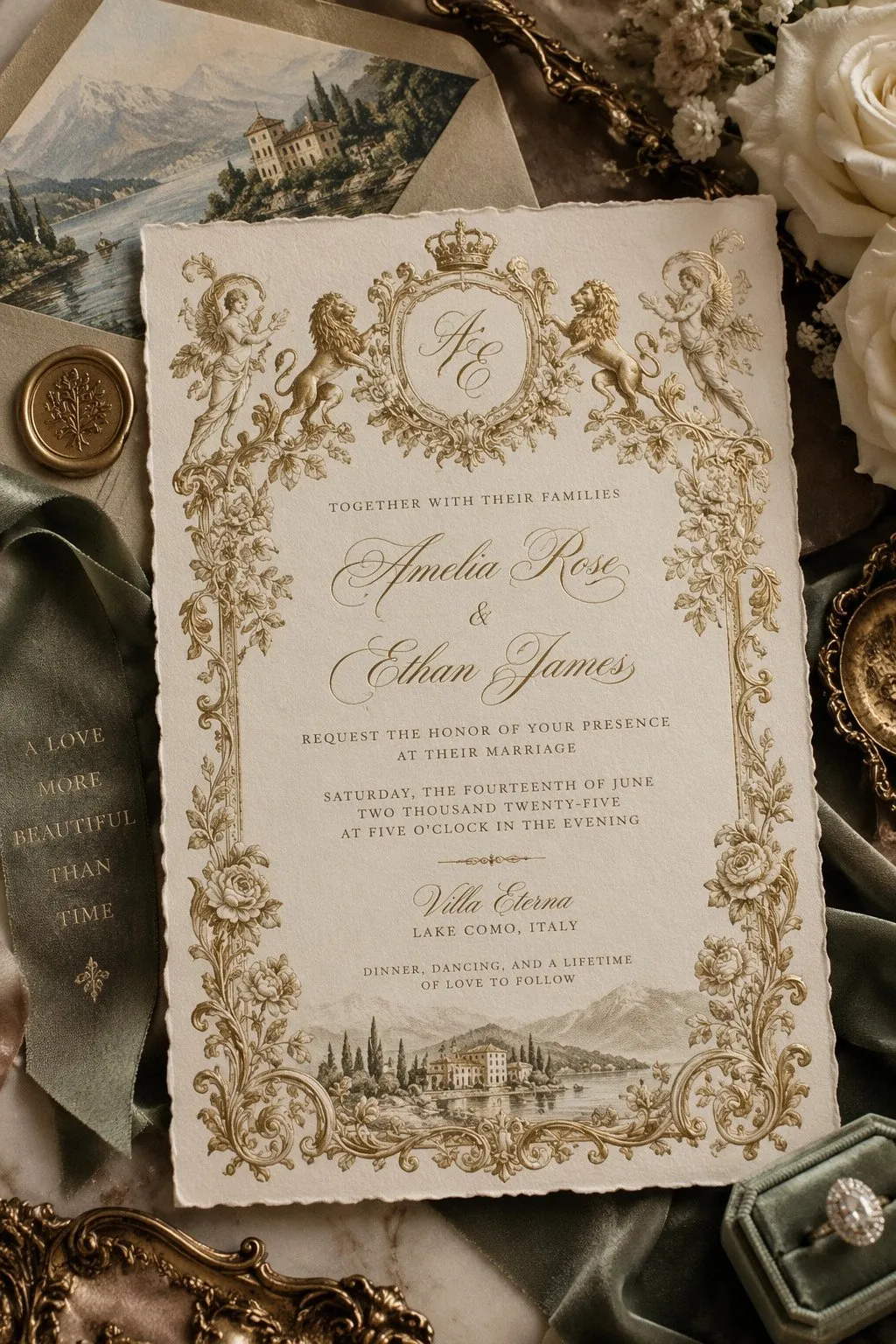
An ornate cream and gold wedding invitation with a crowned monogram, decorative lions, floral borders and a Lake Como illustration, styled with flowers and a green ribbon.
Source: OpenAI

Restyle a photo, keep the person

Starting from a reference photo, GPT Image 2.5 restages a man as an '80s portrait with neon lights and a boombox while keeping his likeness. Use it to restyle model shots for seasonal campaigns and themed social posts.
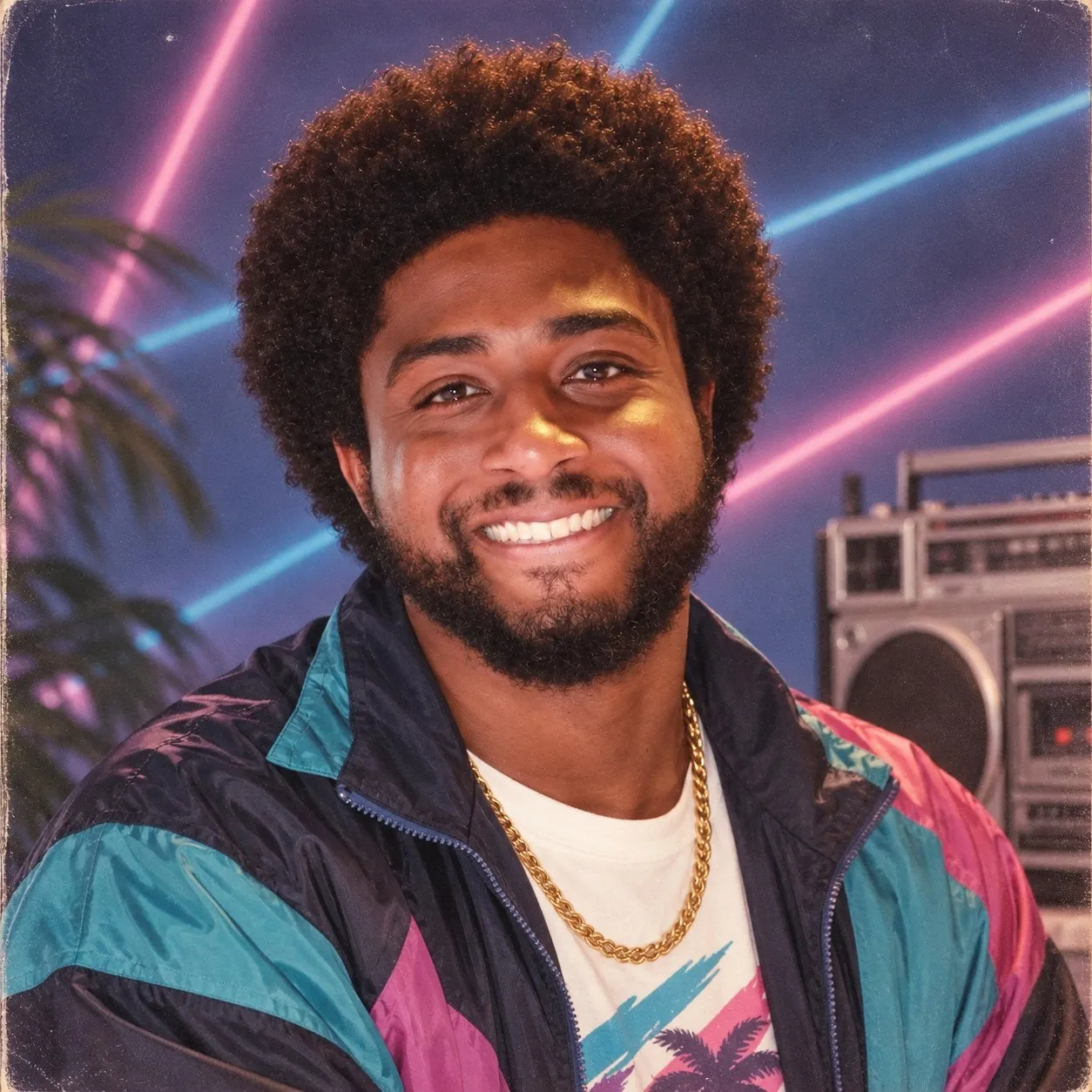
A smiling man with curly hair in a teal, navy and pink windbreaker and a gold chain, in an '80s-style portrait with neon lights and a boombox.
Source: OpenAI

A matching set of posters with bold type

GPT Image 2.5 lays out nine mid-century posters in a grid, each with its own slogan, bold lettering and geometric artwork in a shared style. Use it to plan a promotional poster series or a set of campaign banners.
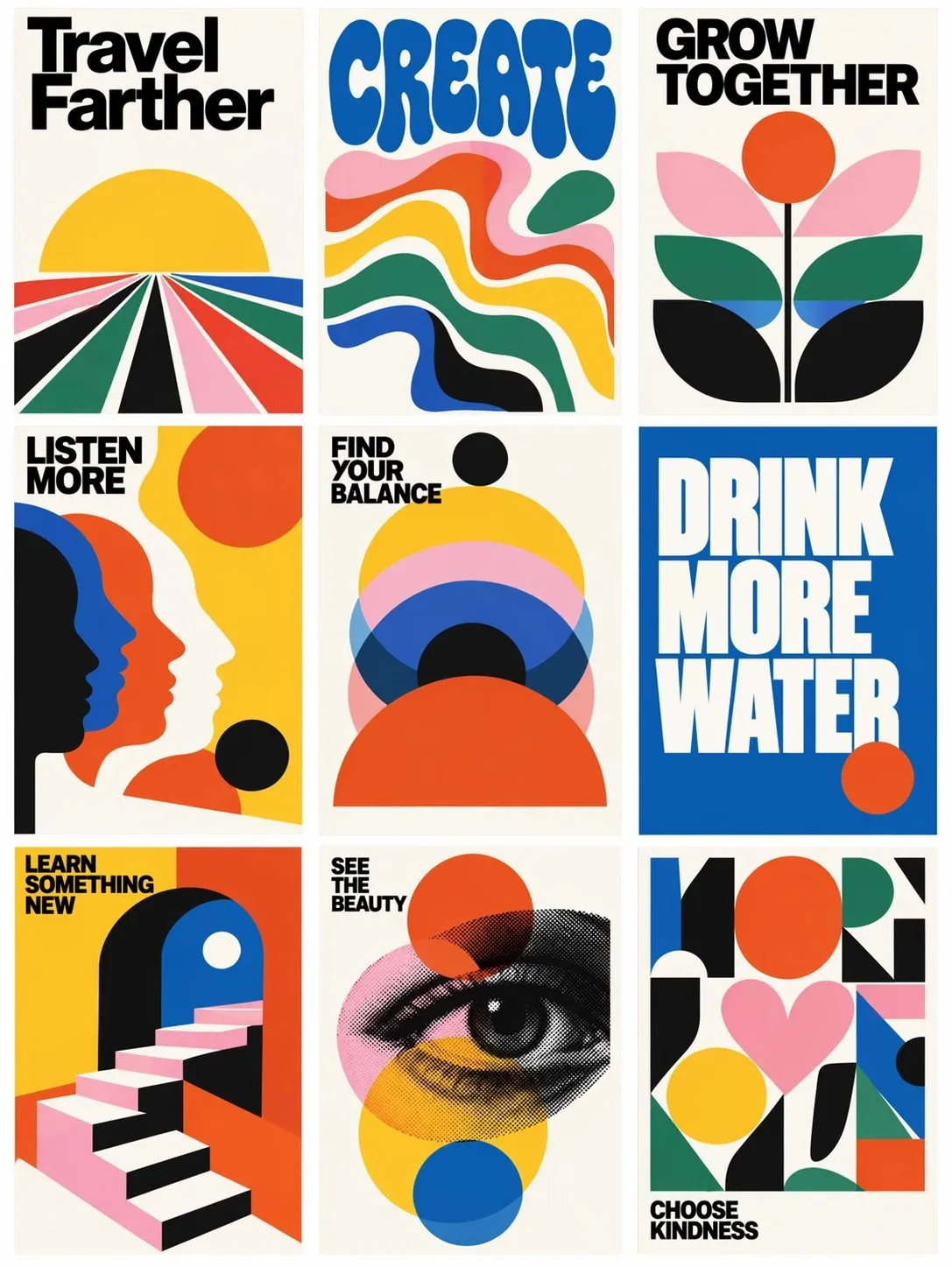
Nine mid-century modern posters in a three-by-three grid with bold lettering and colorful geometric illustrations, with slogans such as 'Create', 'Grow together' and 'Drink more water'.
Source: OpenAI

Merch posters with text in two languages

A vintage-style poster announces a new sticker pack, combining English headlines, Japanese text and a cat illustration in one layout. GPT Image 2.5 suits launch posters for merch and listing images aimed at buyers in different markets.
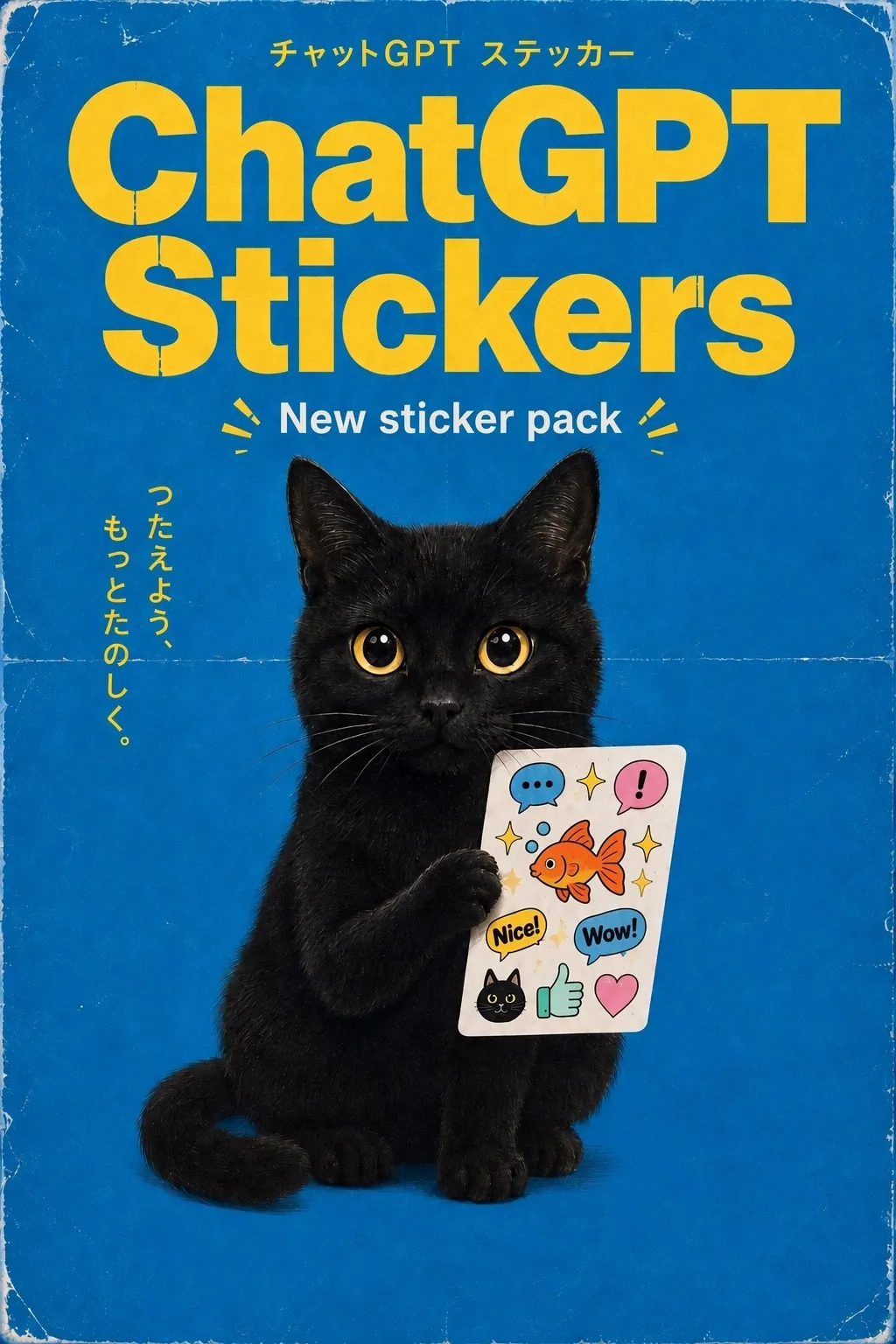
A vintage-style blue poster reading 'ChatGPT Stickers' and 'New sticker pack' in yellow and white letters, with a black cat holding a sheet of illustrated stickers and Japanese text.
Source: OpenAI

More official GPT Image 2.5 examples

Official examples on this page were published by OpenAI and remain the property of their owner. Click a source link to see the original.

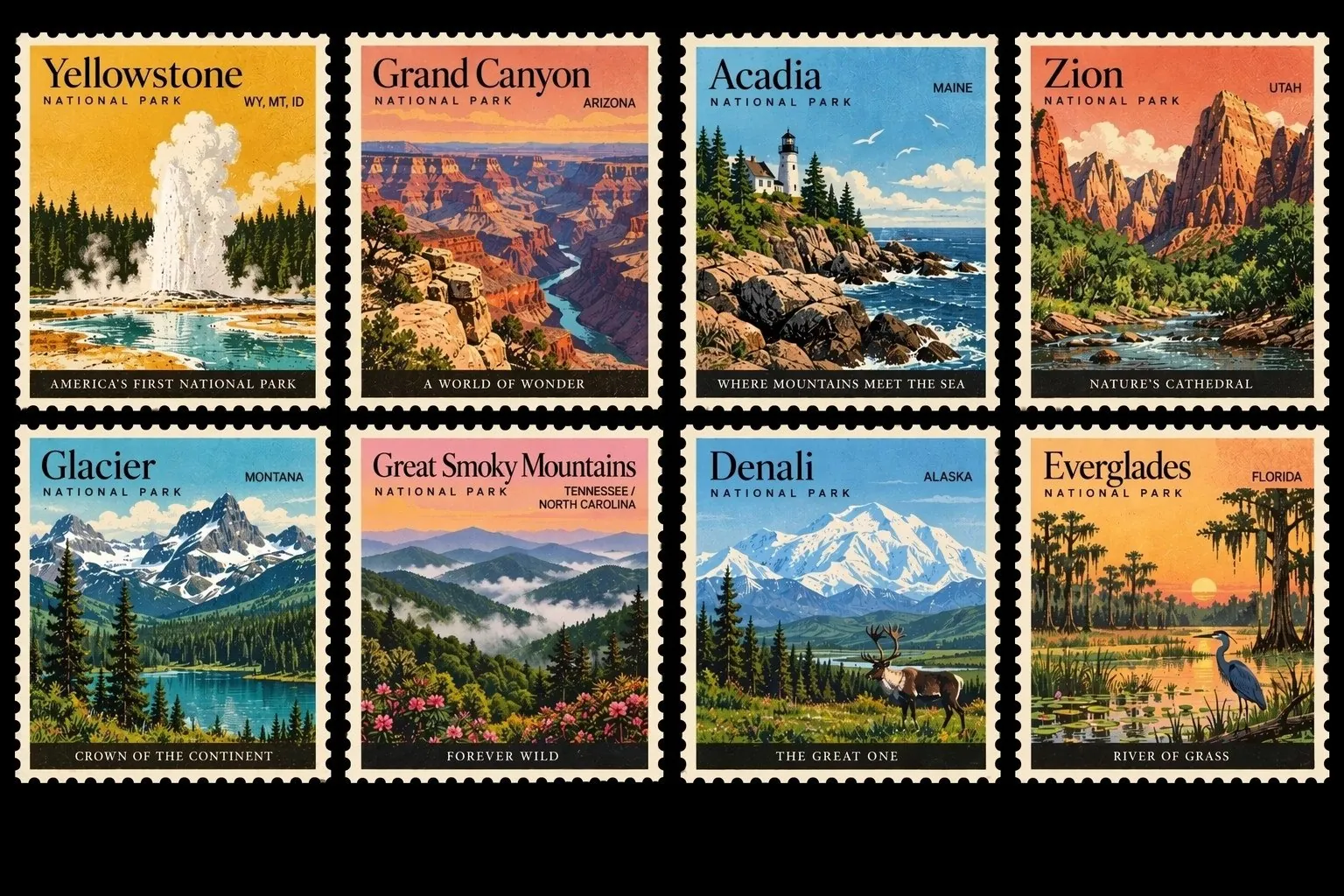
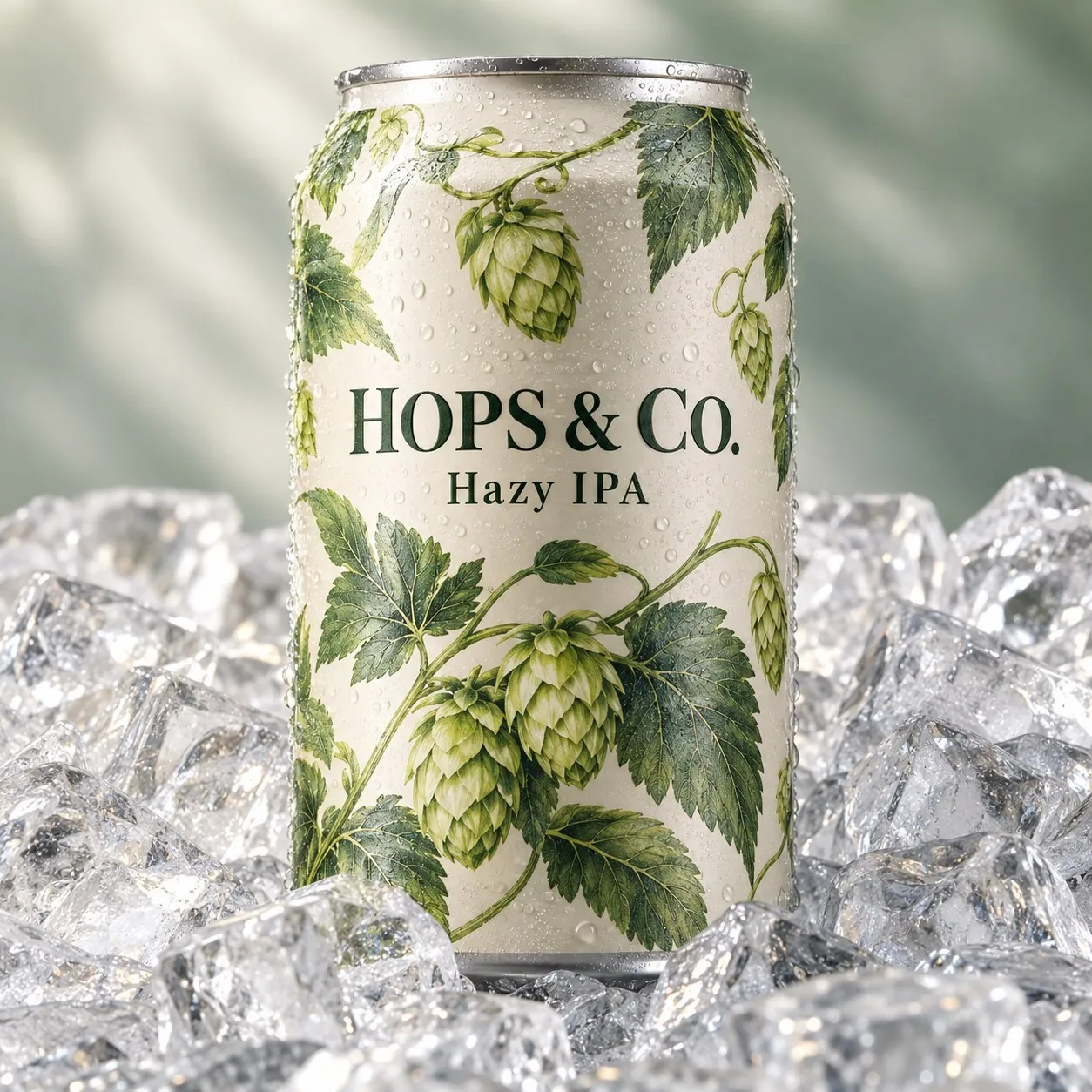
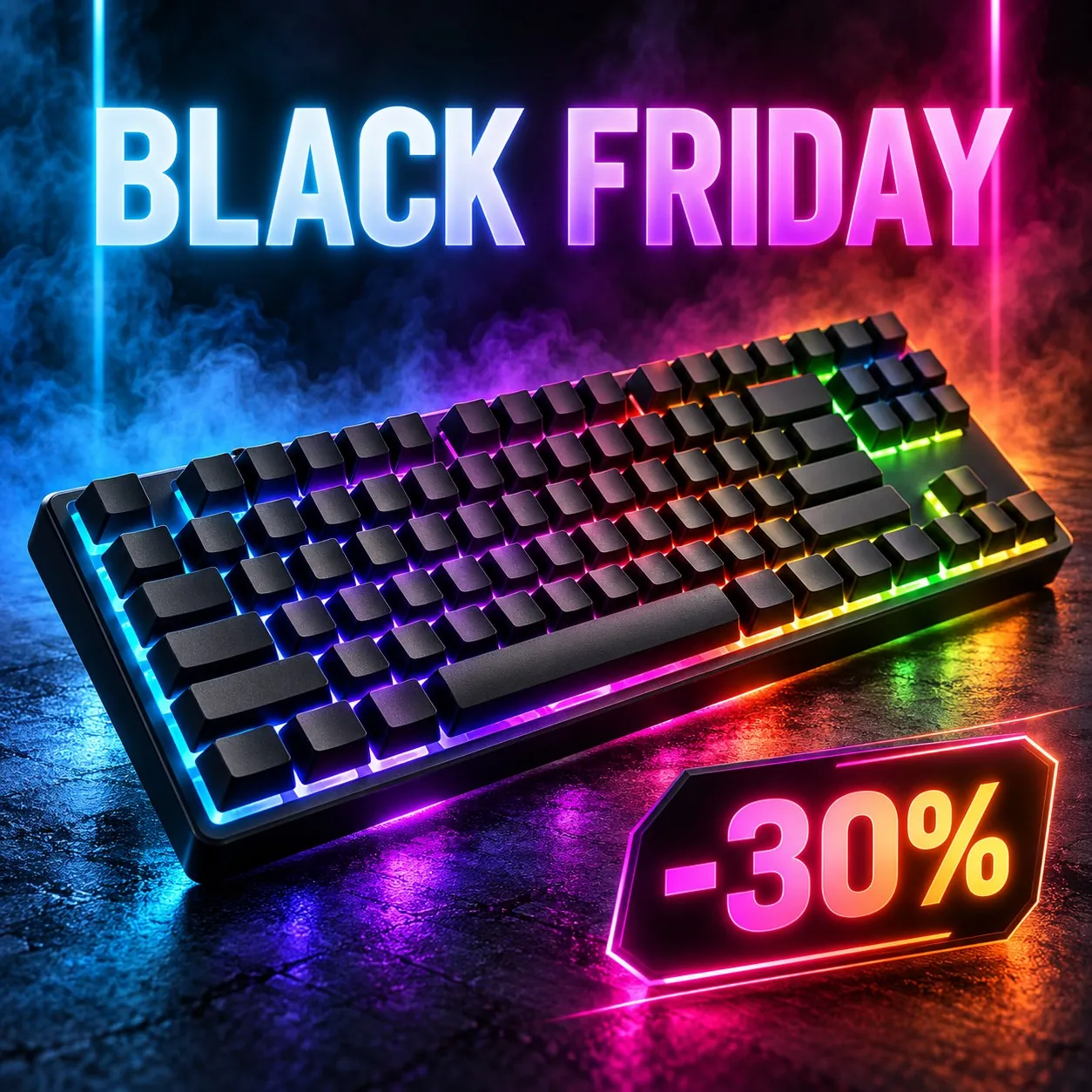
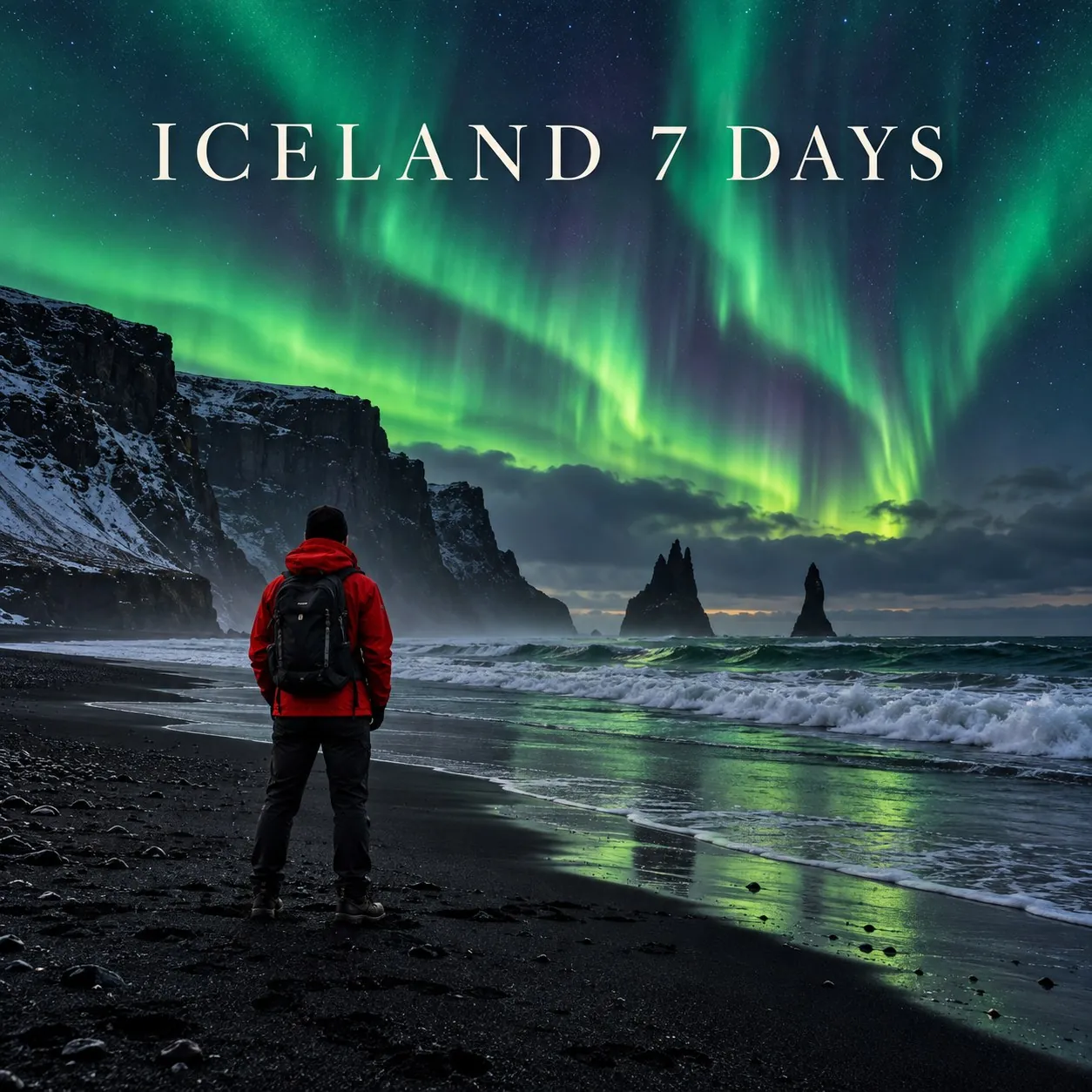
Images made with GPT Image 2.5
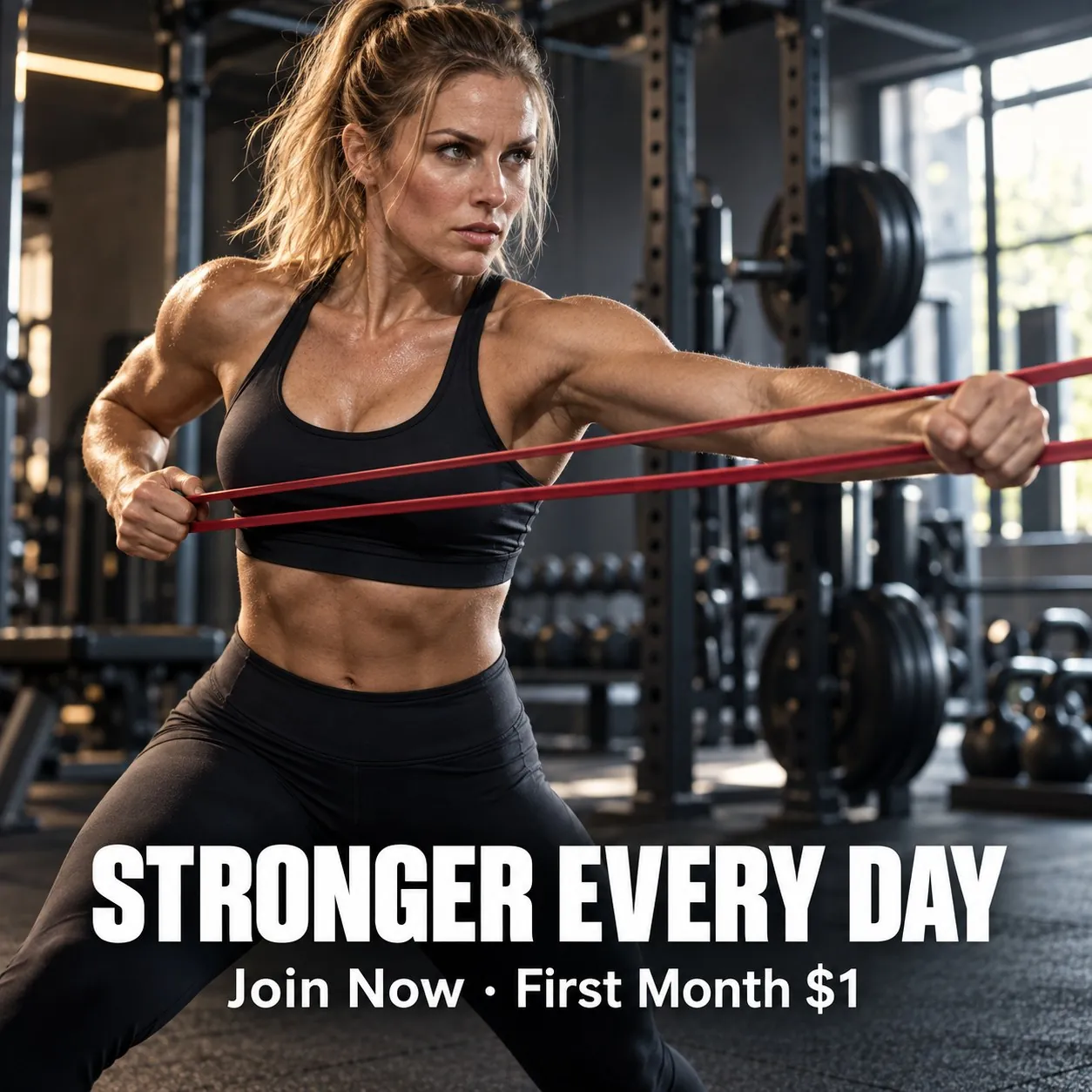
STRONGER EVERY DAY fitness poster
HOPS & CO. craft beer can
BLACK FRIDAY keyboard sale poster
ICELAND 7 DAYS travel poster

What GPT Image 2.5 does well

Transparent backgrounds

Create images with a transparent background for logos, stickers and product cutouts.

Output up to 4K

Choose 1K, 2K or 4K. 4K suits print and large banners.

Three quality levels

Choose low, medium or high quality. Lower levels use fewer credits; higher levels add detail.

Compare OpenAI models

Model Resolution Quality Credits per image, from Key difference Best for
GPT Image 2.5 1K / 2K / 4K Low / Medium / High 6 Adds 4K output and transparent backgrounds 4K and transparent images
GPT Image 2 1K / 2K Low / Medium / High 6 5-30% Reliable readable text, up to 2K Images with text

How to use GPT Image 2.5

1

Open the workspace

Sign in and open the workspace from this page. GPT Image 2.5 is selected in the model menu.

2

Add references and describe

Upload product photos or reference images, then describe the image you want.

3

Generate and download

Choose the resolution, check the credit amount on the button, then generate and download.

GPT Image 2.5 credits per image

Quality 1K 2K 4K
Low 6 8 10
Medium 8 12 17
High 20 36 57

Prices shown are for a 1:1 image with one reference image. More reference images or a different aspect ratio change the price. The workspace shows the exact amount before you generate.

GPT Image 2.5 FAQ

GPT Image 2.5 is an image generation model from OpenAI. On LubanAI it runs in the AI image generator with three quality levels, output up to 4K and a transparent background option.

Yes. In the AI image generator you can add up to 2 reference images, such as a product shot or a style sample, and describe the changes you want in the prompt. In the AI product photo workspace you can add up to 5. Each reference image adds to the credit cost, and the generate button shows the exact amount before you submit.

You need a free LubanAI account and credits. Each GPT Image 2.5 generation uses credits, which you can add at any time through a subscription or a one-time credit pack whose credits never expire. No API key or separate account with the model developer is needed.

Signed-in users receive 10 free credits each day, reset at midnight UTC. With a verified email, these daily credits can pay for GPT Image 2.5 at any resolution and quality setting the balance covers. Accounts with a subscription or credit pack balance pay from that balance, and daily credits apply once it reaches zero. The generate button shows the exact cost before you submit.

GPT Image 2.5 starts at 6 credits per image at 1K and low quality, with one reference image. Higher resolutions and quality levels cost more, and the number of reference images also changes the price. The exact amount appears on the generate button before you submit.

Open Parameters, go to Background and select Transparent before you generate. The image comes back without a background, ready to place on a product page, banner or design layout. For clean edges, describe one isolated subject in the prompt. Transparent output uses the same credits as an opaque background.

Yes. Images you create with this model can be used commercially, including in product listings, ads, store banners and social media posts. No attribution is required on paid plans or credit packs; free-plan outputs require attribution to LubanAI. See our Terms of Service for details.

Results can be downloaded for 30 days (7 days for free users). After that they are no longer available. Download the images you want to keep before they expire.

Choose GPT Image 2.5 when you need 4K output or a transparent background. GPT Image 2 covers 1K and 2K; compare the credit tables to see which fits your budget.

Start creating with GPT Image 2.5

We use cookies to improve your experience. See our Privacy Policy.