AI Image Upscaler

Sharpen and enlarge any image 2× or 4×. Increase image resolution with an HD photo enhancer. Portraits, scanned old photos, product shots, and anime art. Face enhancement available. A free account is required.

Drop a file here or click to upload JPG, PNG, WebP — up to 10 MB. Output is capped at 4096 px on the long side.
Settings
Image Type
Results kept 7 days · tied to this browser — Sign in to access them across devices
Loading tasks…
Updates paused · Retrying

Sample Results

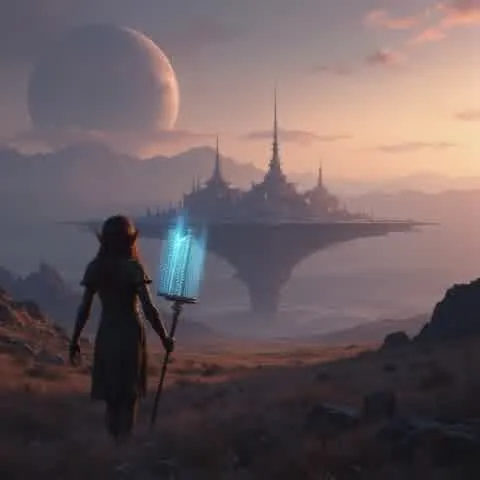
Product Detail Enhance - Before Product Detail Enhance - After Before After
Product Detail
Product Detail Enhance
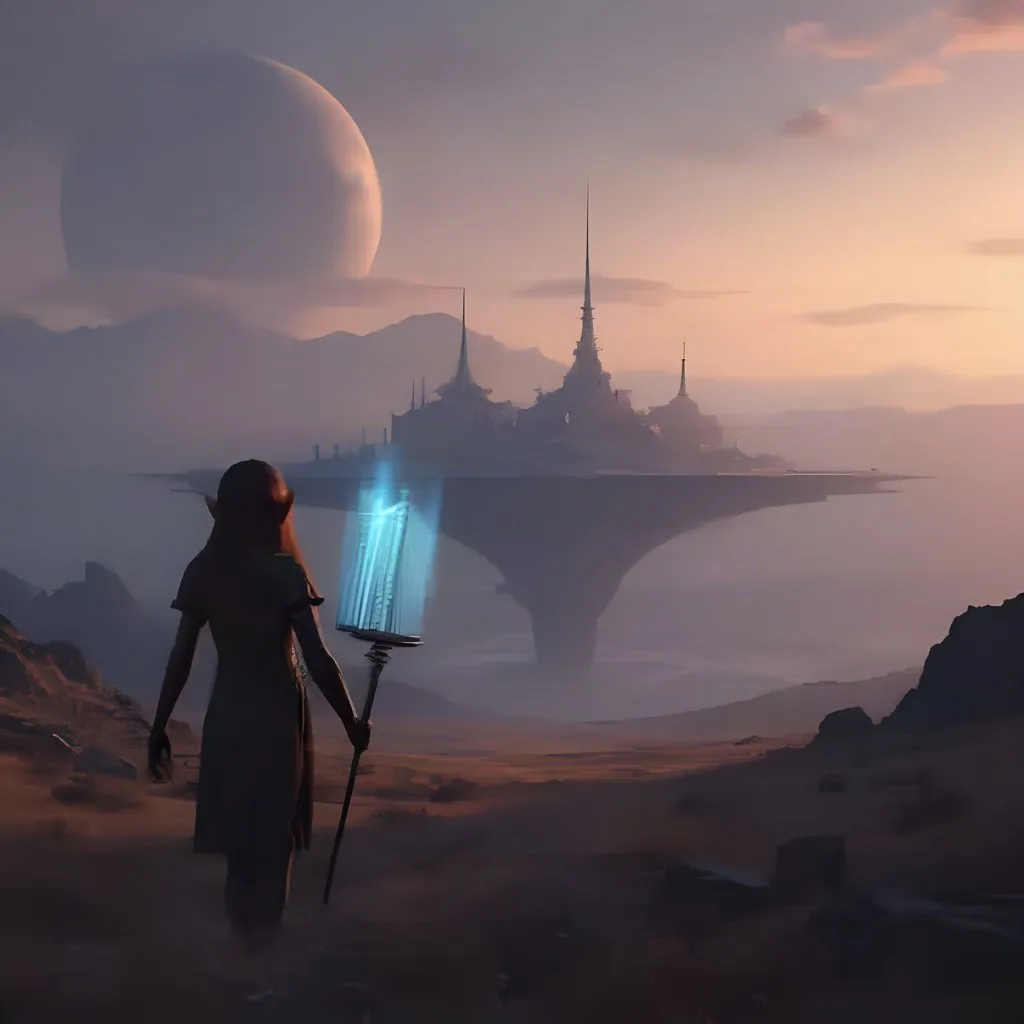
AI Image Upscale - Before AI Image Upscale - After Before After
AI Art Upscale
AI Image Upscale
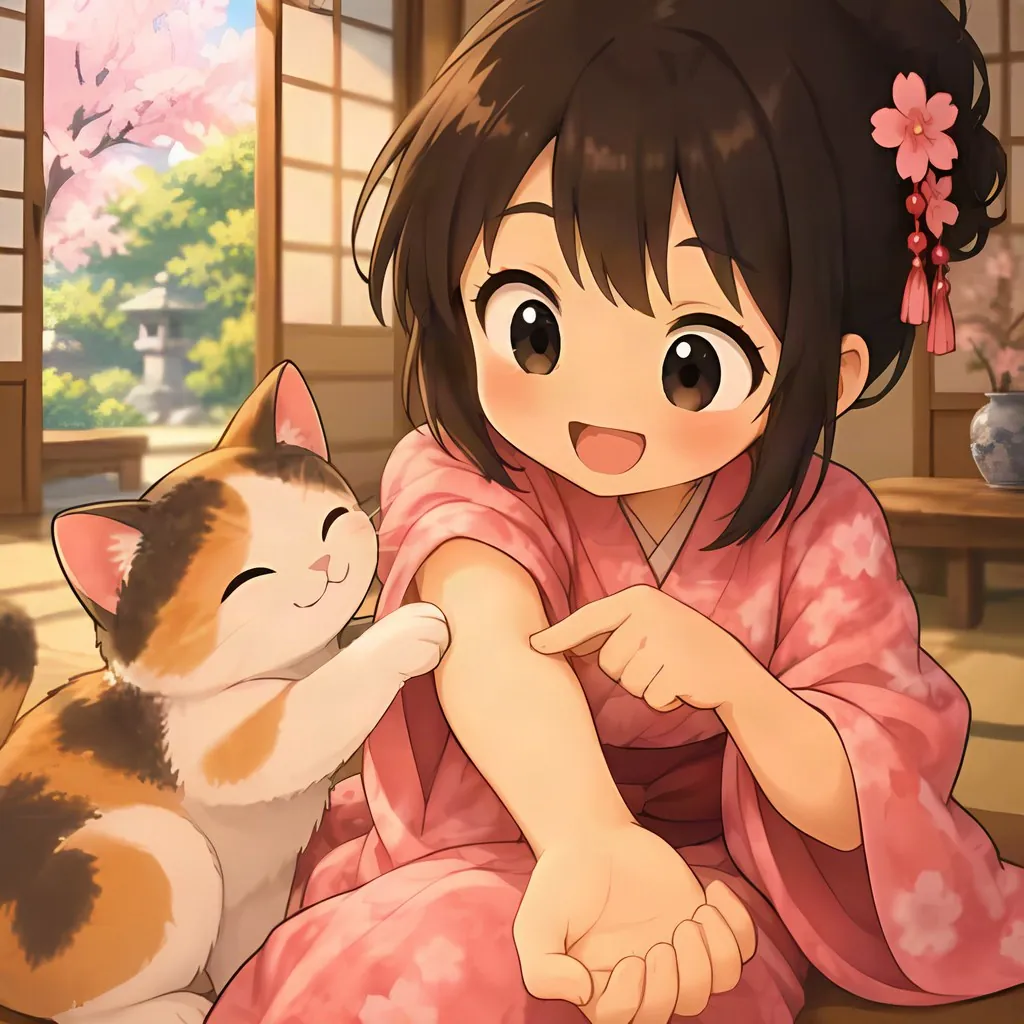
Anime Art Upscale - Before Anime Art Upscale - After Before After
Anime & Illustration
Anime Art Upscale
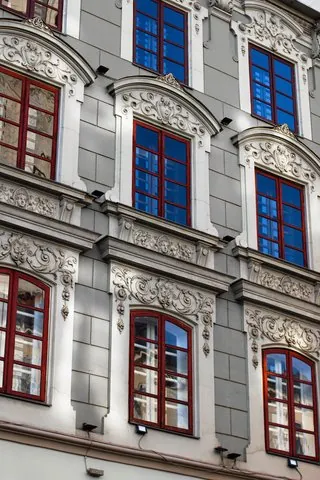
Wall Art Print Upscale - Before Wall Art Print Upscale - After Before After
Print-Ready
Wall Art Print Upscale

How It Works

1
📤

Upload Image

Upload your image in JPG, PNG, or WebP format up to 10 MB.

2
⚙️

Choose Scale and Type

Select 2× or 4× upscaling. At 2×, choose the image type, Photo or Anime, for optimal results.

3
📥

Download Enhanced Image

Preview the upscaled result side by side and download in full resolution.

What you can upscale

🧑

Portraits and old photos

Sharpen portraits and scanned old photos at 2× or 4×. Turn on face enhancement to restore facial detail.

🛍️

E-commerce product photos

Enlarge product photos for listings or print files. The output keeps the original aspect ratio, with no cropping.

🎨

AI art and anime

Select the Anime type for illustrations, anime, and AI-generated art. It uses processing tuned for this kind of image.

Frequently Asked Questions

The upscaler uses deep learning super-resolution models. When an image is enlarged, they rebuild missing pixel detail instead of stretching the existing pixels, so edges and textures come out sharper and more natural than with traditional interpolation. You choose 2× or 4×, and the result keeps the original aspect ratio and composition.

2× doubles the resolution (e.g., 500×500 becomes 1000×1000) and costs 2 credits. 4× quadruples it (e.g., 500×500 becomes 2000×2000) and also costs 2 credits. 4× produces higher-resolution output and takes slightly longer. Credits are charged per image, and if a task fails, its credits are returned automatically.

Yes, with a free account. Signed-in free accounts get 10 free credits every day, and 2× and 4× upscales both cost 2 credits, so daily credits cover five upscales a day. No subscription is needed, and results never carry a watermark. When you need more, buy a credit pack or choose a plan.

Yes. Upscaled images reach up to 4096 pixels on the long side, which covers 4K. For example, a 960×540 image upscaled 4× becomes 3840×2160, the standard 4K UHD size, and an image with a 1024-pixel long side reaches 4096 pixels at 4×. Images with a transparent background are delivered as PNG and reach up to 3072 pixels. Larger originals are scaled down proportionally first so the result stays within these limits. Both 2× and 4× cost 2 credits.

Uploads can be up to 10 MB. The upscaled image is capped at 4096 pixels on the long side, or 3072 pixels for images with a transparent background, which are delivered as PNG. Larger originals are scaled down proportionally before being upscaled 2× or 4×. Images that are already large enough are not accepted, and no credits are charged.

Yes. AI upscaling is ideal for preparing low-resolution images for print. A 1000×1000 image upscaled 4× becomes 4000×4000 — suitable for large-format prints.

You can upload JPG, PNG and WebP images. The download format is chosen automatically: images with a transparent background, such as product cutouts or logos, come back as PNG with the transparency preserved, while all other images are delivered as JPG to keep large upscaled files compact. The result keeps your original aspect ratio and composition, with no cropping.

Yes, especially photos that look soft because they are small or low resolution. Upscaling adds pixel detail, so edges and textures come out sharper at the larger size, and at 2× with the Photo type, face enhancement restores facial detail in portraits. For the best result, upload the largest original you have rather than a screenshot or a copy that has been compressed several times.

Yes. Face enhancement restores facial detail during upscaling, which suits portraits and group photos where faces matter. It is available at 2× with the Photo type: turn it on in the options before processing. At 4×, the option is not shown, and the image is upscaled as a whole.

Yes. At 2×, choose the Anime type for anime-style images, illustrations and digital art, or Photo for photographs; each type uses a model tuned for that content. At 4×, one upscaling model handles all image types automatically, so the type option is hidden and no selection is needed.

It can make them sharper. A scanned old photo comes out clearer at 2× or 4×, and at 2× with the Photo type, face enhancement adds further facial detail. To repair scratches, creases and fading, or to colorize a black-and-white photo, use the Old Photo Restoration tool, then upscale the restored result if you need a larger print.

Yes. Results can be used commercially for e-commerce, print, social media, and more. No attribution is required on paid plans or credit packs; free-plan outputs require attribution to LubanAI. Results are kept for 30 days (7 days for free accounts).

LubanAI gives you free credits every day, so you can test your own images before paying. No subscription required — buy credits only when you need them. Every result downloads at full resolution with no watermark.

Tasks are processed in the order they are submitted. Paid tasks from subscribers and credit pack buyers are picked up first. Free tasks may wait longer during peak hours.

We use cookies to improve your experience. See our Privacy Policy.