Amazon A+ Content and Detail Pages with AI

Upload up to 8 product photos. AI plans sections, writes copy and renders one long image — ready for product listings, A+ Content or any marketplace.

1Upload
2Details
3Layout
4Result

The first image is the main shot. Drag to reorder.

Commercial use allowed. Sections are 750px wide, a standard size for product detail pages. You finalize every headline before you pay.

Detected from your photos

The photos could not be analyzed this time. You can continue.

A few quick questions

Answers make the copy specific. Skip anything you are unsure about.

Nothing else to ask. Continue to the layout plan.

Layout plan

Edit every line before you pay. Drag to reorder, remove what you do not need.

Total 0 credits

The first screen is generated in 2 different layouts so you can pick one — that is why the total counts one extra image.

Style theme

One palette and type style for the whole page, so the sections look like one set.

Your detail page

New detail page

We couldn't find that task.

Sections stack up here as they finish.

Files in the ZIP are renumbered 01, 02, 03 in the order shown here, so upload them in filename order. The long image is for preview and archiving.

Recent tasks

Sample Results

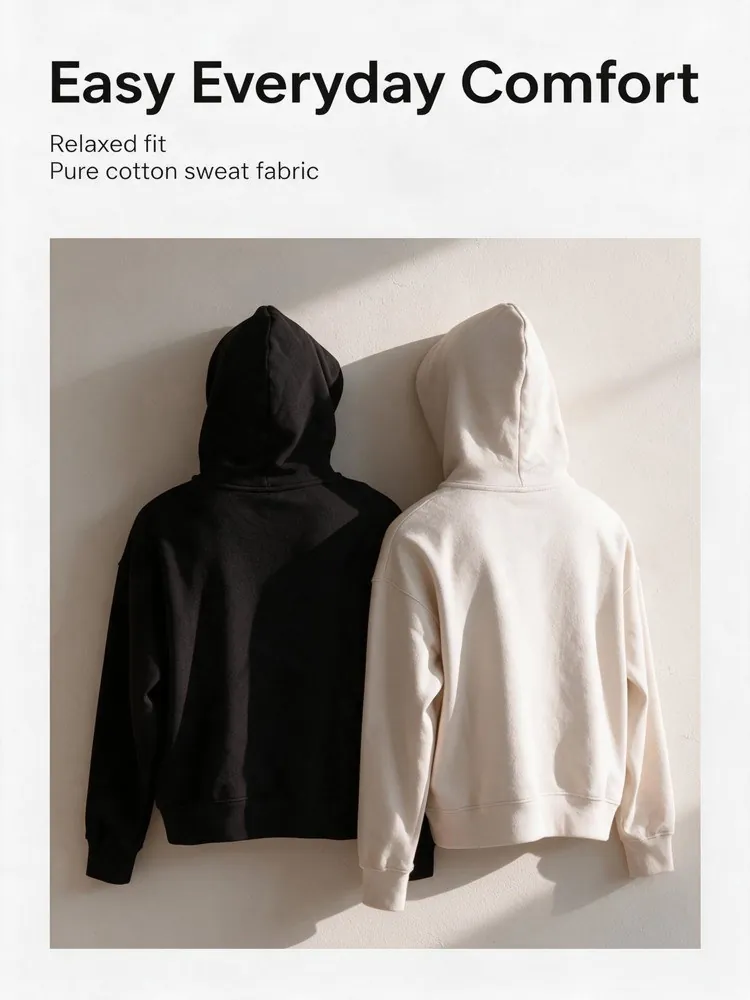
Clothing Detail Page
Clothing
Clothing Detail Page
Use this
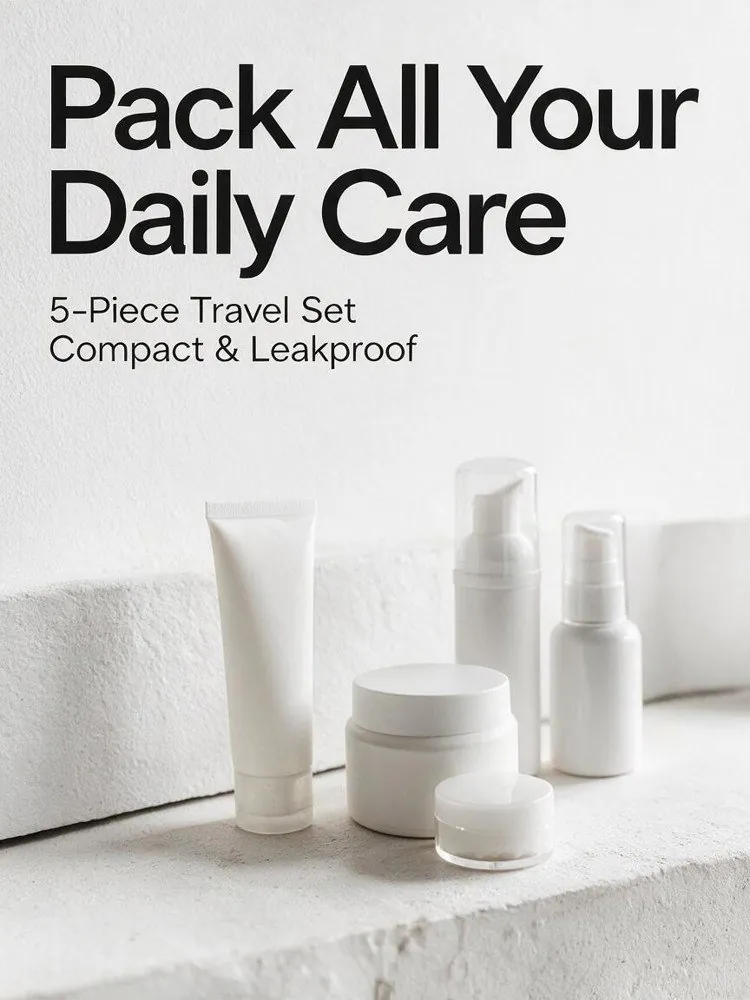
Beauty Product Page
Beauty
Beauty Product Page
Use this
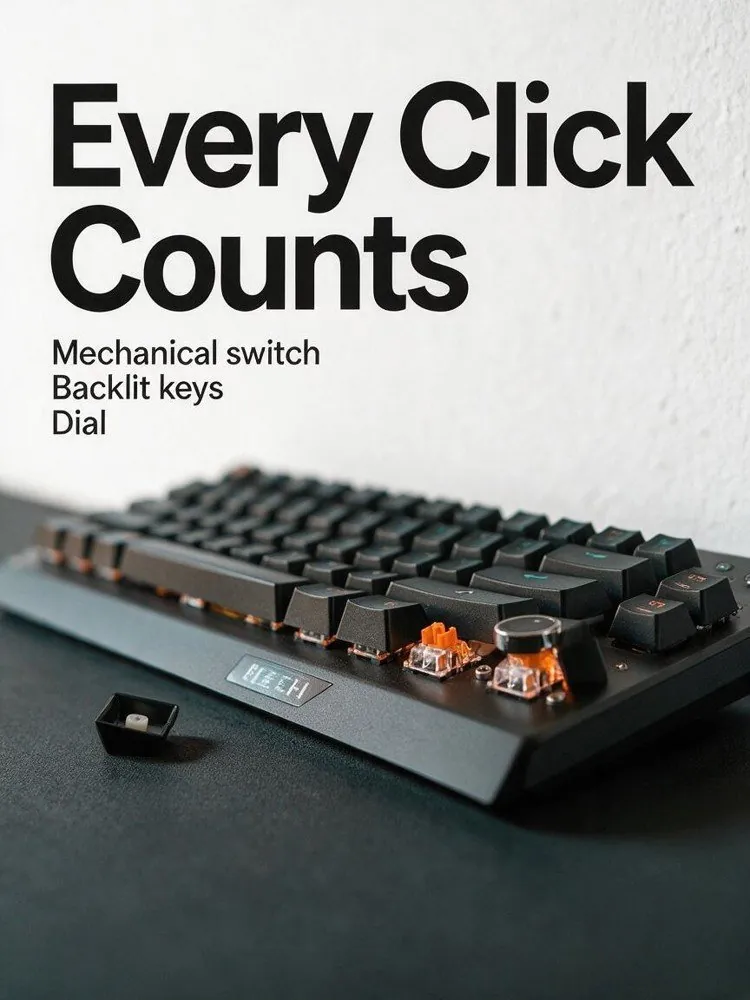
Electronics Detail Page
Electronics
Electronics Detail Page
Use this
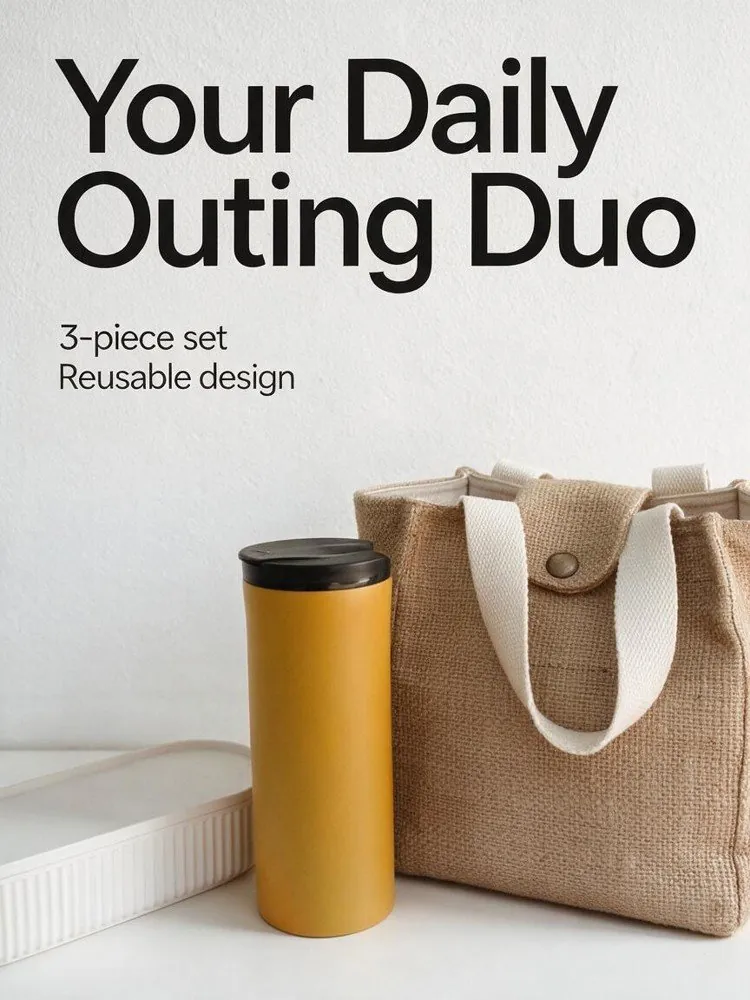
Home Product Page
Home & Living
Home Product Page
Use this

How It Works

1
📤

Upload product photos

Add 1 to 8 photos of the same product — flat lays, on-body shots and close-ups all help the AI understand your item.

2
💬

Answer a few questions

Your photos are analyzed first. The questions cover what they cannot show — fabric, sizing, what makes the product sell.

3
📋

Review the plan

You get a section-by-section outline. Rewrite any headline or bullet before a single image is generated.

4
📥

Generate and download

Each section is rendered with its text painted in, then stitched into one long image. Download the full page or a zip of individual sections.

Frequently Asked Questions

Yes. Download Section images (ZIP), the recommended format: the files are numbered in page order, so you can upload them to your listing in filename order. A Long image (JPG) of the whole page is also available for preview and archiving. You can choose Taobao / Tmall, Amazon or Shopify as the target platform when you create the page.

Upload clear photos of the actual product. The first image is treated as the main shot, and you can drag to change the order. Extra angles and close-ups of materials or details give every section more to work with. The free analysis step then detects the category, colors, materials and visible selling points in your photos. Adding a product name is recommended; if you leave it blank, the name is taken from the photos.

No. After the free analysis, a few optional questions about your product make the copy more specific, and you can skip any you are unsure about. A layout plan is then created with a headline, bullet points and a scene brief for every section. You review the whole plan before any images are generated.

Edit it before you generate. In step 3 every section shows its headline and bullet points, both fully editable. The text is painted into the image itself, so once a section is generated you regenerate that section to change its wording.

Yes. Before generating, you pick one style theme for the whole page, such as Minimal white, Premium grey, Warm beige, Dark luxury or Bold red. The theme sets a shared palette and type style, so every section reads as part of one set while the layouts still vary from section to section. The first screen comes in alternative layouts for you to choose from, and these are already counted in the plan total.

Regenerate that one section — the rest of the page stays untouched. You can add a note describing what to change. If a section is unnecessary, delete it and the long image gets shorter.

There are two charges. Planning the layout costs 10 credits, charged when the plan is created. The images are then charged per image, and the total is shown before you generate. Removing a section from the plan lowers the total. Both charges use credits from a subscription or credit pack. If the plan cannot be created or some images fail, the credits for that part are refunded automatically.

Yes. The generated images can be used in your listings, ads and promotional material. No attribution is required on paid plans or credit packs; free-plan outputs require attribution to LubanAI. The product photos you upload must be your own or licensed for this use; see our Terms of Service for details.

Results are stored for 30 days (7 days for free accounts), after which they are automatically deleted. Download your images before the retention period ends.

Tasks are processed in the order they are submitted. Paid tasks from subscribers and credit pack buyers are picked up first. Free tasks may wait longer during peak hours.

We use cookies to improve your experience. See our Privacy Policy.