Seedream 5.0 Pro AI Image Generator

ByteDance's image model for product photos, scenes and edits built from your reference images.

0 / 2000
Written by AI
Reference images require a premium model. Your selection is saved.
Parameters
Style
Aspect Ratio
Resolution
2K is plenty for web and storefront use. Pick 4K only for print or heavy cropping.
Quality
Background
Model
Model

Developed by ByteDance Have a product photo? Make listing images with Seedream 5.0 Pro

What Seedream 5.0 Pro can do

Shop banners with layout and copy in place

Seedream 5.0 Pro can lay out a full storefront hero, placing headline copy, product cards and a call-to-action button around the main subject. Use it to mock up homepage banners and campaign headers for your store.
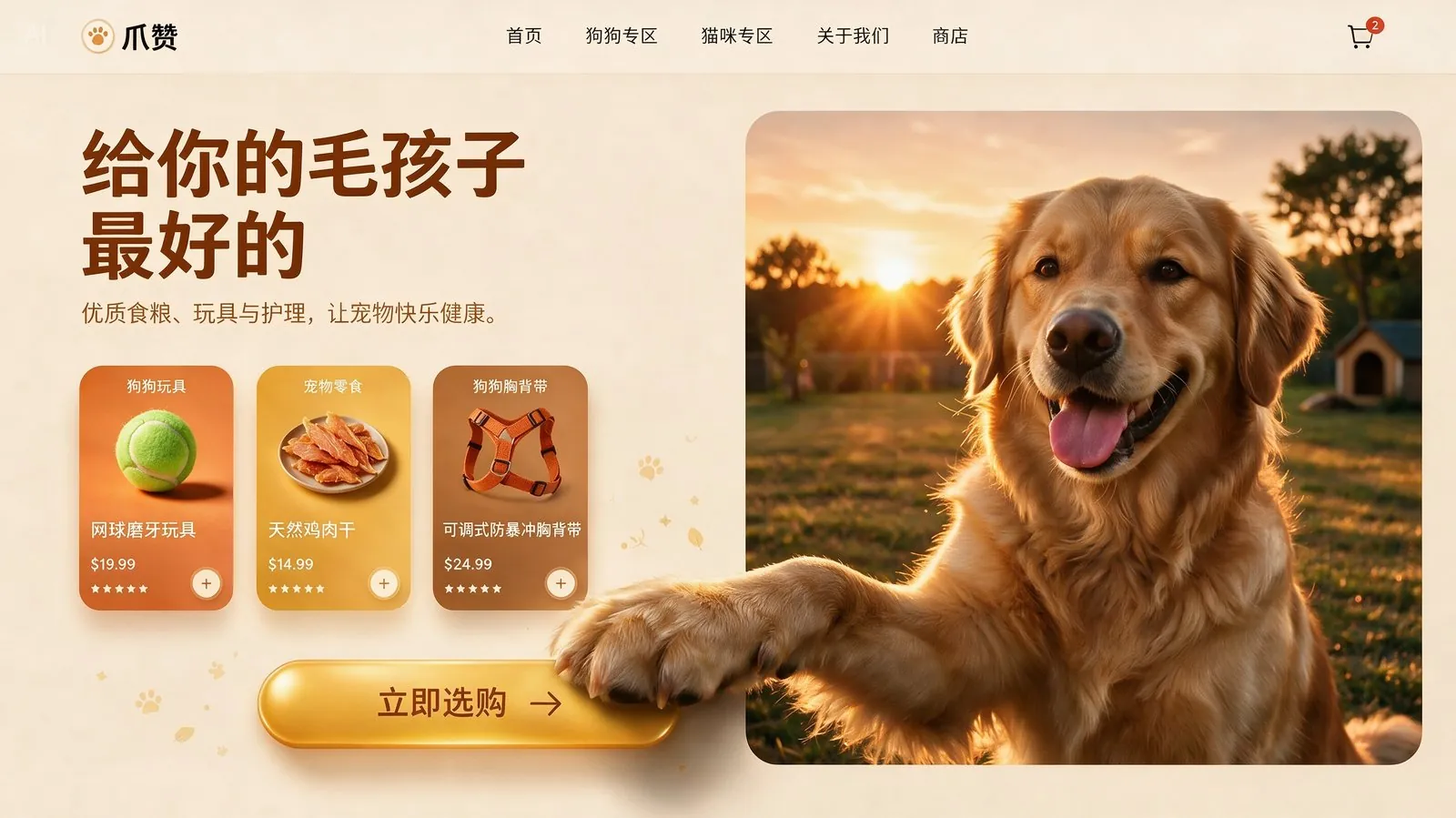
Pet e-commerce homepage hero banner in warm sunset tones: a Golden Retriever whose paw breaks out of its frame onto a golden CTA button, with Chinese marketing copy and product cards.
Source: ByteDance Seed

Product detail pages in one image

The model composes a full detail page, arranging product shots, accessory views and English selling copy into clear sections. Use it to plan detail-page layouts and produce section images for new listings.
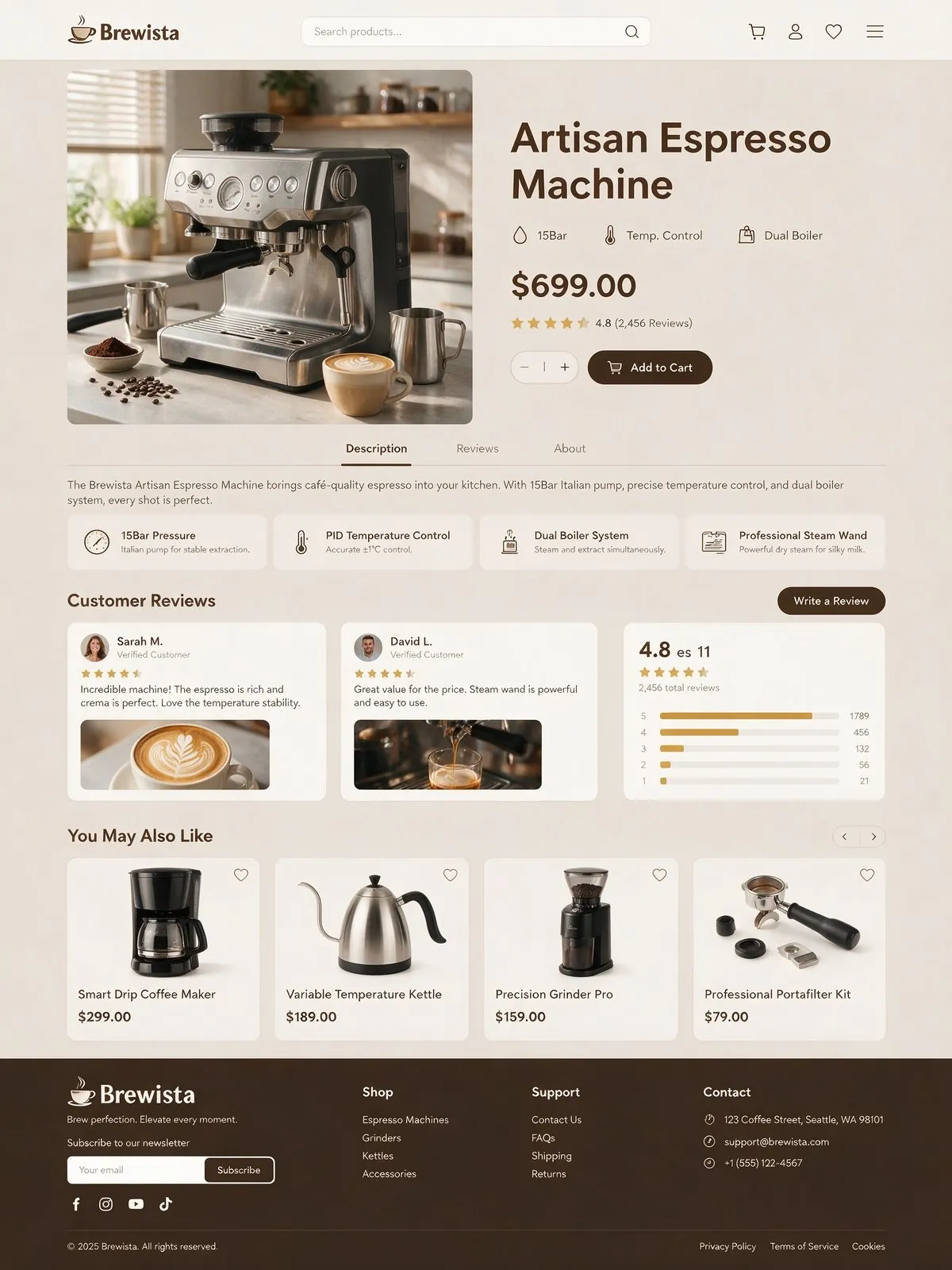
E-commerce product detail page for an artisan espresso machine, with product shots, accessories and English copy.
Source: ByteDance Seed

Layouts built from several reference photos

Give the model several photos and it combines them into one designed layout, as in this menu where each dish keeps its look alongside names and prices. Apply the same approach to price lists, bundle offers and catalog pages.
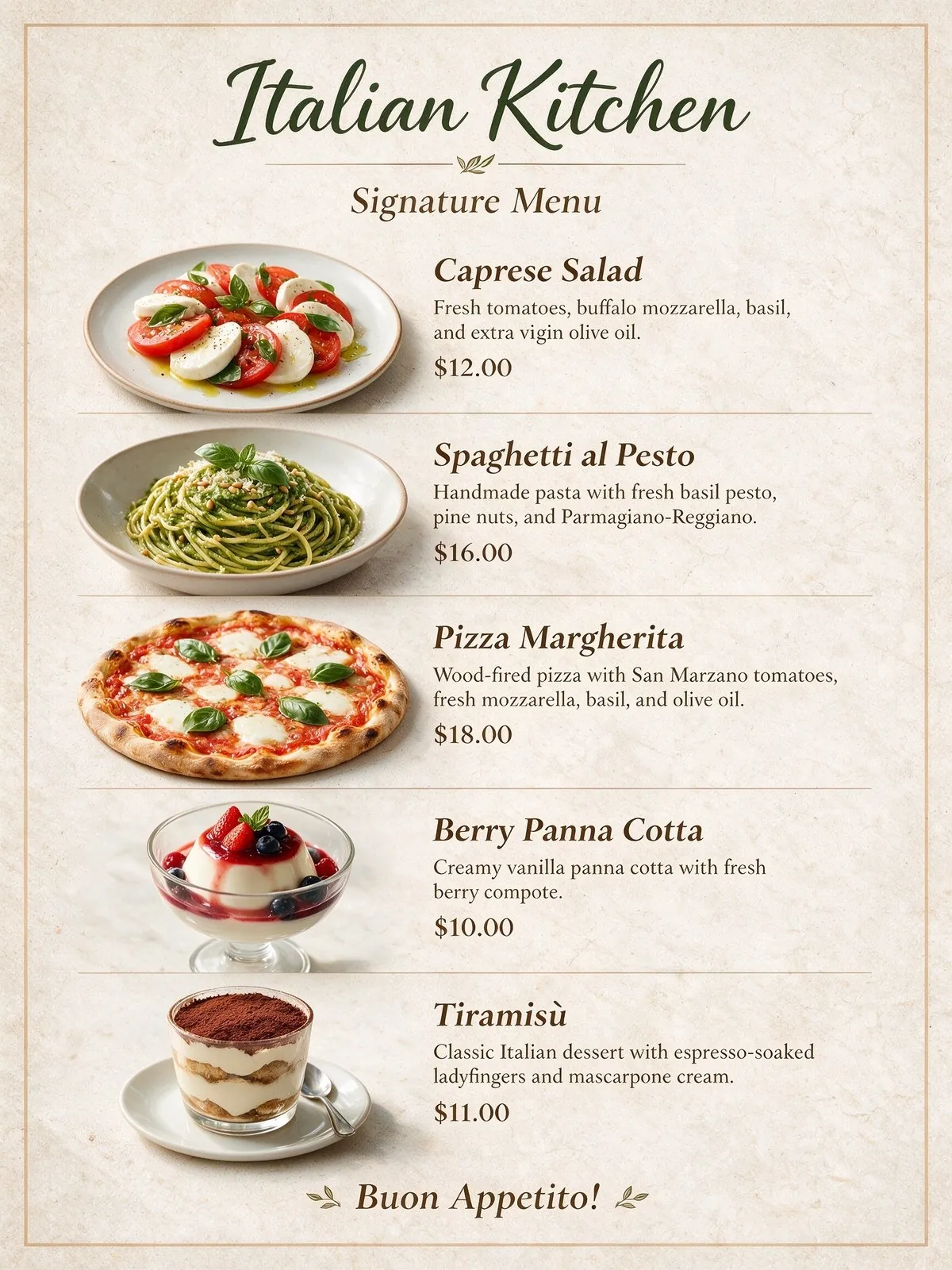
Restaurant menu titled "Italian Kitchen" laid out from reference photos of the dishes, with dish names and prices.
Source: ByteDance Seed

Native text in Spanish and other languages

Seedream 5.0 Pro accepts prompts and renders on-image text in more than ten languages beyond Chinese and English, as in this Spanish infographic poster. Use it to create localized listing images and promo posters for each market you sell in.

Spanish-language vertical infographic poster about Día de los Muertos with an altar, marigolds, sugar skulls and candles.
Source: ByteDance Seed

More official Seedream 5.0 Pro examples
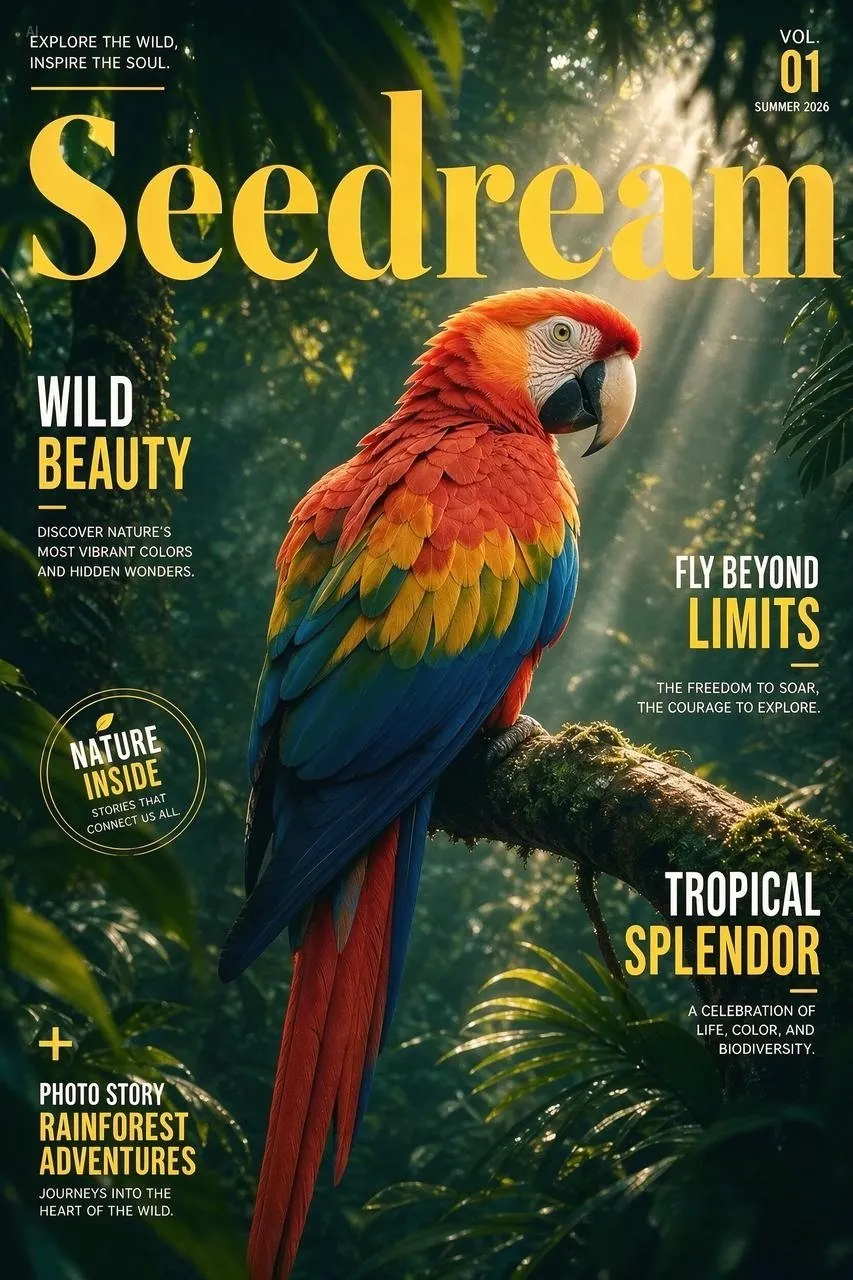
Official examples on this page were published by ByteDance and remain the property of their owner. Click a source link to see the original.

Images made with Seedream 5.0 Pro

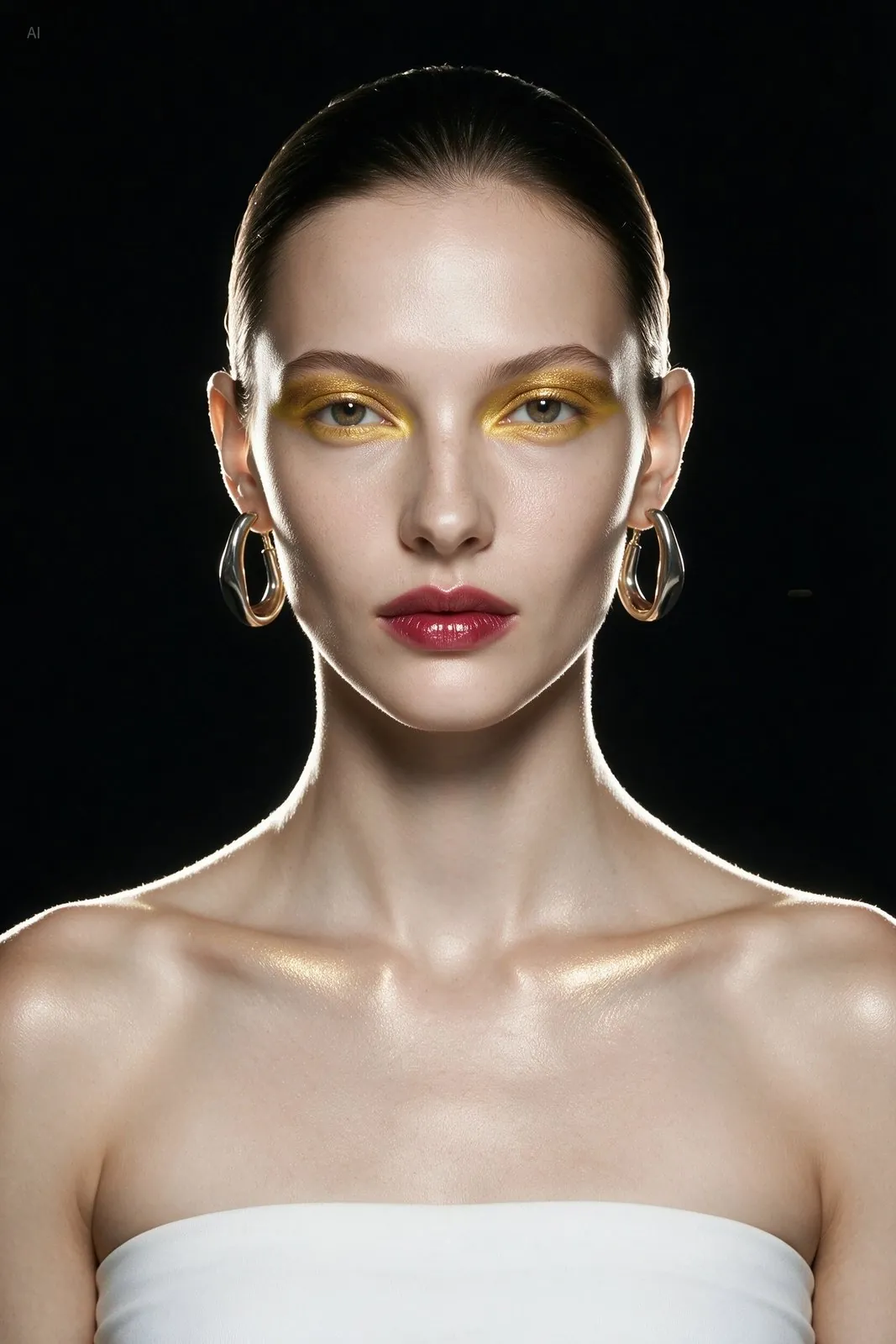
Model in a cream cardigan on a terrace
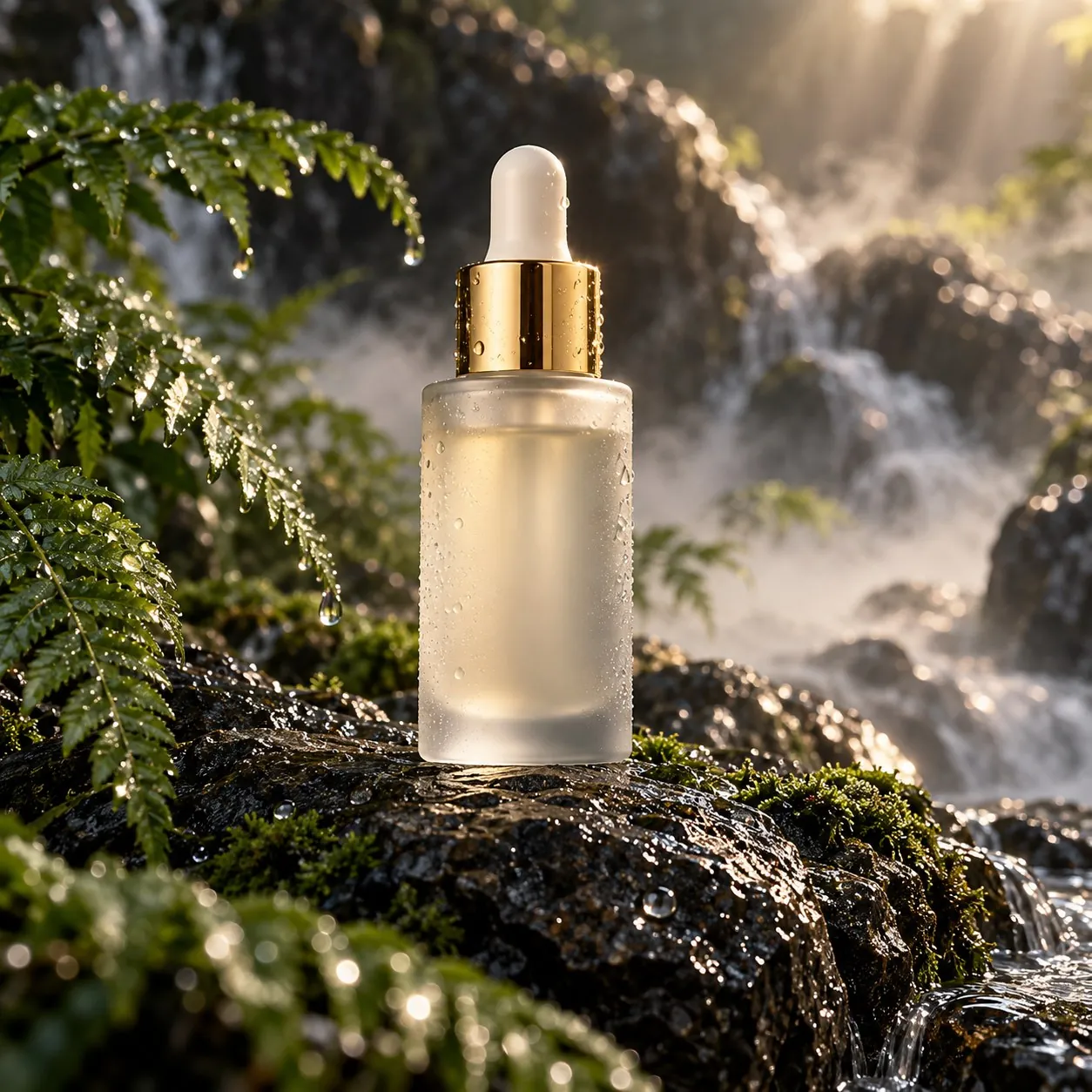
Serum bottle on a rock
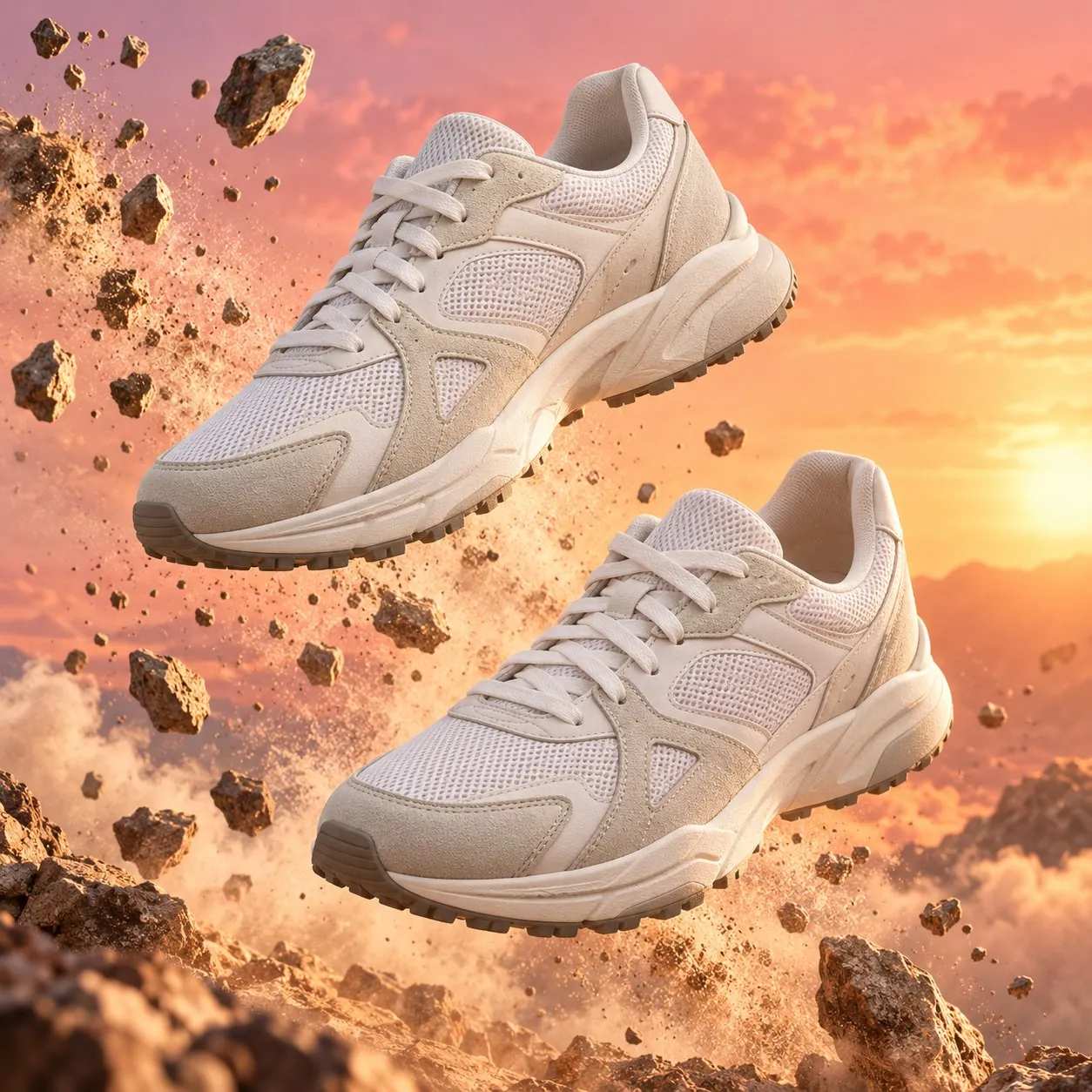
Poster for white running shoes
Man in a suit at a cafe

What Seedream 5.0 Pro does well

Edits from reference images

Upload product photos as references and describe the scene. The model builds the new image from them.

1K and 2K output

Choose 1K for drafts or 2K for listing images and detail pages.

Part of the product photo workspace

Use the prompt helper, aspect ratios and history of the AI product photo tool with this model.

Compare ByteDance models

Model Resolution Credits per image, from Key difference Best for
Seedream 5.0 Flash 1K / 2K 6 The fastest and lowest-priced Seedream Fast drafts and product images in volume
Seedream 5.0 Lite 2K / 4K 11 2K and 4K only, with optional web search 4K detail and current information
Seedream 5.0 Pro 1K / 2K 14 Top Seedream 5.0 tier for scenes and edits from your references, up to 2K Product scenes and edits
Seedream 4.5 2K / 4K 12 Previous generation, 2K and 4K output High-resolution product images

How to use Seedream 5.0 Pro

1

Open the workspace

Sign in and open the workspace from this page. Seedream 5.0 Pro is selected in the model menu.

2

Add references and describe

Upload product photos or reference images, then describe the image you want.

3

Generate and download

Choose the resolution, check the credit amount on the button, then generate and download.

Seedream 5.0 Pro credits per image

Resolution 1K 2K
Per image 14 27

Prices shown are for a 1:1 image with one reference image. More reference images or a different aspect ratio change the price. The workspace shows the exact amount before you generate.


Seedream 5.0 Pro FAQ

Seedream 5.0 Pro is the detail-focused image generation and editing model in the Seedream 5.0 series. On LubanAI it runs in the AI product photo workspace at 1K or 2K resolution, where you can turn product photos into listing images, lifestyle scenes and on-model shots.

Yes. Upload your product photo, then add references for the model, pose, background or scene, up to 5 images in total, and describe the result you want in the prompt. The price in the credit table includes one uploaded image; each additional image adds a small amount, and the generate button shows the exact total before you submit.

Yes. In the AI product photo workspace, choose how many images you want under Count, turn on Photo set and pick the shot types, such as White background, Lifestyle scene, Close-up detail or On model. Each image in the set covers a different shot type. Credits are charged per image, and the generate button shows the total for the set.

You need a free LubanAI account and credits. Each Seedream 5.0 Pro generation uses credits, which you can add at any time through a subscription or a one-time credit pack whose credits never expire. No API key or separate account with the model developer is needed.

Seedream 5.0 Pro starts at 14 credits per image for a 1:1 image at 1K, including one reference image. At 2K, most aspect ratios cost more, while 16:9, 9:16 and 21:9 cost the same as 1K. Each additional reference image adds a little to the price. The exact amount appears on the generate button before you submit.

Use 1K for drafts, social posts and layout checks. Choose 2K for final listing images, banners and close-ups where fine product detail matters. Depending on the aspect ratio, 2K can cost more per image than 1K, so check the credit table on this page and the amount on the generate button before you submit.

Credits are deducted when you submit. If the generation fails, they return to your balance automatically. If only part of a batch is delivered, the credits for the missing images are returned, so you pay only for the images you receive. You can generate again with the returned credits at any time.

Yes. Images you create with this model can be used commercially, including in product listings, ads, store banners and social media posts. No attribution is required on paid plans or credit packs; free-plan outputs require attribution to LubanAI. See our Terms of Service for details.

Results can be downloaded for 30 days (7 days for free users). After that they are no longer available. Download the images you want to keep before they expire.

Seedream 5.0 Pro is the newer model and outputs at 1K or 2K. Seedream 4.5 outputs at 2K or 4K, so choose it when you need a 4K file.

Start creating with Seedream 5.0 Pro

We use cookies to improve your experience. See our Privacy Policy.