
Change the Background of Any Product Photo

Pick a solid color, a scene preset, or upload your own background. The product stays untouched while the lighting and shadows adapt to match.

Drop a file here or click to upload One product photo. The whole product should be clearly visible.
Background
Results kept 7 days · tied to this browser — Sign in to access them across devices
Loading tasks…
Updates paused · Retrying

Sample Results

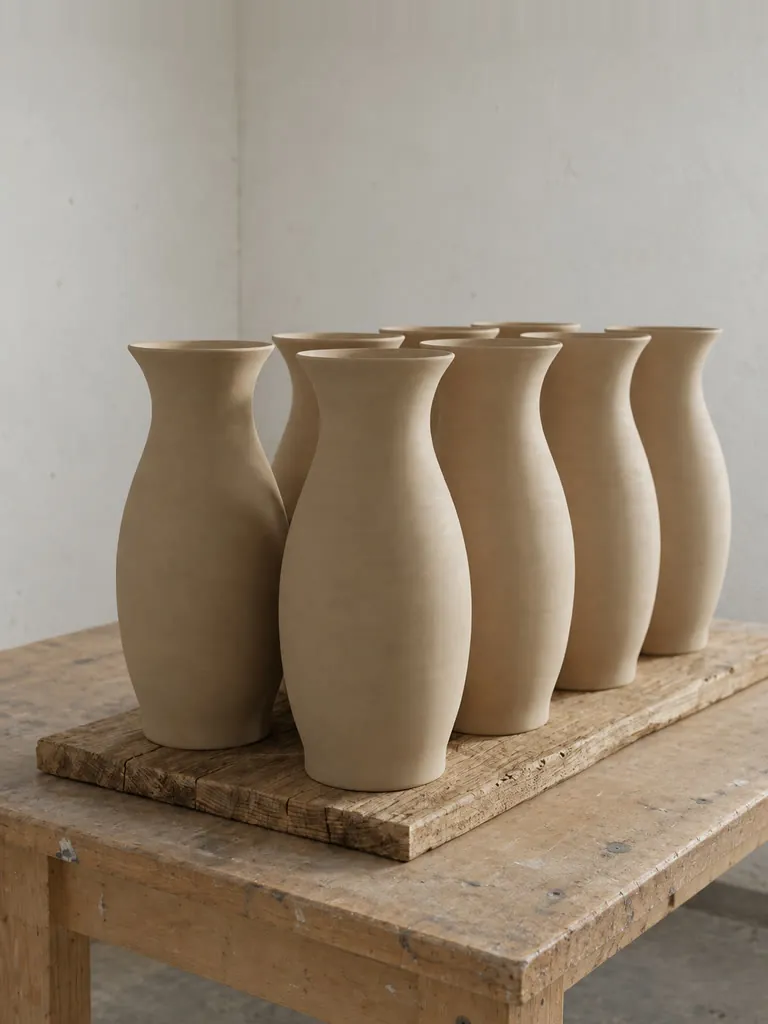
White Studio Backdrop - Before White Studio Backdrop - After Before After
Studio Solid Color
White Studio Backdrop
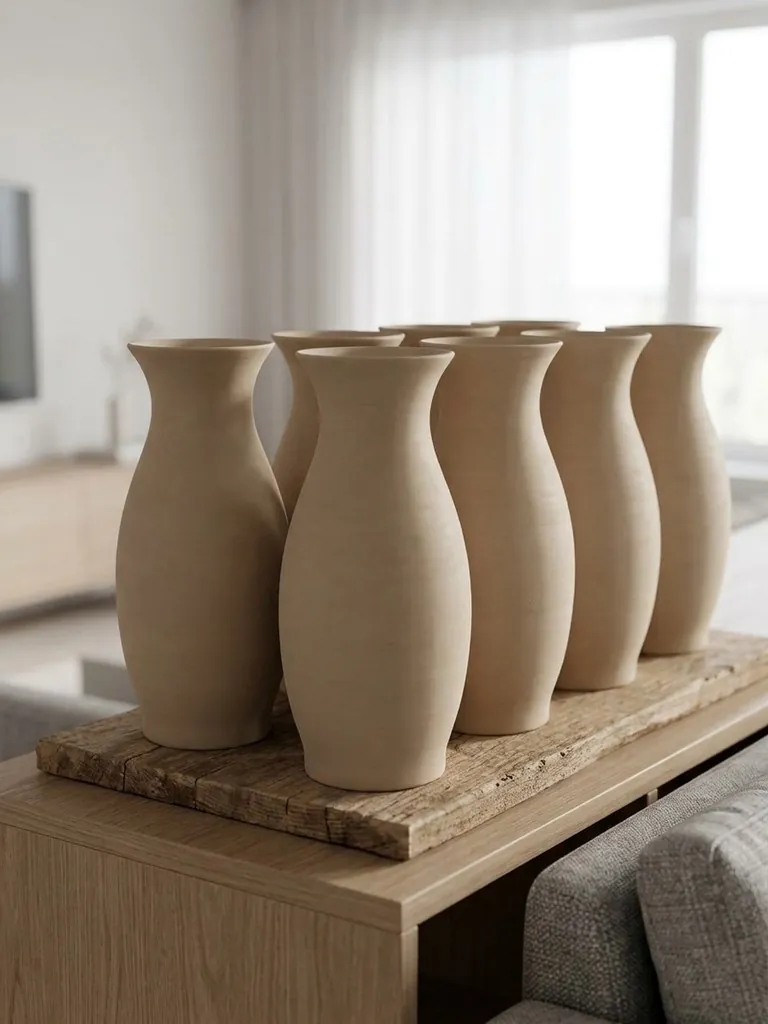
Living Room Table - Before Living Room Table - After Before After
Lifestyle Scene
Living Room Table
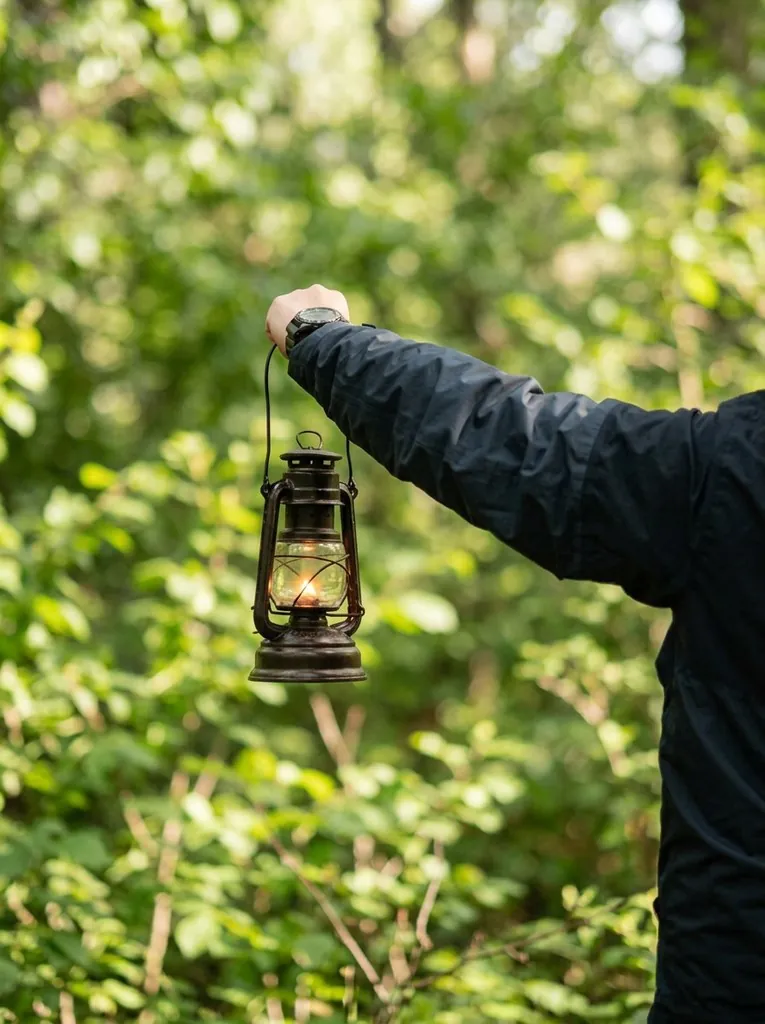
Outdoor Green Setting - Before Outdoor Green Setting - After Before After
Outdoor
Outdoor Green Setting
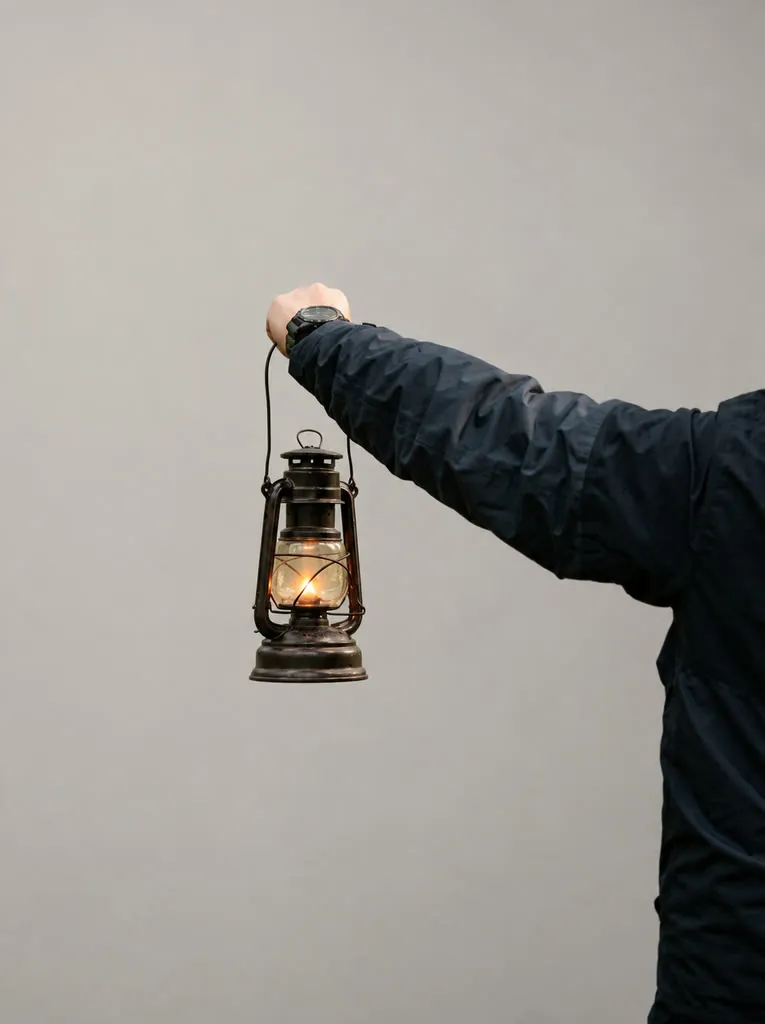
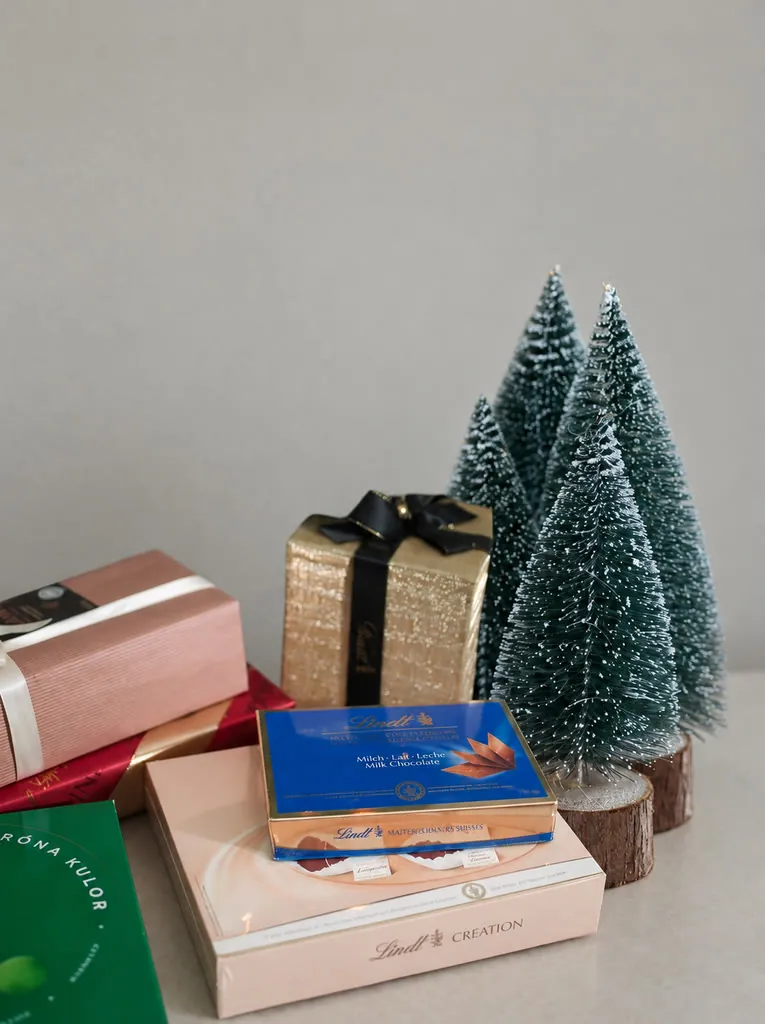
Christmas Theme - Before Christmas Theme - After Before After
Holiday Theme
Christmas Theme

How It Works

1
📤

Upload a product photo

One product photo in JPG, PNG, or WebP, up to 10 MB. Photos where the entire product is clearly visible work best.

2
🏞️

Choose a background

A solid color (white, light gray, black, beige, light blue, pink, mint, lavender), a scene (marble counter, wooden table, outdoor daylight, studio, living room, kitchen, bathroom, display stand), or upload your own background image.

3
📥

Download the result

One image with the new background, ready to download and use as a listing photo.

Frequently Asked Questions

Background removal gives you a transparent cutout. Background Changer replaces the original background with a solid color, a scene, or your own image and adds matching light and shadow, so the result is ready to use as a listing or marketing photo.

Three groups. Solid color: white, light gray, black, beige, light blue, pink, mint green and lavender, each with a soft natural shadow under the product. Scene: marble counter, wooden table, outdoor daylight, minimal studio, living room, kitchen counter, bathroom vanity and display podium, with lighting and contact shadows matched to the new setting. Upload: your own background image. Solid colors suit marketplace listings, while scenes suit product pages, social posts and ads.

Yes. Under Upload, add a background photo, such as your store interior or a brand scene. The scene and composition of your background are kept, and the result takes the background's aspect ratio, with only a slight crop or extension where needed. The product is placed at a natural position and realistic scale, with its lighting direction, color temperature, highlights and contact shadow matched to the scene.

Yes. White is the default solid-color preset. Upload your product photo, keep White selected and generate: the original background is replaced with clean white, and a soft shadow is added beneath the product so it sits naturally in the frame. The result can be downloaded and used as a listing image.

Each image costs 11 credits, whichever background you choose, including your own uploaded image. The cost is shown on the button before you submit, and credits are returned automatically if the run fails. Signed-in free accounts receive 10 free credits every day, which count toward the cost together with credit pack credits.

Yes. The product keeps the same shape, proportions, colors, materials, printed text, labels and logo as in your photo. With the preset colors and scenes, it also stays at the same size and position in the frame. Only the background is replaced, along with a matching shadow, and no other objects, people or text are added. A photo in which the whole product is clearly visible gives the most accurate result.

You can upload JPG, PNG or WebP images. For the best result, use a sharp photo in which the whole product is visible and not cut off at the edges, with good lighting on the product itself. The product keeps its shape and colors, and only the background around it is replaced with the one you choose.

Yes, for photos you own or have licensed. No attribution is required on paid plans or credit packs; free-plan outputs require attribution to LubanAI. Results are kept for 30 days (7 days for free accounts) and then deleted automatically. See our Terms of Service for details.

Background Changer does one thing: it replaces the background of a single product photo with a preset or your own image, and no prompt is needed. AI Product Photo is the full product-image workspace with multiple reference images, custom prompts, several models, and image sets.

Tasks are processed in the order they are submitted. Paid tasks from subscribers and credit pack buyers are picked up first. Free tasks may wait longer during peak hours.

We use cookies to improve your experience. See our Privacy Policy.