AI Image Extender

Expand a photo to 1:1, 3:4, 4:3, 9:16 or 16:9. The original subject stays untouched — AI generates only the new margins. Standard or HD, no watermark.

Drop a file here or click to upload Supports JPG, PNG, WebP — up to 10 MB, 8192 px per side, 40 million pixels
Results kept 7 days · tied to this browser — Sign in to access them across devices
Loading tasks…
Updates paused · Retrying

Sample Results

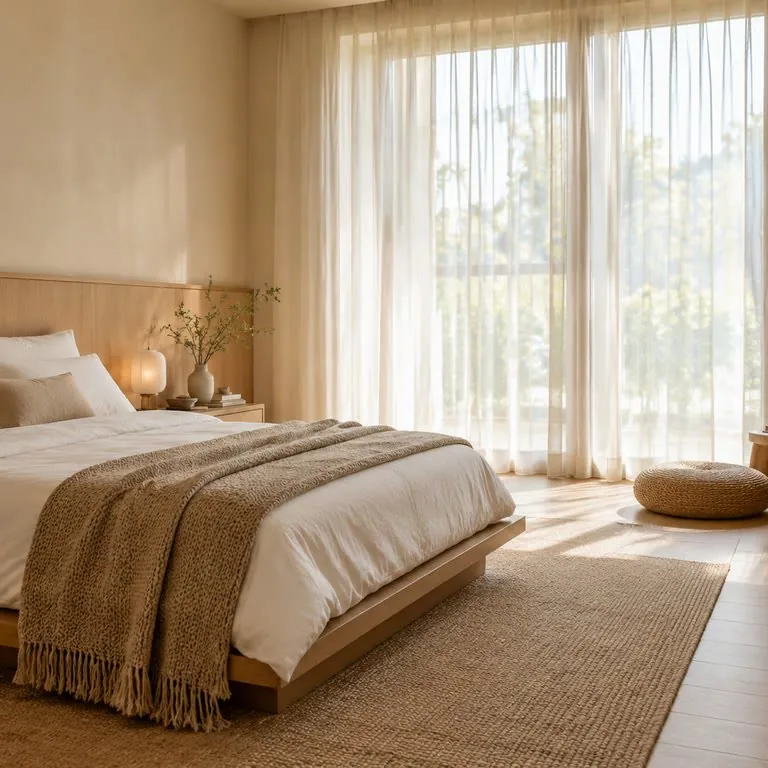
Show the Whole Room
Real Estate
Show the Whole Room
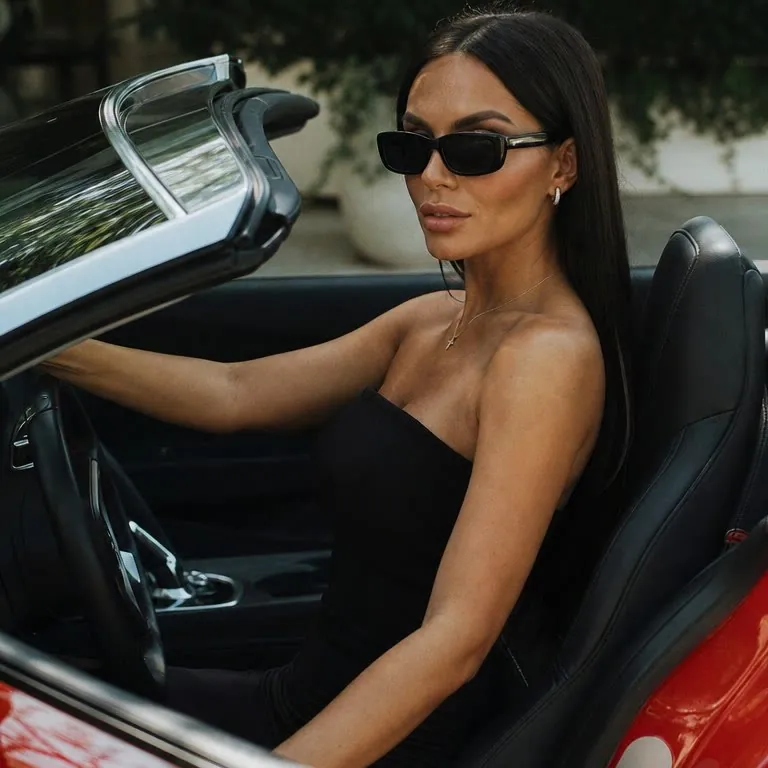
Widen the Shot
Portrait
Widen the Shot
Extend Top and Bottom
Social Media
Extend Top and Bottom
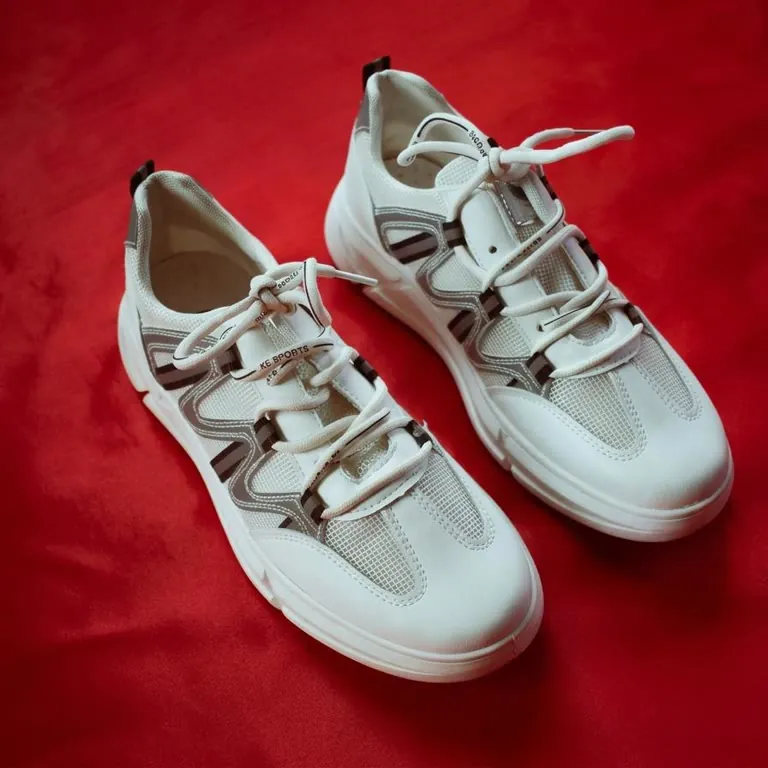
Add Space for Text
E-commerce
Add Space for Text

How It Works

1
📤

Upload your photo

JPG, PNG or WebP, up to 10 MB.

2
📐

Pick ratio and size

Choose 1:1, 3:4, 4:3, 9:16 or 16:9, then Standard (about 1K) or HD (about 2K).

3
📥

Generate and download

Press Expand image — 12 credits for standard or HD. If a task fails, credits are refunded automatically.

Frequently Asked Questions

Choose an aspect ratio and an output size, and the original photo is placed on a larger canvas in that ratio, resized to fit the size you pick. New content is generated only in the empty margins, continuing the scene, lighting and background so the edges blend in. The original area is not redrawn, so the subject and product details stay as they are.

Upload the photo and pick a target ratio: 1:1, 3:4, 4:3, 9:16 or 16:9. The original keeps its proportions on the larger canvas and the added space is filled with matching scenery, so nothing is stretched or squashed. This lets you turn a square product shot into a 16:9 banner or a 9:16 story without cropping the product.

Before extending, the tool checks whether your product is cut off by an edge of the photo. If it is cut off on one side, the image is extended only in the opposite direction, so the product keeps the length or width shown in the photo instead of being continued past the cut edge. If it is cut off at both ends of the extension direction, a note on the result points out that the added parts may not match the product's actual size.

No. AI extends the canvas by generating new pixels that match the surrounding scene — it does not recover data that was cropped away. The result is a plausible continuation of the image, not a restoration of the original.

Yes. Extending an image requires an account, and Standard and HD both cost 12 credits per image. Signed-in free accounts receive 10 free credits every day, which count toward the cost and can be combined with credit pack credits. Credit packs start at $0.99 for 100 credits and never expire.

They are output tiers, not fixed pixel sizes. Standard is about 1K; HD is about 2K. The exact width and height follow the ratio you pick.

JPG, PNG and WebP, up to 10 MB. Results download as a still image with no site watermark.

Yes, for photos you own or are licensed to edit. No attribution is required on paid plans or credit packs; free-plan outputs require attribution to LubanAI. Expanded images can be used in product listings, ads and social media posts. See our Terms of Service for details.

Results are stored for 30 days (7 days for free accounts). After that, files are automatically deleted. Download your images before the retention period ends.

Tasks are processed in the order they are submitted. Paid tasks from subscribers and credit pack buyers are picked up first. Free tasks may wait longer during peak hours.

We use cookies to improve your experience. See our Privacy Policy.