AI Picture to Drawing & Photo to Sketch

Convert any picture to a pencil drawing, line art, or doodle in seconds. 4 artistic styles, free daily uses, no signup required, and no watermark on results.

Drop a file here or click to upload Supports JPG, PNG, WebP — up to 10 MB, 8192 px per side, 40 million pixels
Sketch Style
Results kept 7 days · tied to this browser — Sign in to access them across devices
Loading tasks…
Updates paused · Retrying

Sample Results

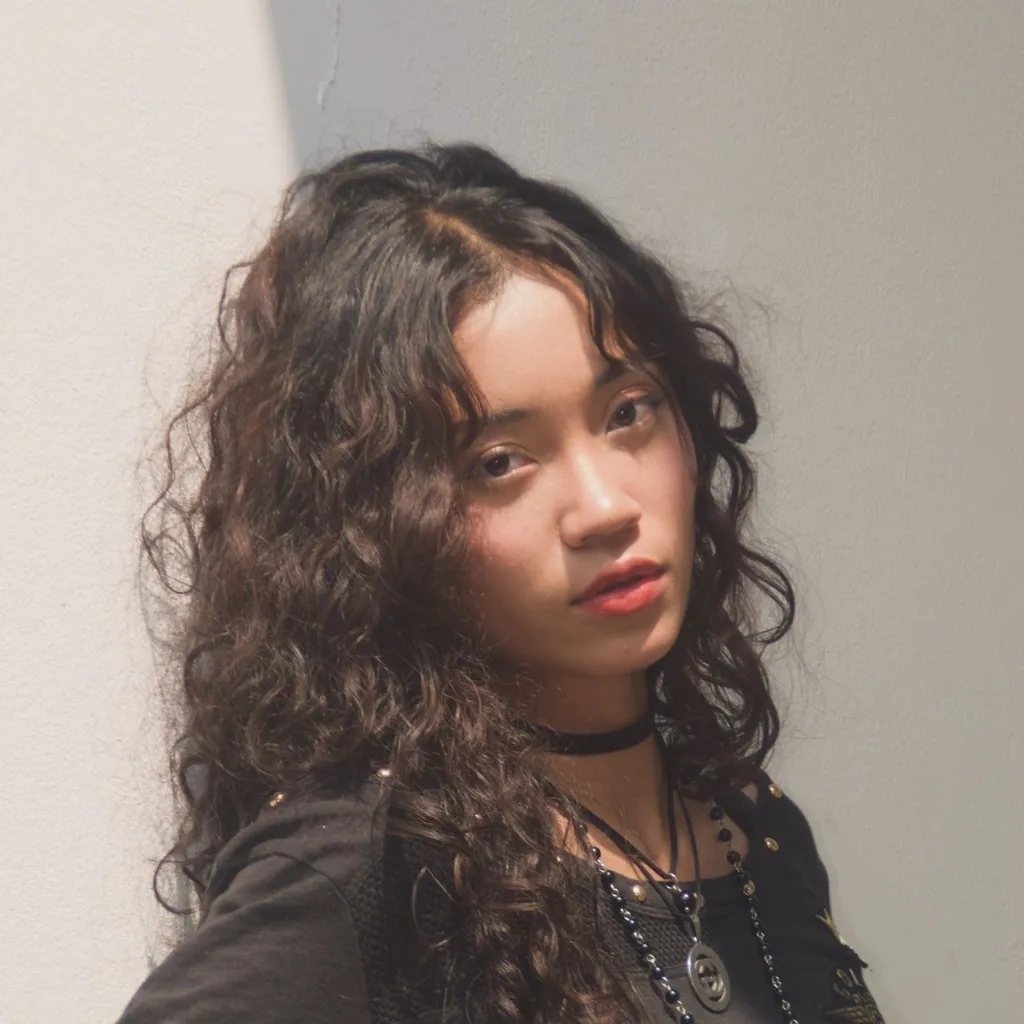
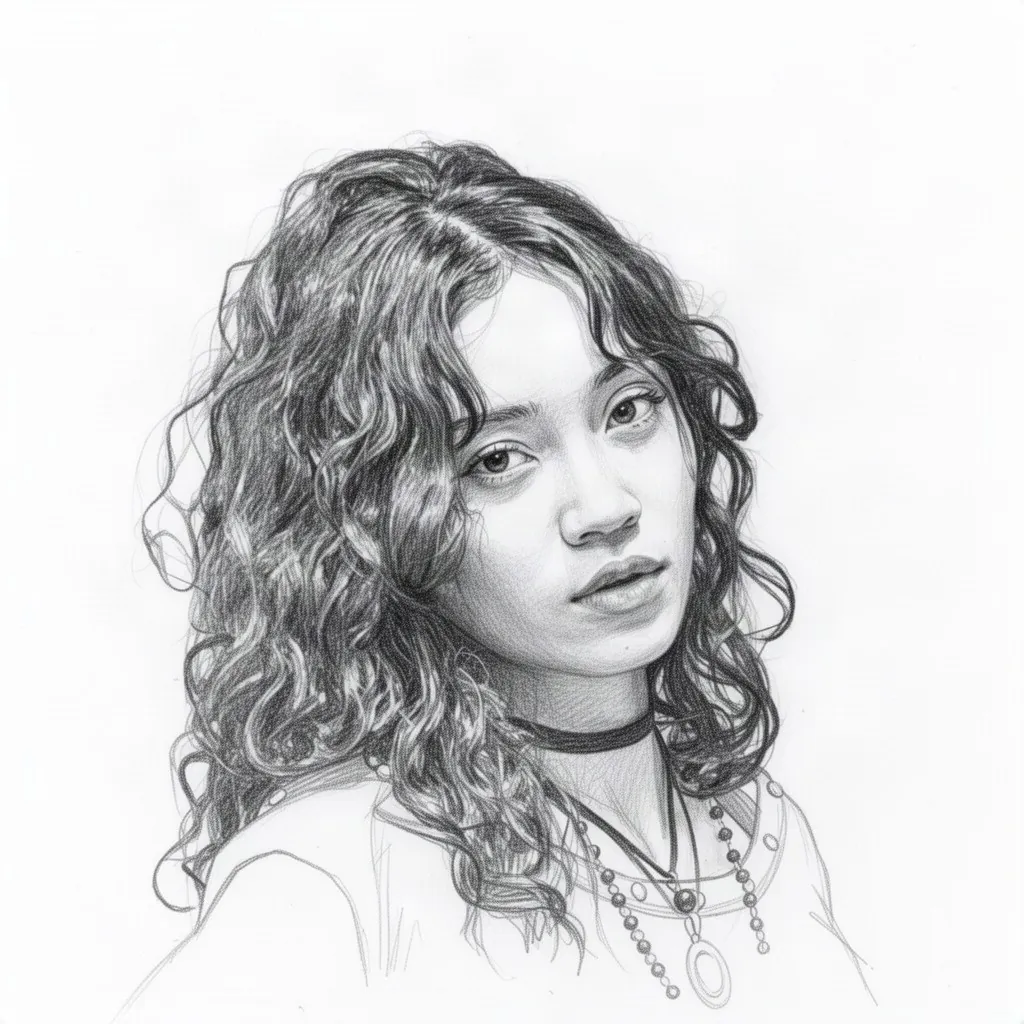
Pencil Sketch - Before Pencil Sketch - After Before After
Portrait
Pencil Sketch

Portrait to pencil sketch, hair and facial detail kept

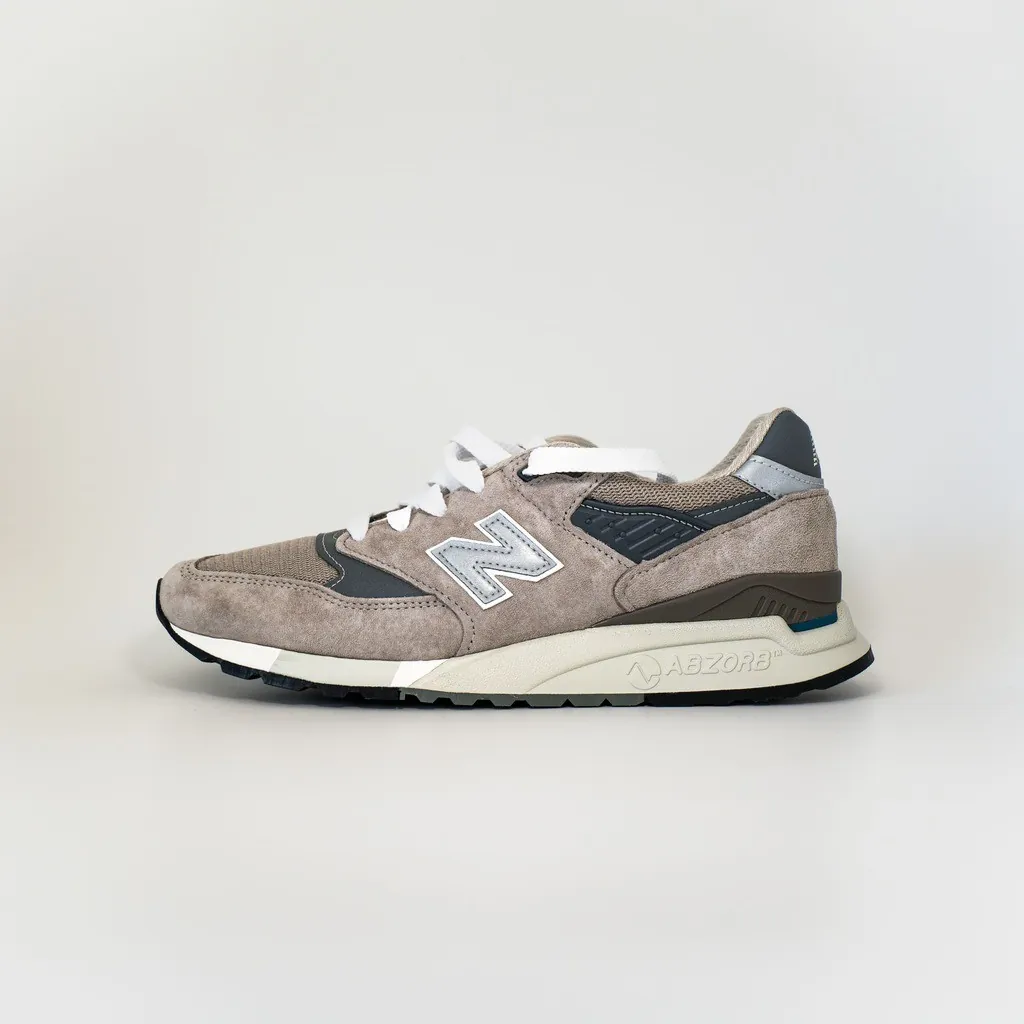
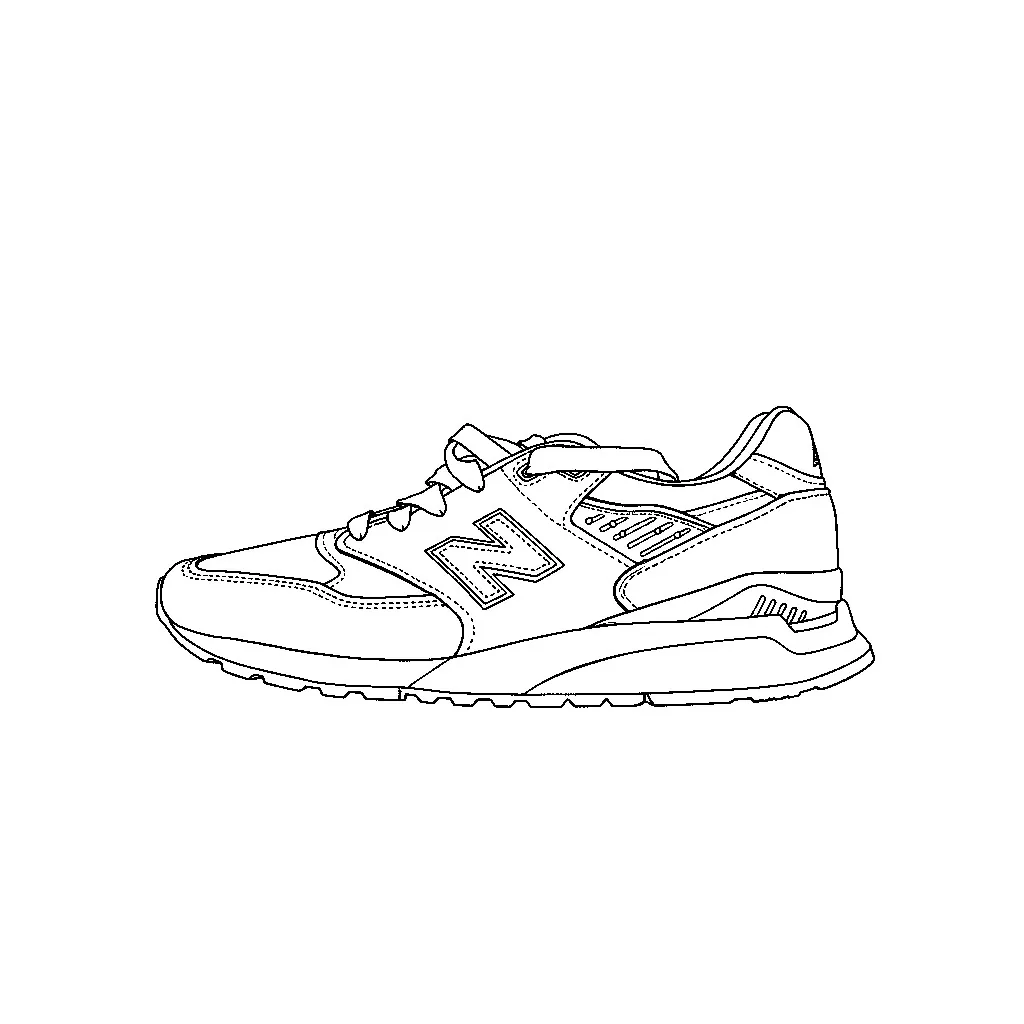
Soft Edges - Before Soft Edges - After Before After
Product
Soft Edges

Sneaker photo to clean, fine line art

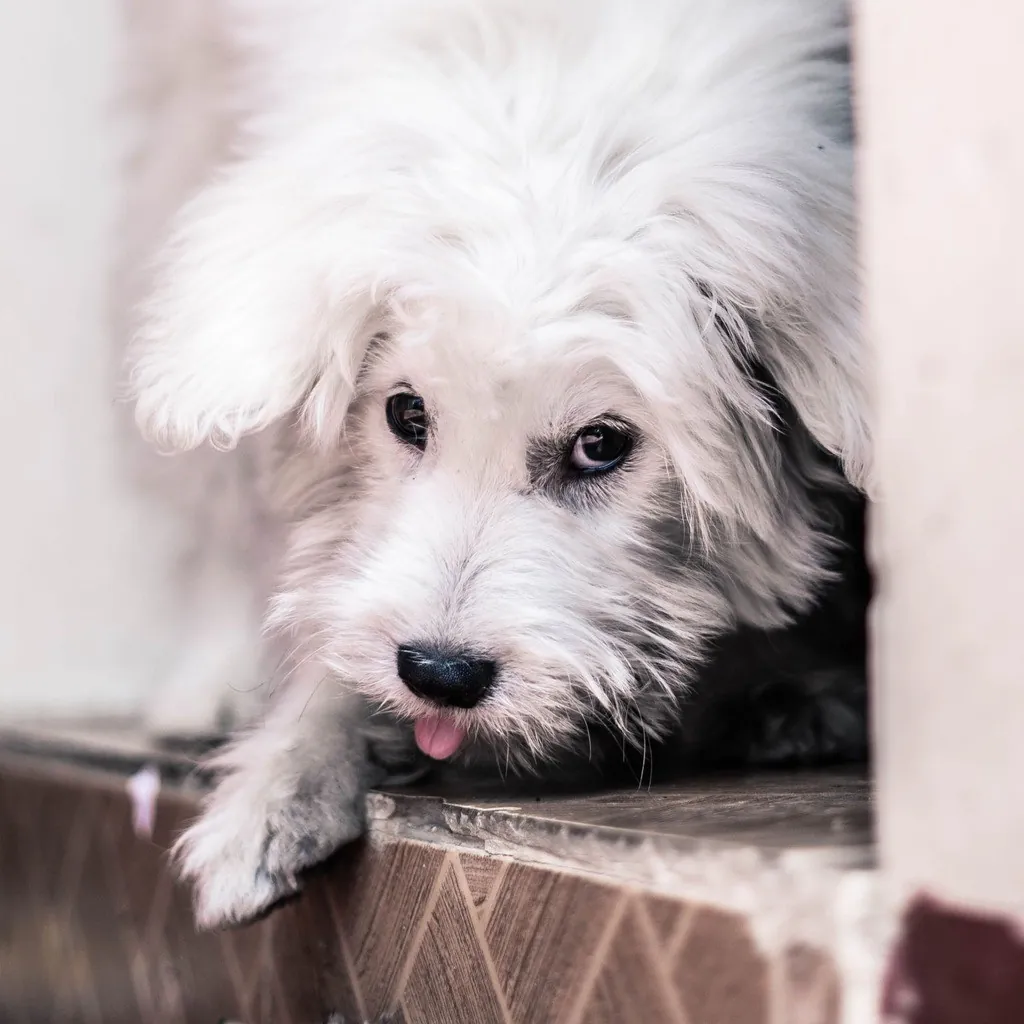
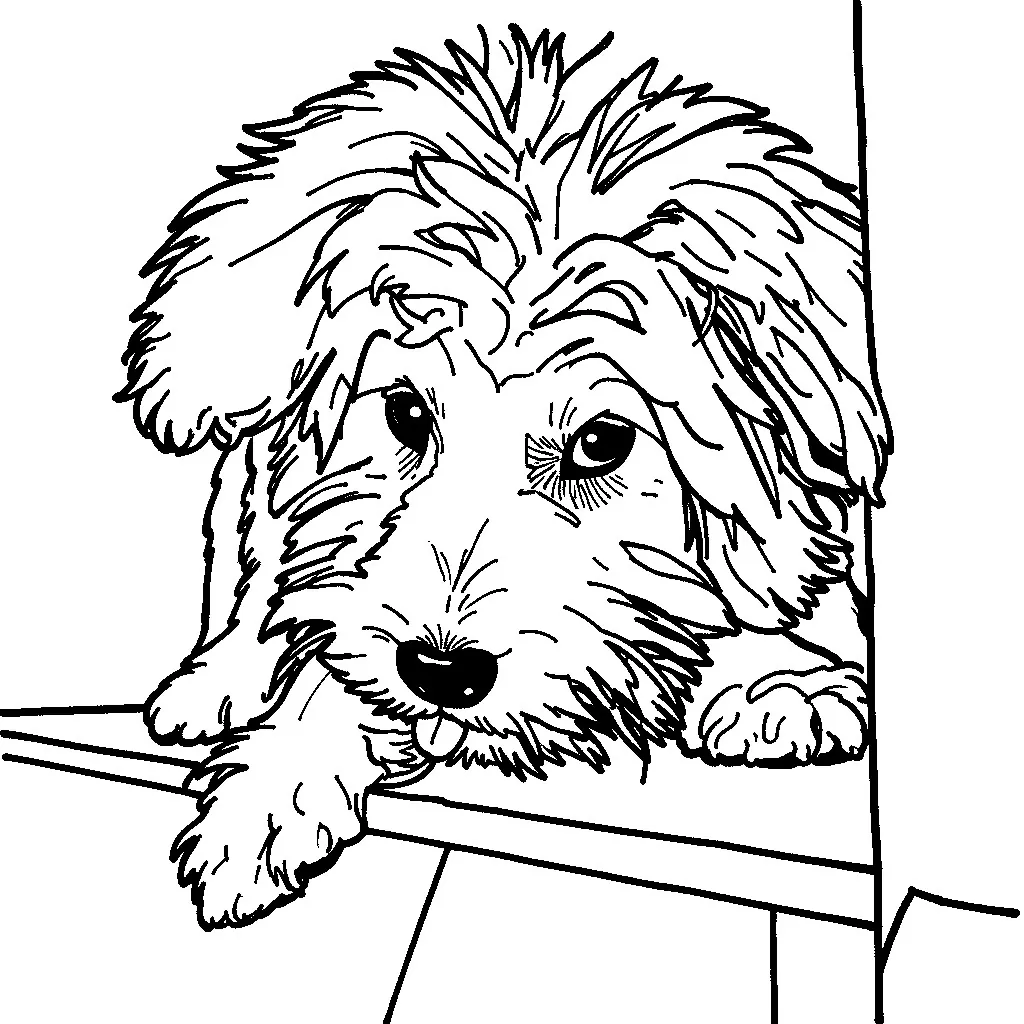
Sharp Edges - Before Sharp Edges - After Before After
Pet
Sharp Edges

Pet photo to bold outlines, ready to color

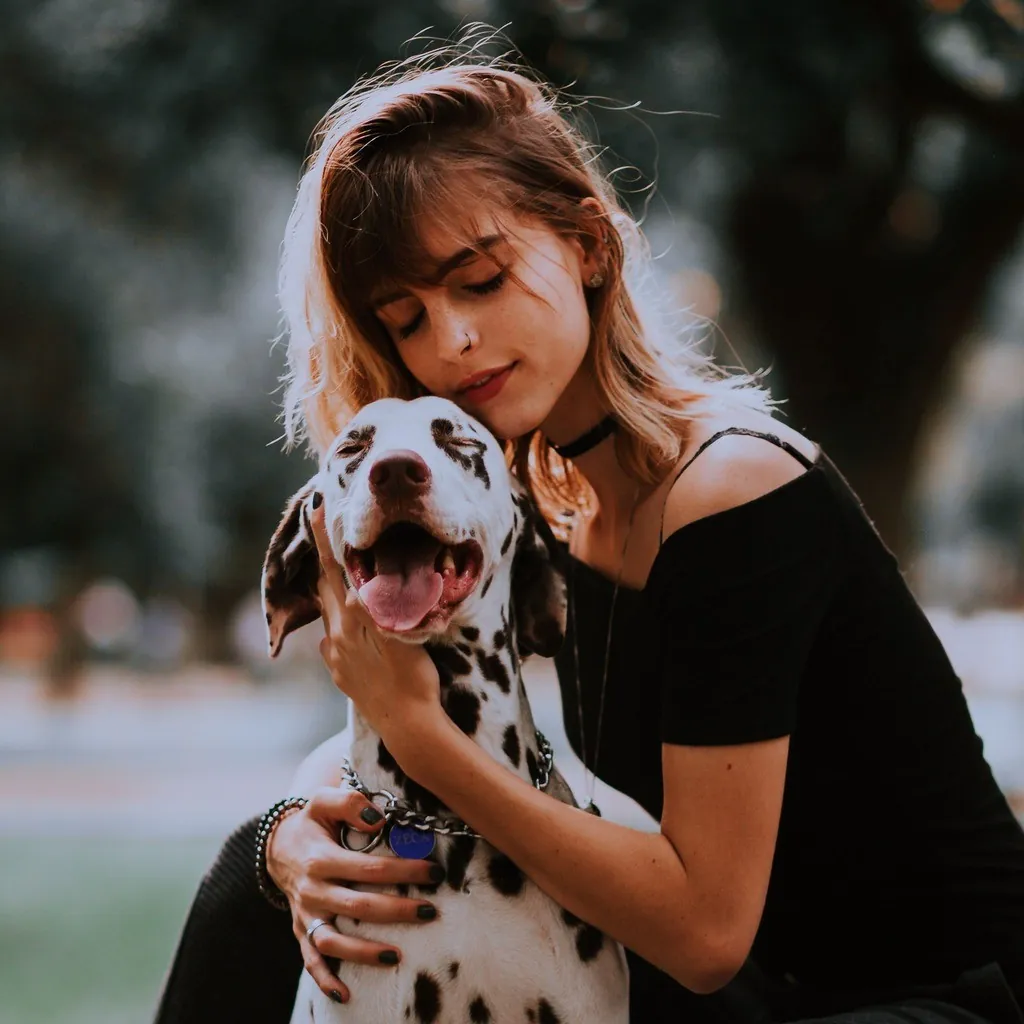
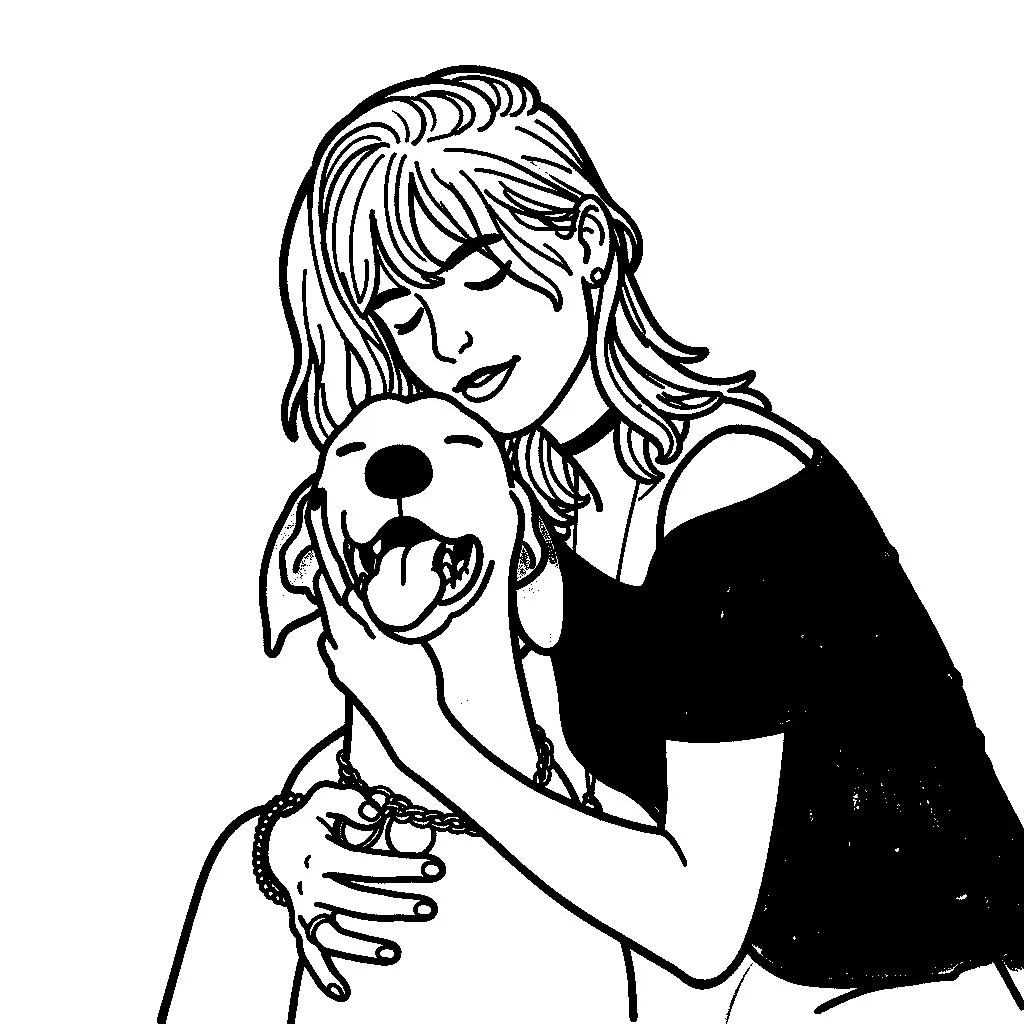
Doodle Scribble - Before Doodle Scribble - After Before After
Lifestyle Scene
Doodle Scribble

Girl-and-dog photo to cute cartoon doodle

How It Works

1
📤

Upload Photo

Upload your photo in JPG, PNG, or WebP format up to 10 MB. Works best with clear subjects and good lighting.

2
🎨

Choose Style

Pick from 4 styles: Pencil Sketch for classic drawing, Soft Edges for smooth lines, Sharp Edges for bold outlines, or Doodle Scribble for a hand-drawn feel.

3
📥

Download Sketch

View original and sketch side by side. Download your result as PNG. Try different styles to find the look you want.

Frequently Asked Questions

Upload a photo, pick a sketch style from Pencil Sketch, Soft Edges, Sharp Edges and Doodle Scribble, then select Convert to Sketch. The sketch is created online, so no drawing software is needed, and the result can be downloaded as a PNG file.

4 styles: Pencil Sketch (classic pencil drawing), Soft Edges (smooth artistic lines), Sharp Edges (bold, well-defined outlines), and Doodle Scribble (hand-drawn doodle effect).

Yes. Choose Pencil Sketch. This style produces clean contour lines with soft graphite shading and light cross-hatching in the shadow areas, in gray pencil tones on white paper, so the result looks like a hand-drawn sketch. Soft Edges, Sharp Edges and Doodle Scribble give pure black lines on white with no shading, suited to line art and tracing.

It depends on the photo. When the picture centers on one main subject, such as a person, a pet or a product, the sketch includes only that subject and leaves the area around it as clean white paper. A wide view without one main subject, such as a street or a landscape, is drawn in full with simplified lines. In both cases the pose, proportions and framing of the original are kept.

Yes. The Sharp Edges style draws bold, closed outlines on a plain white background with no shading, the layout of a coloring book page. Upload a photo with a clear subject for the best coloring-friendly result.

Yes. A portrait sketch keeps the pose, proportions and framing of the original photo. Pencil Sketch shows the most detail, including facial features, expression and hair, while Soft Edges, Sharp Edges and Doodle Scribble use simpler lines. A well-lit photo with a clear subject gives the cleanest lines.

Yes. Photo-to-sketch conversion costs 0 credits. You get free daily uses, no signup is required, and results never carry a watermark.

We accept JPG, PNG, and WebP images up to 10 MB. All sketch results are output as PNG.

Yes. Sketches created with LubanAI can be used for commercial purposes, including products, packaging, marketing, print and social media. No attribution is required on paid plans or credit packs; free-plan outputs require attribution to LubanAI. Use photos that you own or have permission to use.

Tasks are processed in the order they are submitted. Paid tasks from subscribers and credit pack buyers are picked up first. Free tasks may wait longer during peak hours.

We use cookies to improve your experience. See our Privacy Policy.