GPT Image 2 AI Image Generator

OpenAI's image model for posters, packaging and images that contain readable text.

0 / 2000
Written by AI
Reference images require a premium model. Your selection is saved.
Parameters
Style
Aspect Ratio
Resolution
2K is plenty for web and storefront use. Pick 4K only for print or heavy cropping.
Quality
Background
Model
Model

Developed by OpenAI

What GPT Image 2 can do

Launch posters with product and type

GPT Image 2 combines an iced strawberry matcha drink with Japanese-inspired branding and editorial typography in a cafe launch poster. Use it for new product announcements, store openings and promotional posters where the copy has to read correctly.
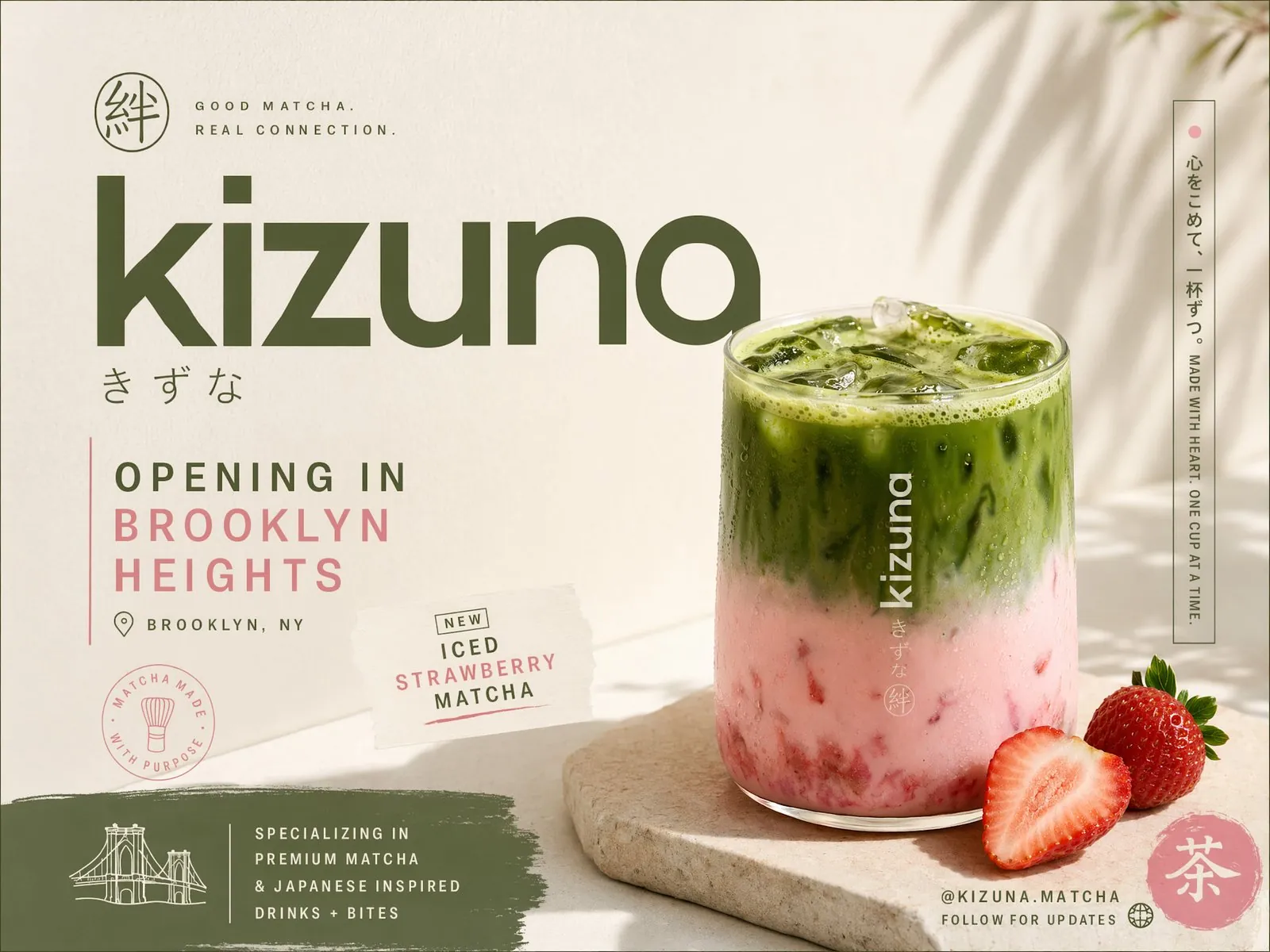
A cafe launch poster for Kizuna Matcha in Brooklyn Heights featuring an iced strawberry matcha drink, Japanese-inspired branding and editorial typography.
Source: OpenAI

Brochure layouts with Korean typography

A multi-panel brochure for a Korean hanok stay pairs lifestyle photos with elegant Korean type, reflecting GPT Image 2's improved multilingual text rendering. Use it to localize brochures, posters and listing images for shoppers in other markets.
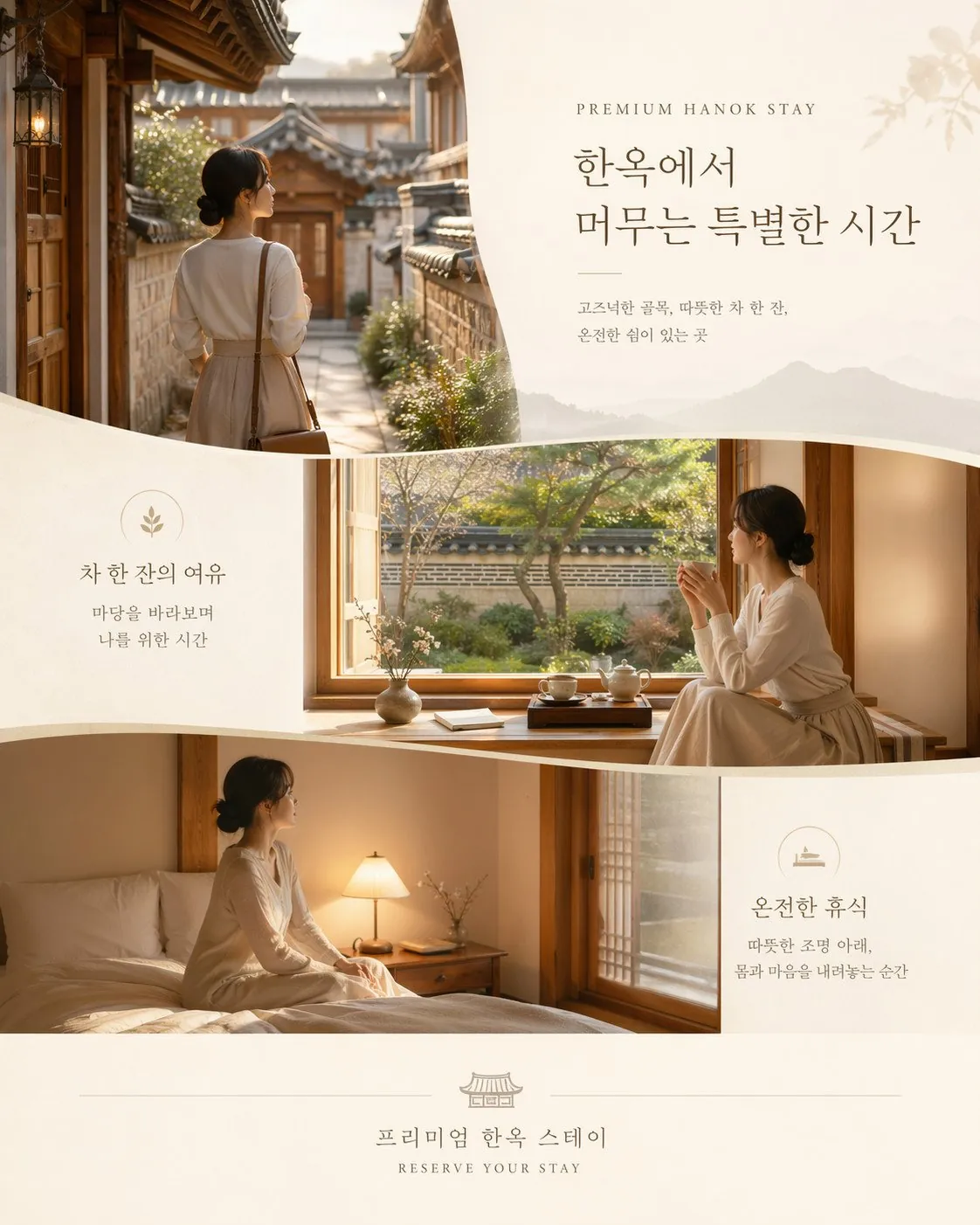
A multi-panel hospitality brochure for a Korean hanok stay combining lifestyle photography with elegant Korean typography.
Source: OpenAI

Branded merchandise mockups on one sheet

GPT Image 2 arranges branded shirts, a hoodie, caps, a keychain, a notebook and a mug into one product grid with a consistent look. Use it to preview a merch line or build a collection image for your store.
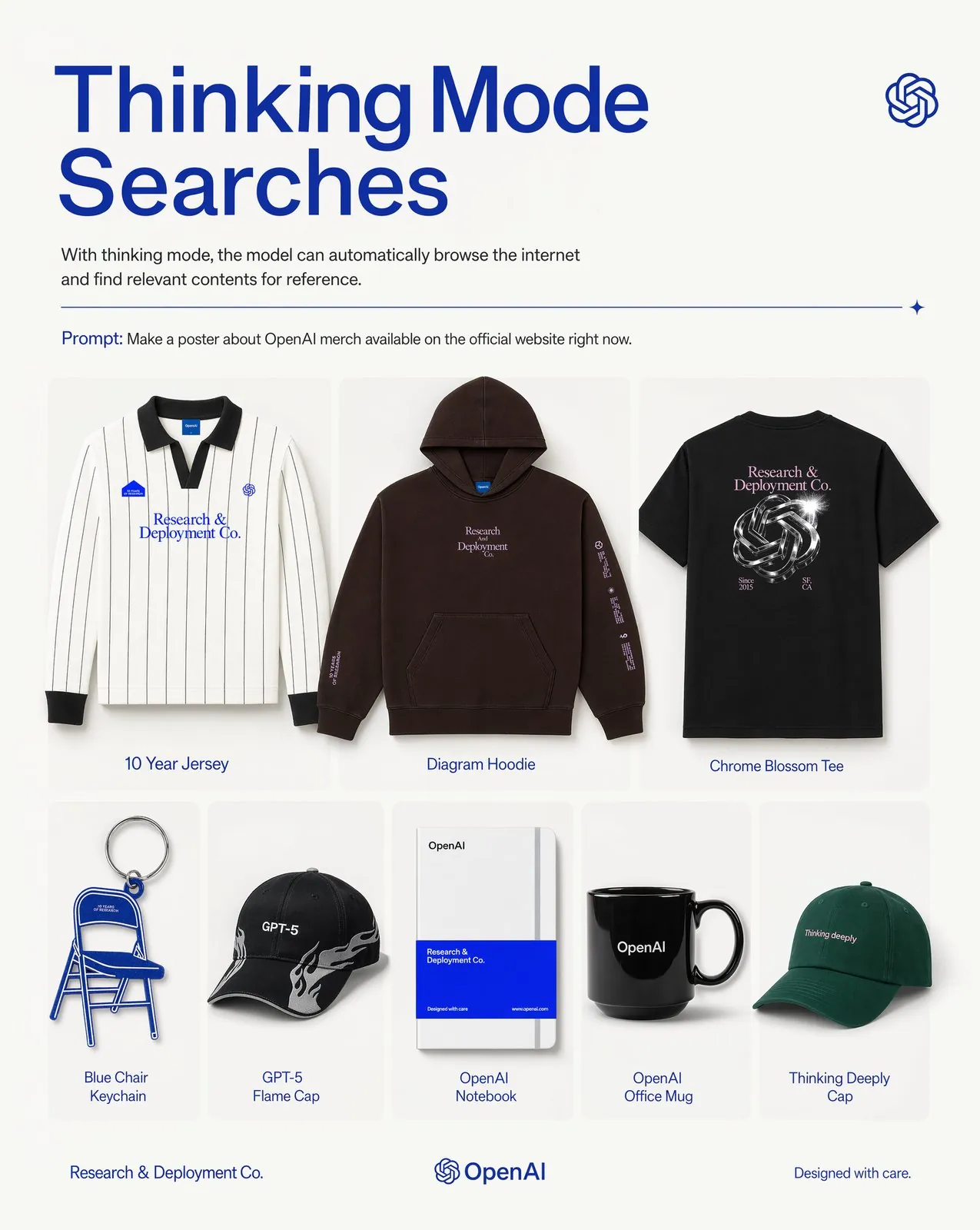
A product-grid poster of branded merchandise mockups including shirts, a hoodie, caps, a keychain, a notebook and a mug.
Source: OpenAI

Editorial fashion photography

A luxury fashion book spread shows a model in two sculptural gowns, one soft gray and one black, with careful lighting and clear fabric detail. Use GPT Image 2 for lookbook pages, campaign visuals and apparel detail pages.
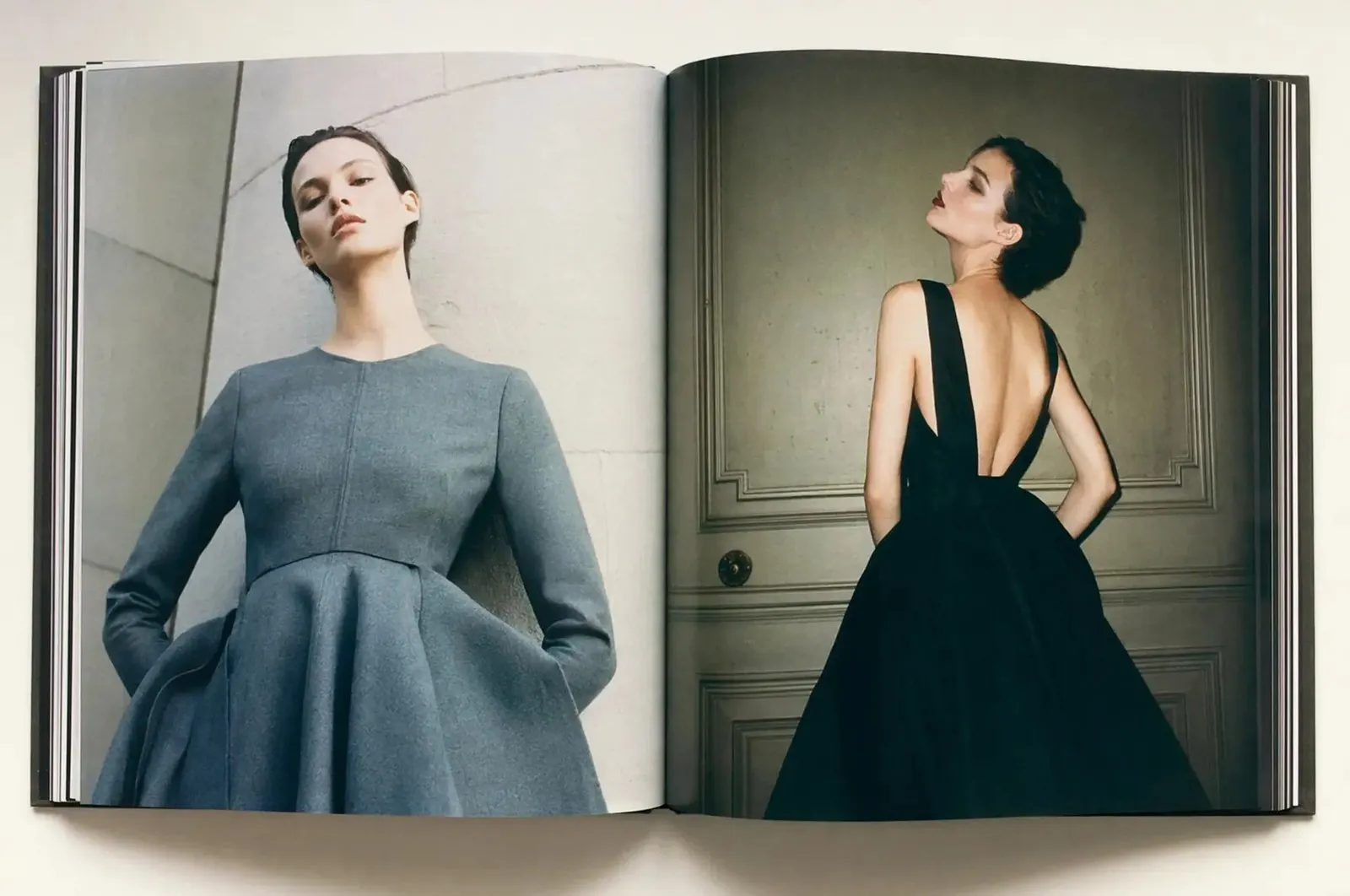
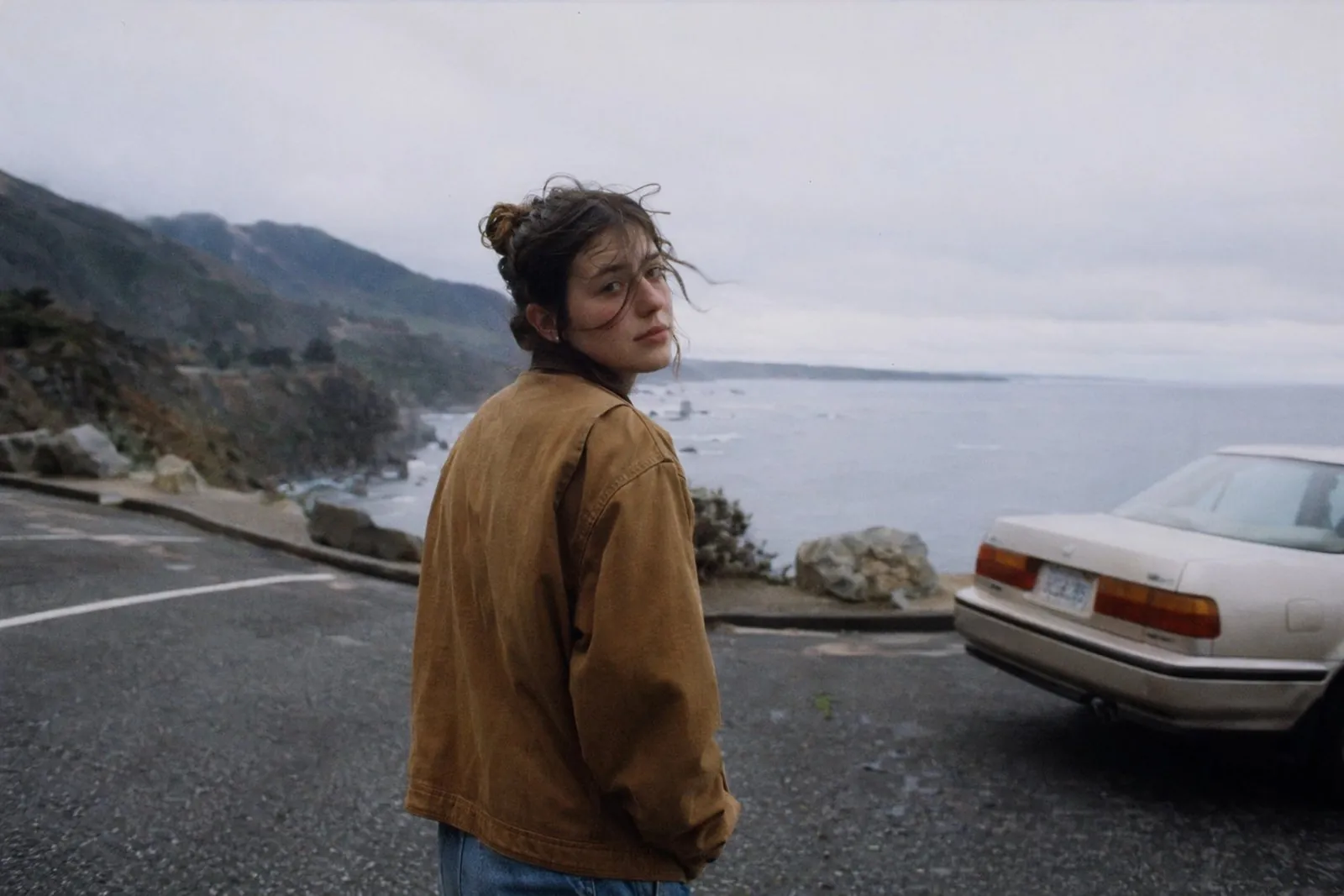
A luxury fashion book spread with two editorial portraits of a model in sculptural designer gowns, one soft gray and one black.
Source: OpenAI

More official GPT Image 2 examples

Official examples on this page were published by OpenAI and remain the property of their owner. Click a source link to see the original.

Images made with GPT Image 2
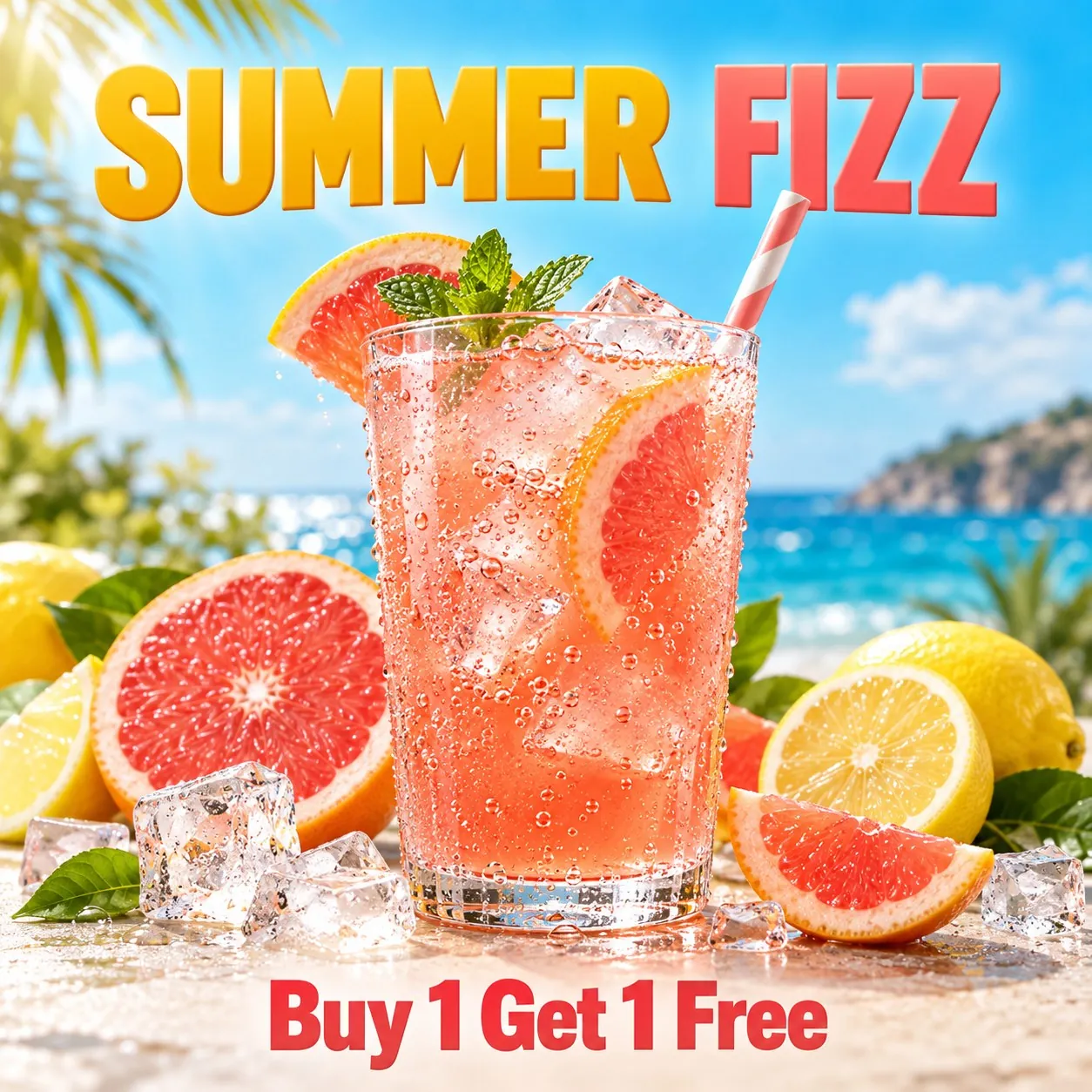
SUMMER FIZZ drink poster
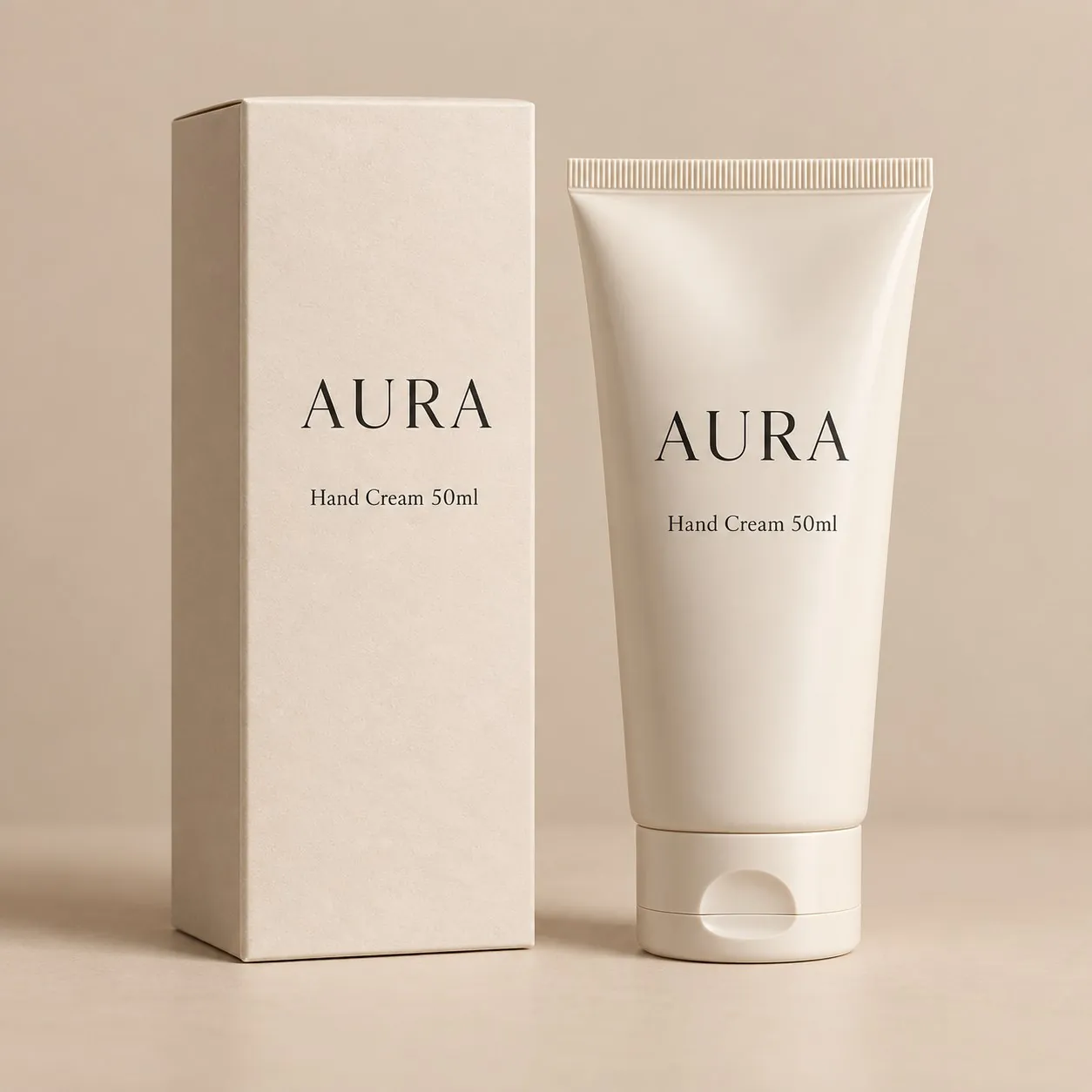
AURA hand cream packaging
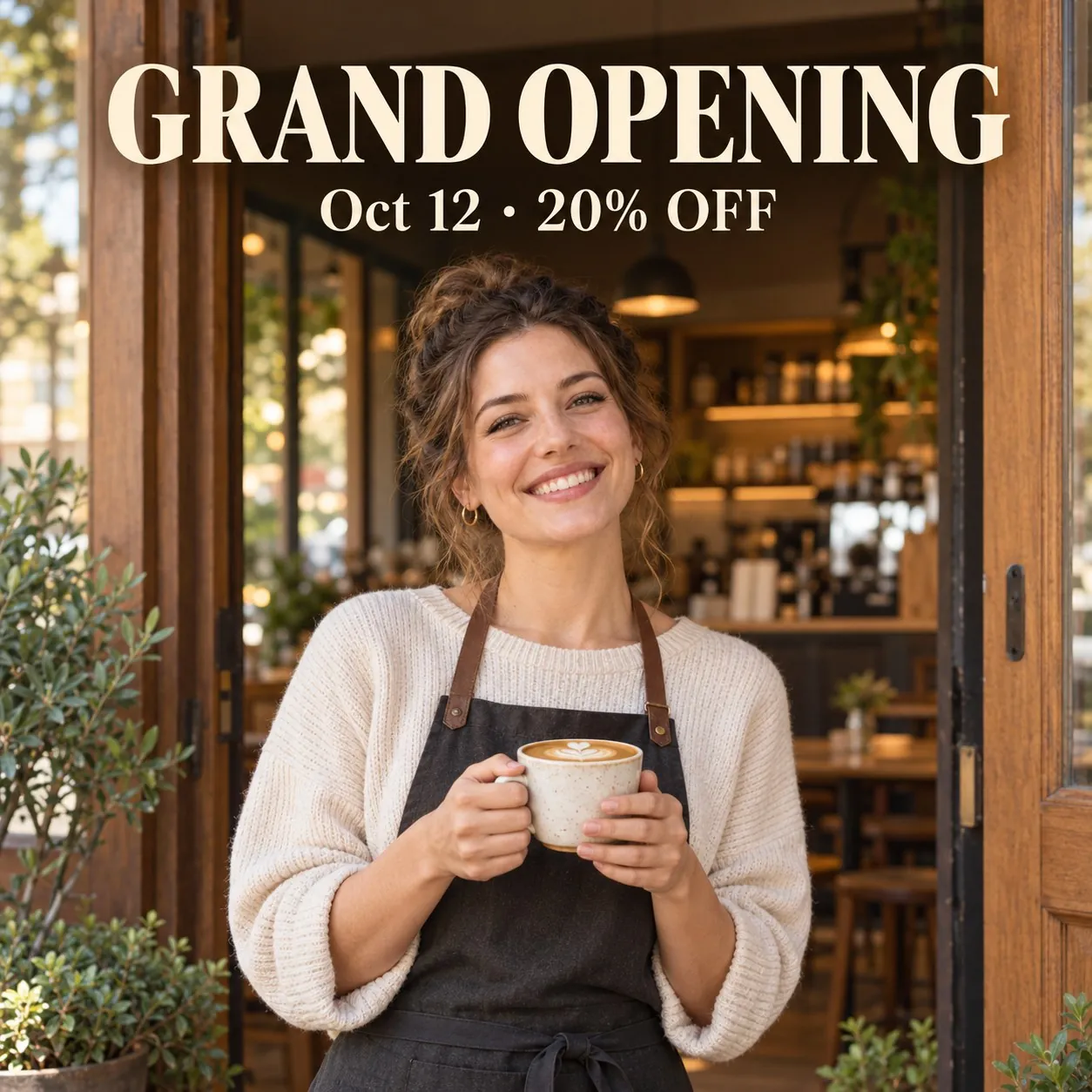
GRAND OPENING poster for a coffee shop
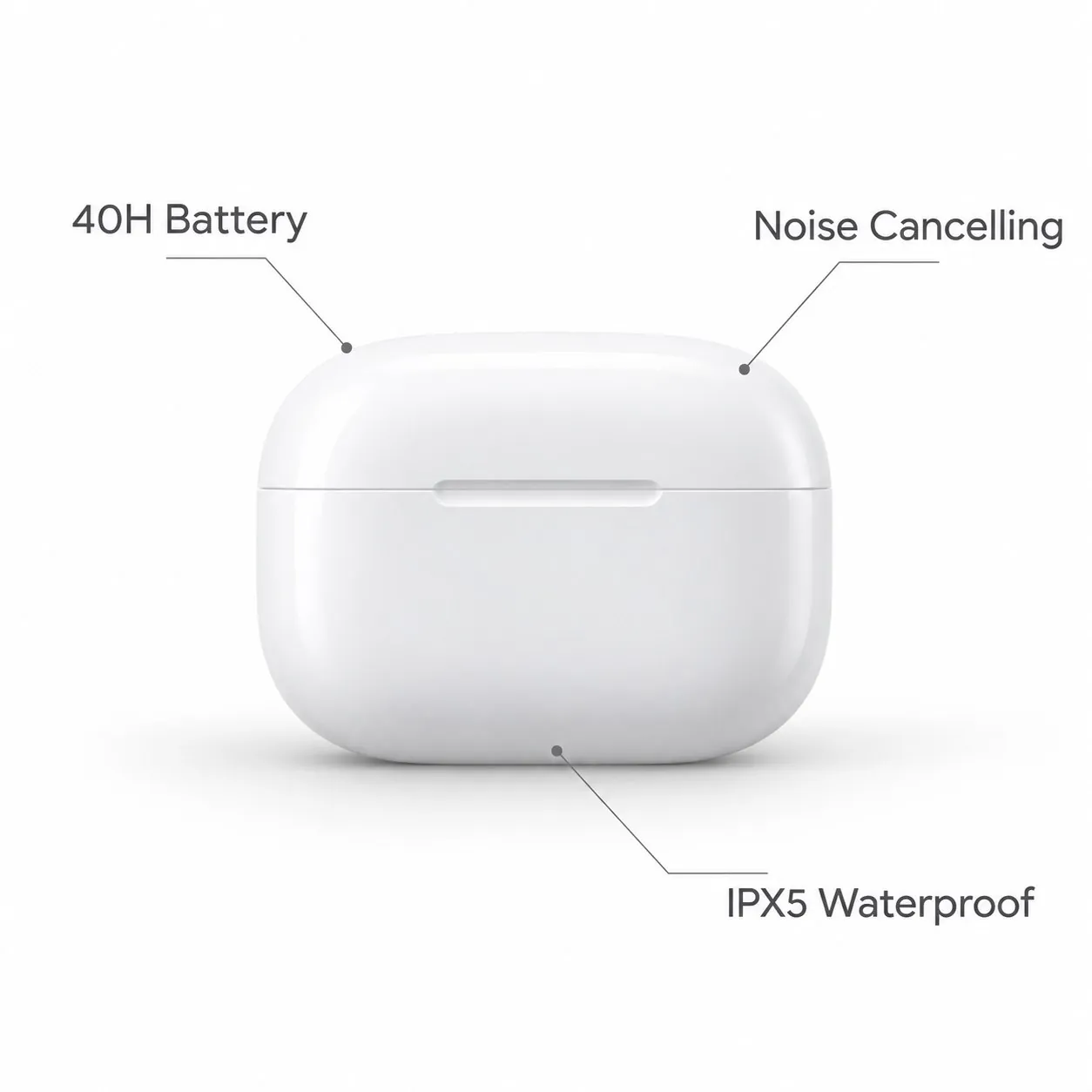
Feature image for wireless earbuds

What GPT Image 2 does well

Readable text in images

Suited to posters, labels and social graphics where the words need to read correctly.

Three quality levels

Choose low, medium or high quality. Lower levels use fewer credits; higher levels add detail.

1K and 2K output

Create square, portrait or landscape images at 1K or 2K resolution.

Compare OpenAI models

Model Resolution Quality Credits per image, from Key difference Best for
GPT Image 2.5 1K / 2K / 4K Low / Medium / High 6 Adds 4K output and transparent backgrounds 4K and transparent images
GPT Image 2 1K / 2K Low / Medium / High 6 5-30% Reliable readable text, up to 2K Images with text

How to use GPT Image 2

1

Open the workspace

Sign in and open the workspace from this page. GPT Image 2 is selected in the model menu.

2

Add references and describe

Upload product photos or reference images, then describe the image you want.

3

Generate and download

Choose the resolution, check the credit amount on the button, then generate and download.

GPT Image 2 credits per image

Quality 1K 2K
Low 6 5-30% 8 6-30%
Medium 20 14-30% 36 26-30%
High 67 47-30% 130 91-30%

Prices shown are for a 1:1 image with one reference image. More reference images or a different aspect ratio change the price. The workspace shows the exact amount before you generate.

GPT Image 2 FAQ

GPT Image 2 is an image generation model from OpenAI. On LubanAI it runs in the AI image generator with low, medium and high quality levels at 1K or 2K.

Yes. Add up to 2 reference images in the AI image generator, such as a product photo or a layout you want to follow, and describe the edit in your prompt. The AI product photo workspace accepts up to 5. Reference images are part of the price for GPT Image 2, so each one adds credits; the generate button shows the total before you submit.

Put the exact words in quotation marks and say where they should appear, for example as a headline at the top or a price tag in the corner. Keep each text block short and name the language of the text. Check spelling in the result before you publish, and regenerate if any letter or character comes out wrong.

You need a free LubanAI account and credits. Each GPT Image 2 generation uses credits, which you can add at any time through a subscription or a one-time credit pack whose credits never expire. No API key or separate account with the model developer is needed.

Signed-in users get 10 free credits every day, reset at midnight UTC. Once your email is verified, daily credits can pay for GPT Image 2 at any resolution and quality setting the balance covers. Accounts with a subscription or credit pack balance pay from that balance, and daily credits apply once it reaches zero. Credit packs start with the Starter pack at $0.99 for 100 credits.

GPT Image 2 starts at 5 credits per image at 1K and low quality, with one reference image. Higher resolutions and quality levels cost more, and the number of reference images also changes the price. The exact amount appears on the generate button before you submit.

GPT Image 2 offers low, medium and high quality at 1K or 2K. Low quality uses the fewest credits and suits drafts and layout checks. Medium and high quality add more detail for final listing images, ads and posters, and cost more per image. The credit table on this page lists each quality level at each resolution.

Yes. Images you create with this model can be used commercially, including in product listings, ads, store banners and social media posts. No attribution is required on paid plans or credit packs; free-plan outputs require attribution to LubanAI. See our Terms of Service for details.

Results can be downloaded for 30 days (7 days for free users). After that they are no longer available. Download the images you want to keep before they expire.

Both come from OpenAI. GPT Image 2 covers 1K and 2K. GPT Image 2.5 adds 4K output and a transparent background option.

Start creating with GPT Image 2

We use cookies to improve your experience. See our Privacy Policy.