Amazon Product Image Requirements: 2026 Checklist
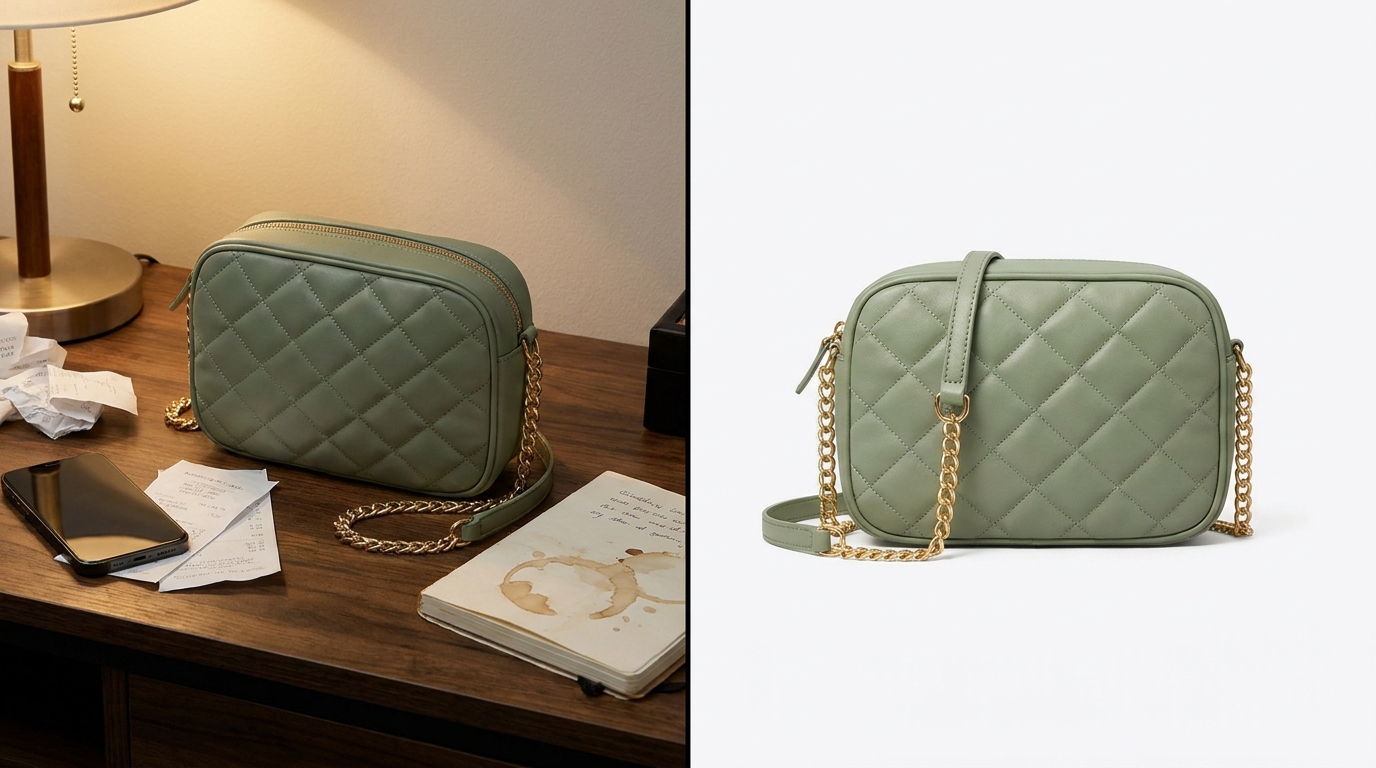
Amazon once pulled one of my canvas tote listings out of search because the main image background read 250, 250, 248 instead of pure white. The Amazon product image requirements come down to a few rules: use a pure white background (RGB 255, 255, 255), show only the product you are selling, and make sure the product fills about 85% of the frame. The longest side must be at least 500 pixels to upload and 1,000 pixels or more for zoom to work. Additional images are more flexible, and lifestyle scenes, infographics and text overlays are all allowed there.
The rules below follow Amazon's product image requirements page in Seller Central (help article G1881), as reported by seller guides that checked it between August and October 2026. The page itself sits behind a seller login, so for an edge case not covered here, check the Amazon image requirements in your own Seller Central account.
What are the Amazon product image requirements for size and format?
| Requirement | Value |
|---|---|
| Minimum size | 500 px on the longest side |
| Zoom | Enabled from 1,000 px on the longest side |
| Maximum size | 10,000 px on the longest side |
| Recommended size | 1,600 px or more on the longest side (many sellers use 2,000 × 2,000 px) |
| File formats | JPEG (preferred), TIFF, PNG, non-animated GIF |
| Color profile | sRGB |
| Bulk upload file name | Product ID, image slot and extension separated by periods, for example B0EXAMPLE1.MAIN.jpg |
I export everything square now. Amazon pads a non-square image out to a square, which leaves white bars on two sides and makes the product look smaller in search results. My first batch of totes went up as 4:5 phone crops, and next to the competitors' square shots they looked like thumbnails.
Images under 1,000 px still upload, but shoppers cannot zoom in. Buyers who cannot touch the product use zoom to check the stitching, the texture or the finish. With my totes, the most common question was about the strap seams, and zoom was the only way to answer it.
The main image rules Amazon actually checks
The main image is the one shown in search results, and it carries the strictest rules:
- Pure white background. Exactly RGB 255, 255, 255. Off-white, light gray, gradients and visible studio texture fail the check.
- The product fills about 85% of the frame. A small product floating in a large white canvas is a common reason for rejection.
- A real photograph of the actual product. Illustrations, mockups and placeholder images are not accepted.
- Only what the buyer receives. No props, and no accessories that are not included in the purchase.
- No added graphics. No text, logos, badges, watermarks, borders or inset images.
- The whole product is visible. Do not crop off edges, and keep shadows inside the frame.
Amazon checks main images automatically. A main image that breaks these rules can get the listing suppressed, which means it stops appearing in search until the image is fixed. Mine was out for three days: one day before I noticed, and two more for the replacement to go through.
What can additional images show?
Additional image slots allow everything the main image does not:
- Lifestyle photos that show the product in use
- Infographics with text, dimensions and feature callouts
- Close-ups of materials, details and labels
- Different angles, sizes or color options
- Packaging and what comes in the box
If I could add only one, it would be a dimension image. It answers "how big is it?" before the buyer has to ask, and it cuts returns from size surprises. Half the messages I got about the totes were some version of "will a 15-inch laptop fit?" For this I use the Product Dimension Image tool we built at LubanAI (an AI toolkit for online sellers and creators). It puts the product on white and draws measurement lines and labels along its edges, free of charge.
Why do Amazon main images get rejected?
The causes I see most often, in my own listings and in other sellers' reports:
- The background is near-white instead of pure white, usually after a phone photo or a quick edit. In my case, the background read 250, 250, 248.
- A gray halo or leftover edge remains after background removal
- The product fills too little of the frame
- Text such as "Best Seller" or a brand watermark is placed on the main image
- Props or decorations appear that are not part of the purchase
- A border or a drop shadow runs off the edge of the image
How to make an Amazon-ready main image from a phone photo
- Shoot in soft, even light. Daylight from a window works well. Avoid hard shadows across the product, and use the full-resolution file your phone saved, not a screenshot or a copy sent through a chat app.
- Remove the background. LubanAI's Remove Background tool cuts the product out and returns a transparent PNG, free and without sign-up.
- Place the cutout on a 2,000 × 2,000 px pure white canvas in any image editor, and scale the product until it fills about 85% of the frame.
- Export as a JPEG in sRGB.
- Check the corners. Every corner pixel should read RGB 255, 255, 255 in the editor's color picker. My girlfriend, who sells clothes on Amazon, does this on every main image before upload, and I picked up the habit after my tote listing went dark.
Here is what that looks like with a real photo. I ran this flat lay through Remove Background, placed the cutout on a 2,000 × 2,000 white canvas at 85% height, and checked the corners: all four read 255, 255, 255.
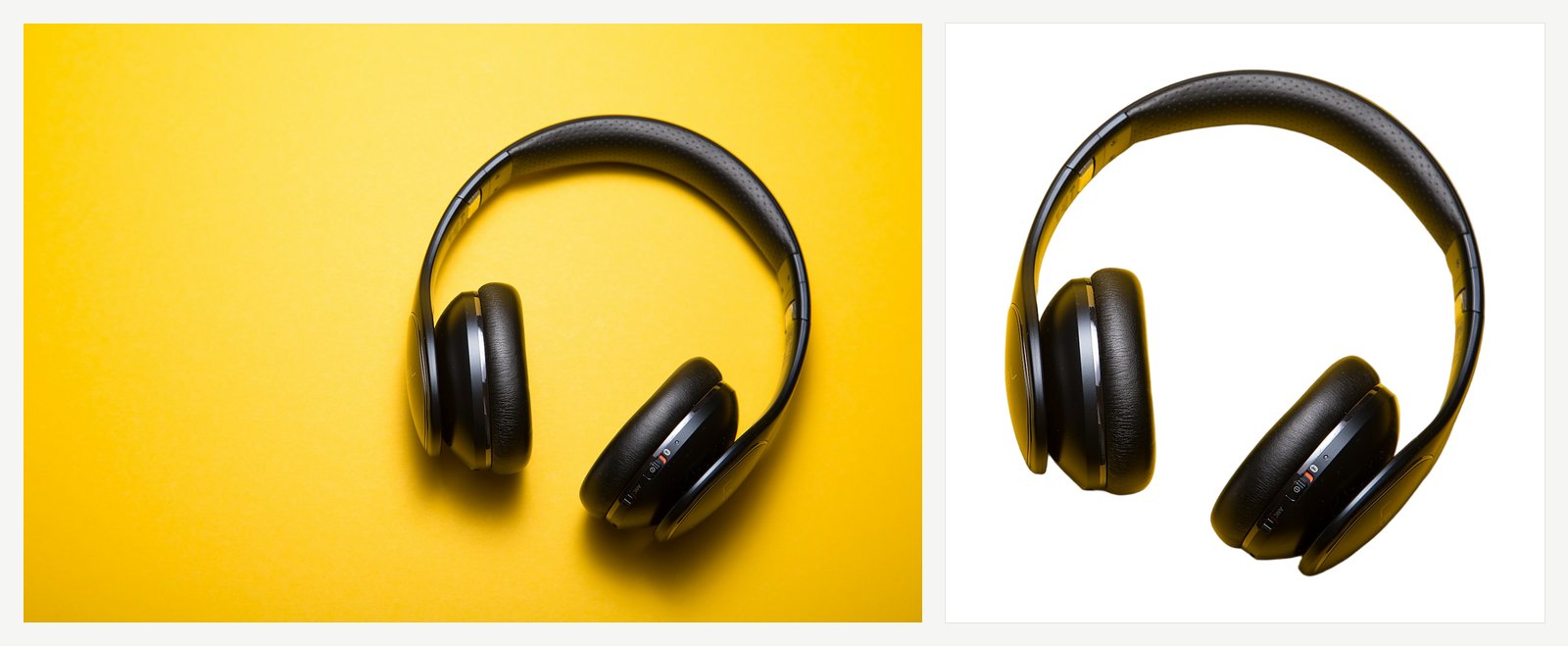
Original photo: C D-X on Unsplash. Right: cutout from LubanAI Remove Background on a white canvas.
Steps 3 to 5 take most of the time when you have 40 SKUs, as I did in my first shop. The AI Product Photo Generator creates the full image set from one photo. With Amazon selected as the platform, it generates a square main image on a white background plus lifestyle shots for the additional image slots.
FAQ
What is the right Amazon product image size?
Amazon recommends 1,600 pixels or more on the longest side, and many sellers export 2,000 × 2,000 px squares. Amazon accepts images measuring 500 to 10,000 pixels on the longest side, with zoom available at 1,000 pixels or more.
Does the Amazon main image have to be pure white?
Yes. The main image background must be RGB 255, 255, 255. The rule applies to the main image only, and additional images can use any background.
Can I put text on Amazon product images?
Not on the main image. Text, logos and badges are allowed on additional images, which is where infographics belong.
How much of the image should the product fill?
About 85% of the frame on the main image.
Which file format is best for Amazon?
JPEG. TIFF, PNG and non-animated GIF are also accepted.
P.S. If Amazon rejects one of your images for a reason not covered in this Amazon product image requirements checklist, let me know and I will add it.